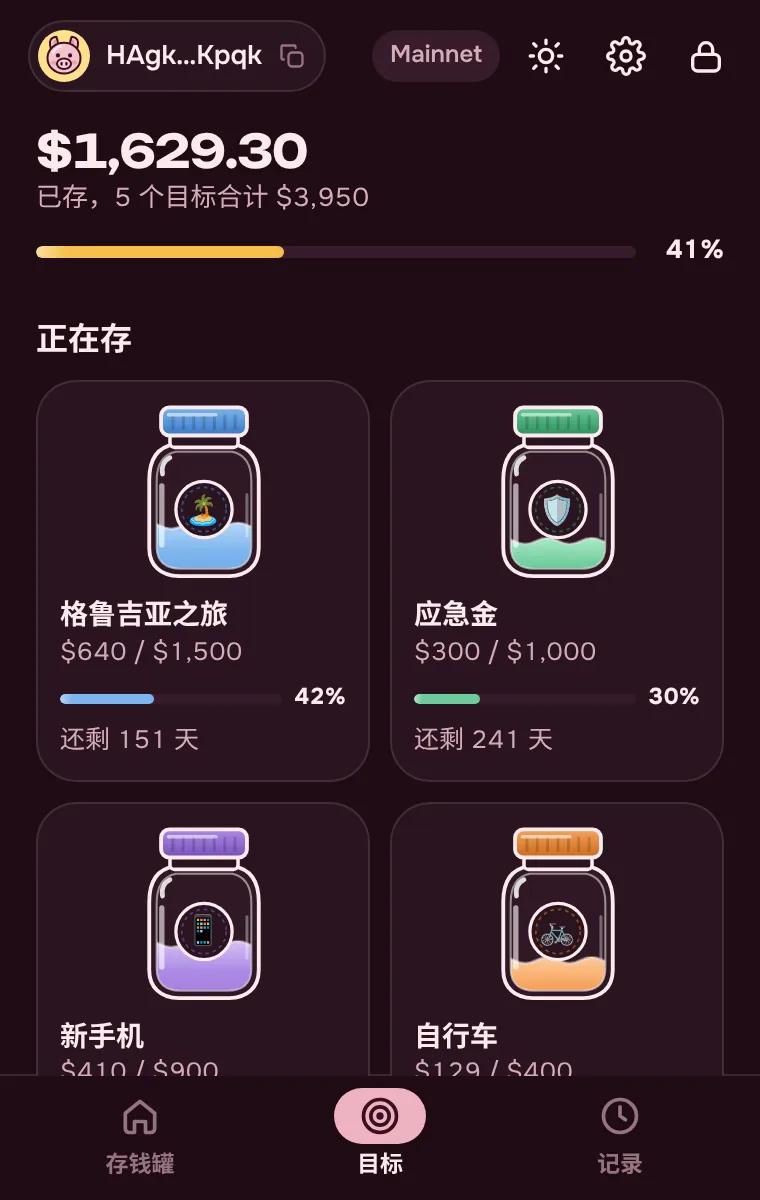
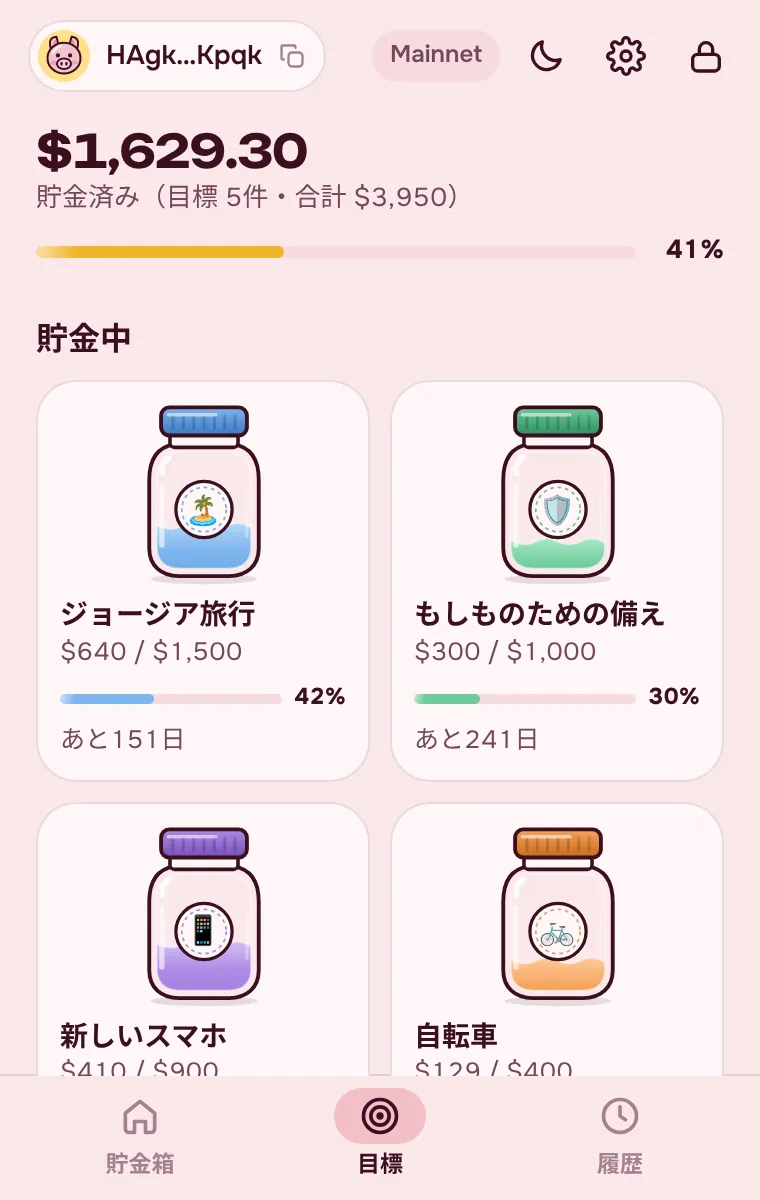
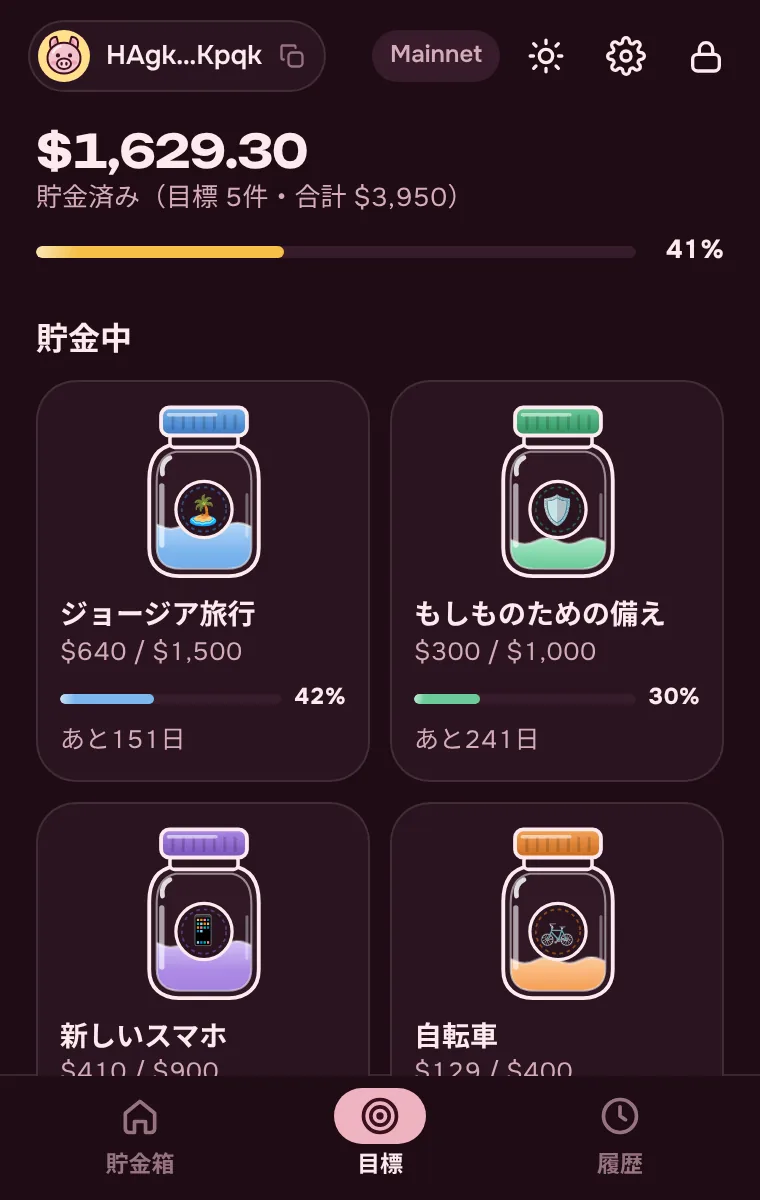
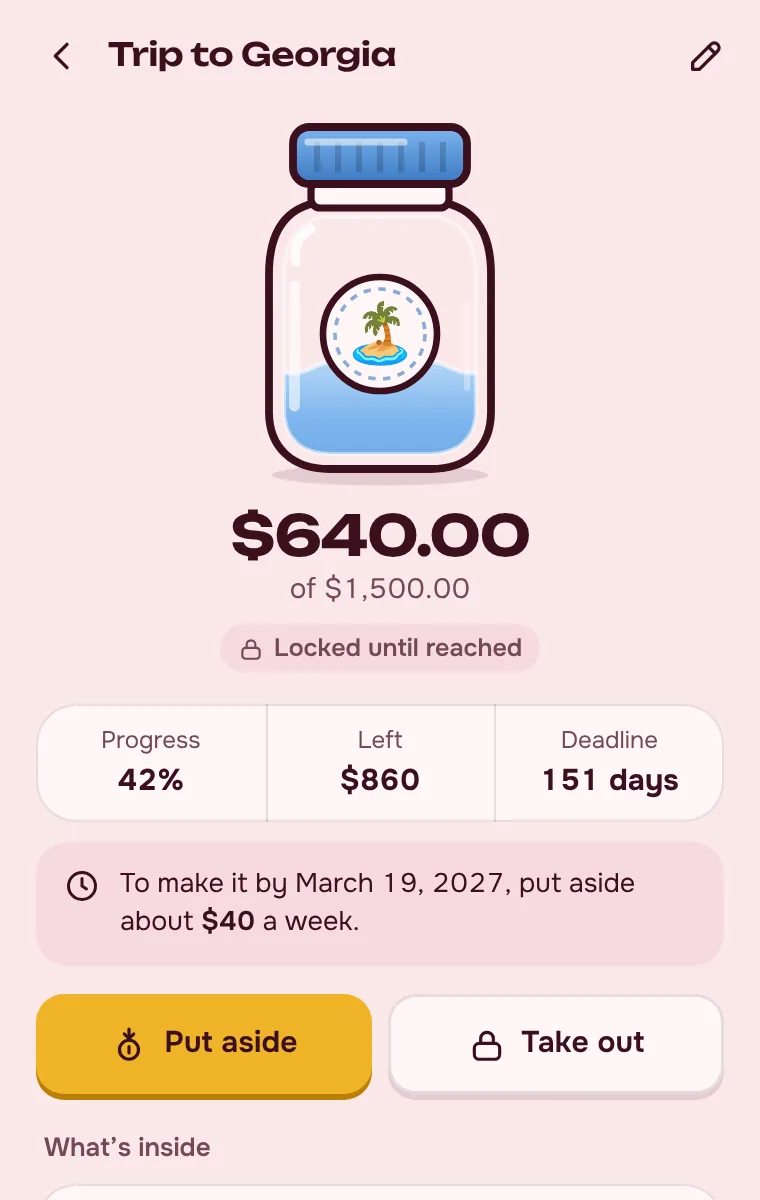
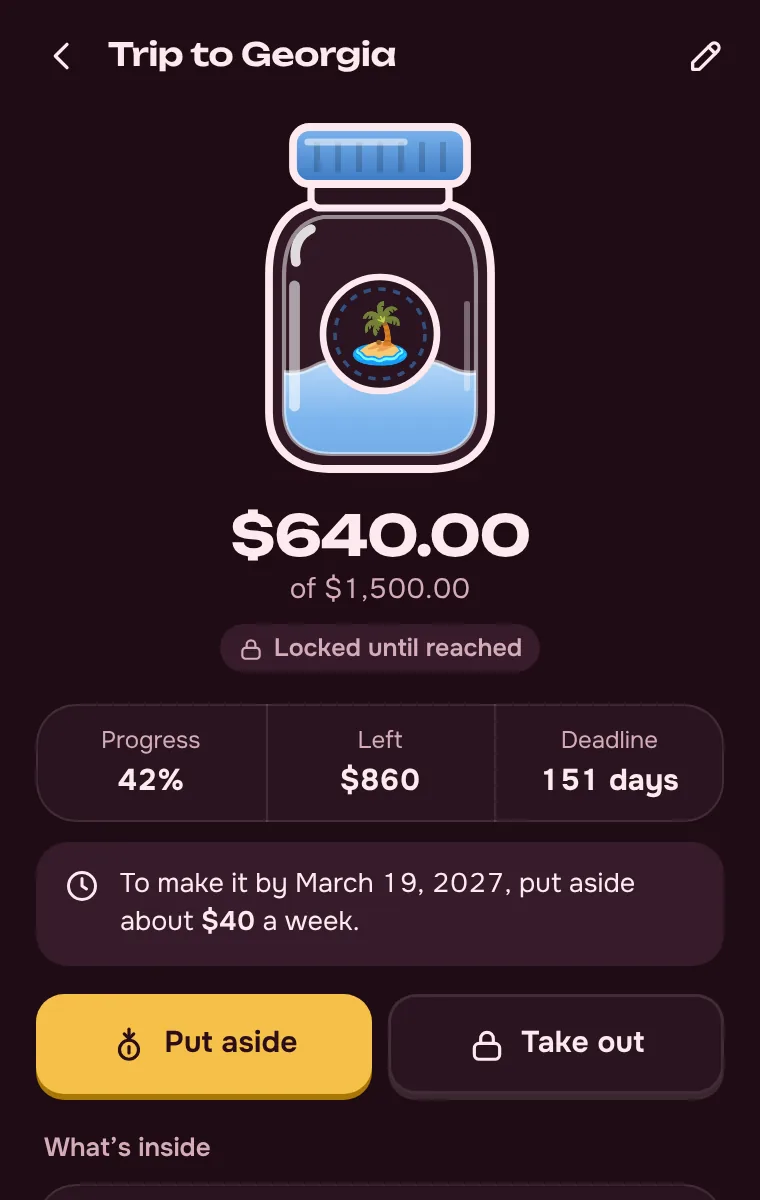
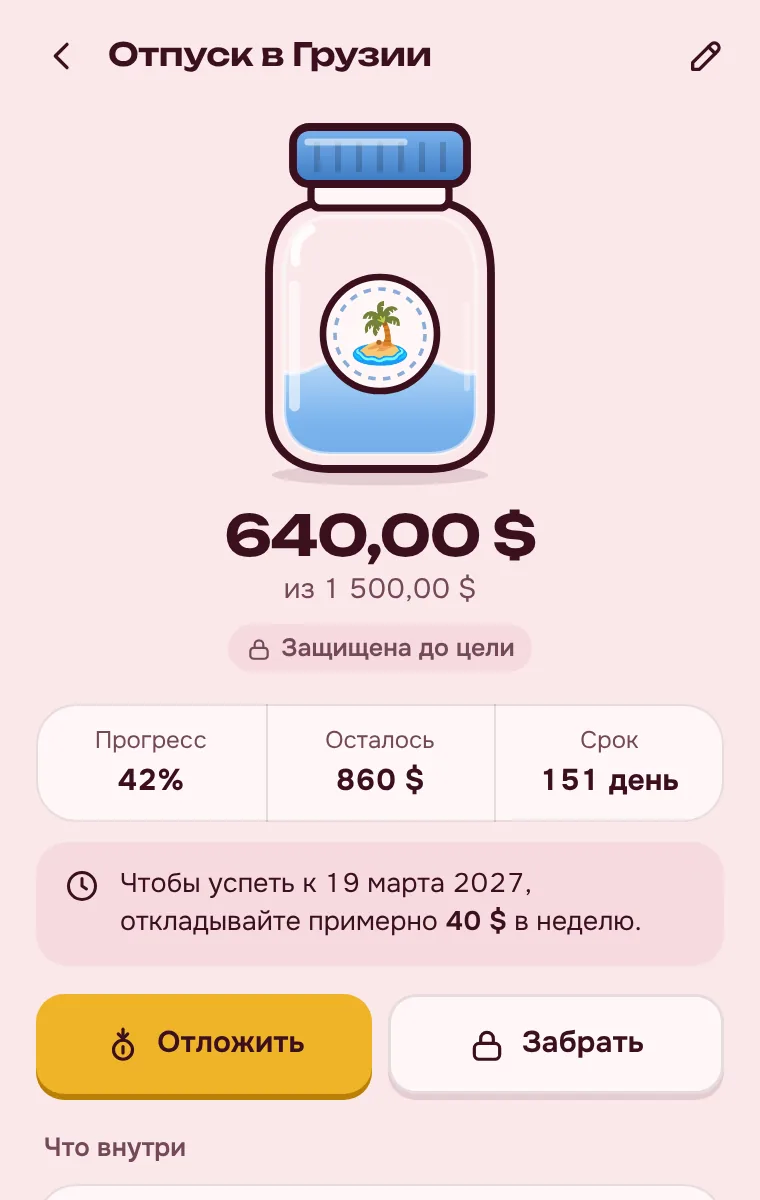
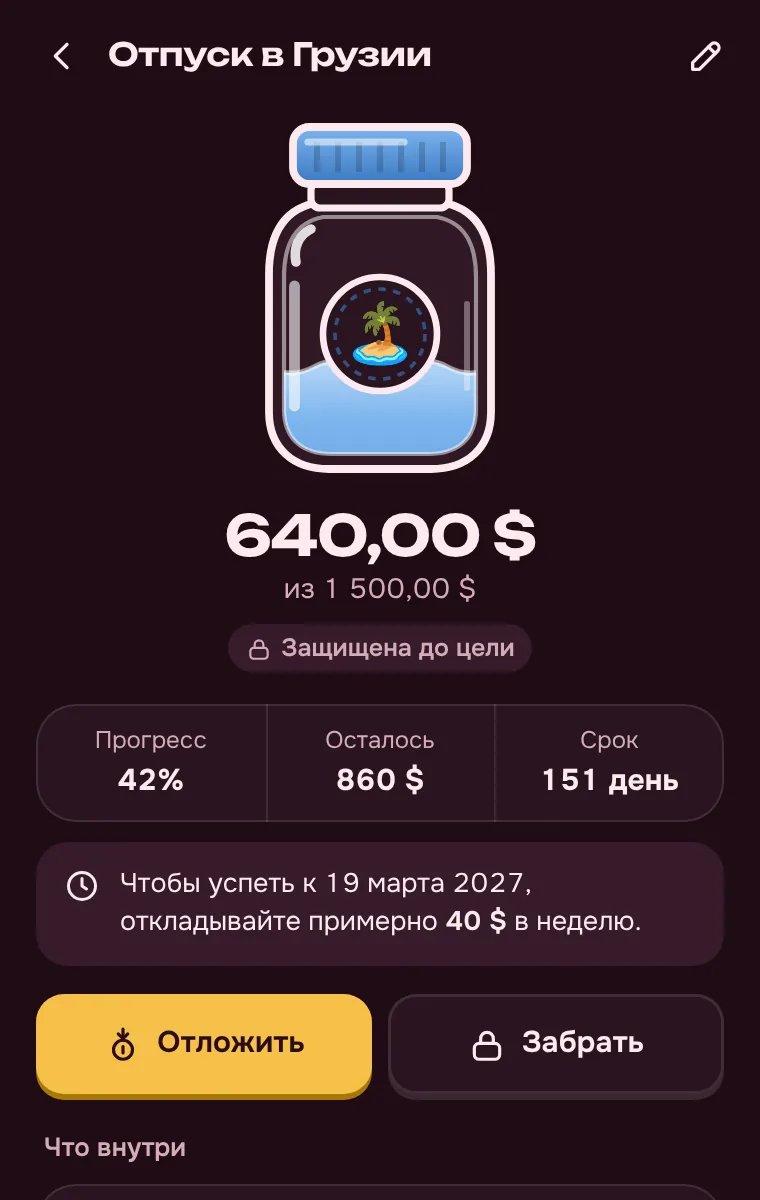
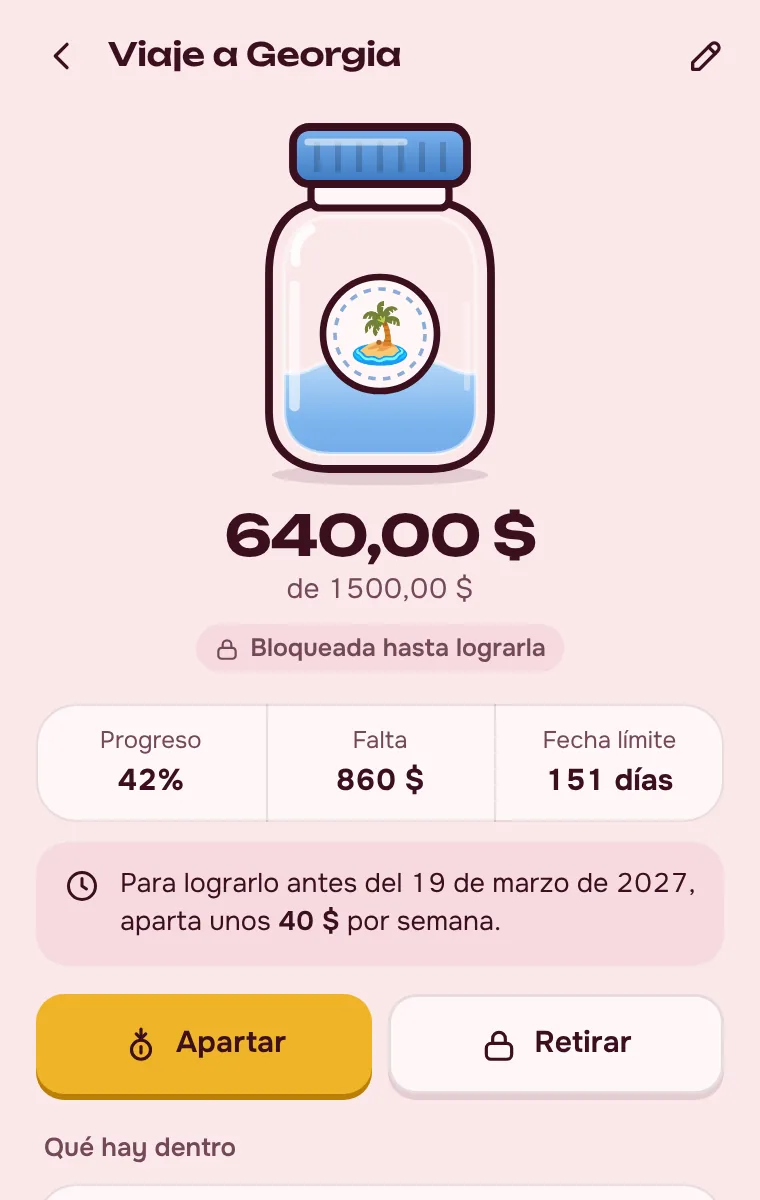
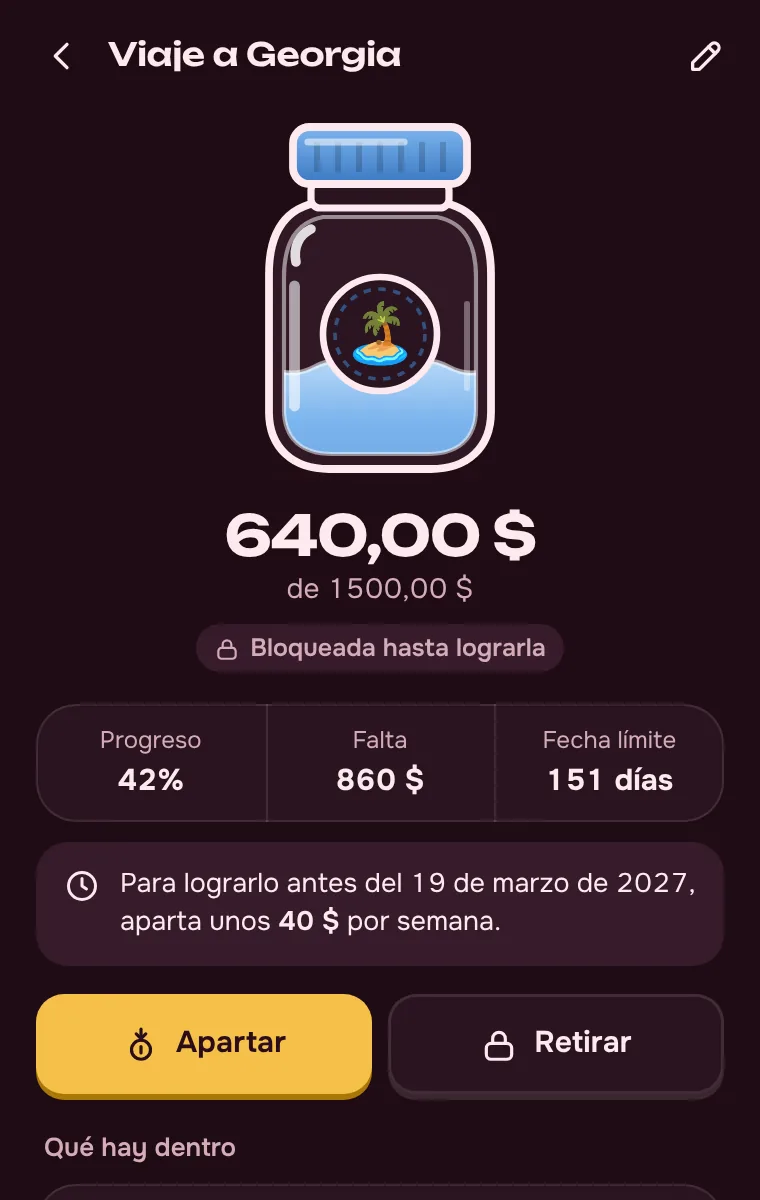
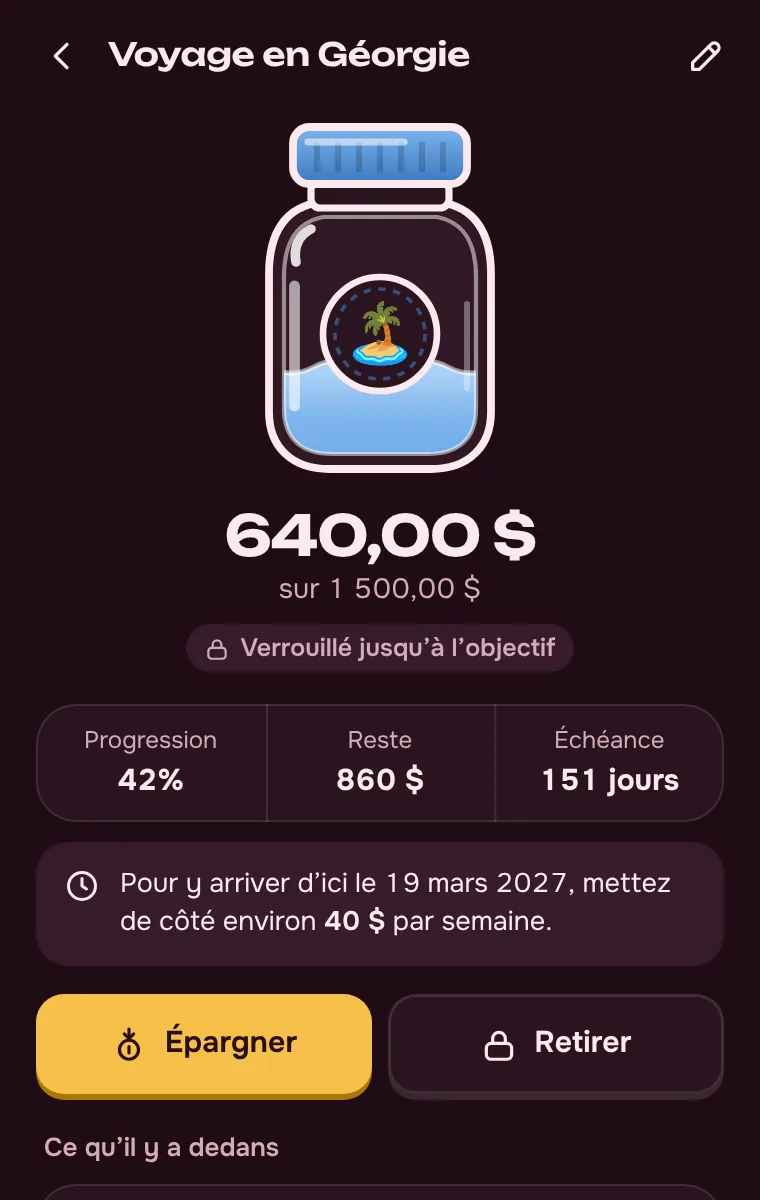
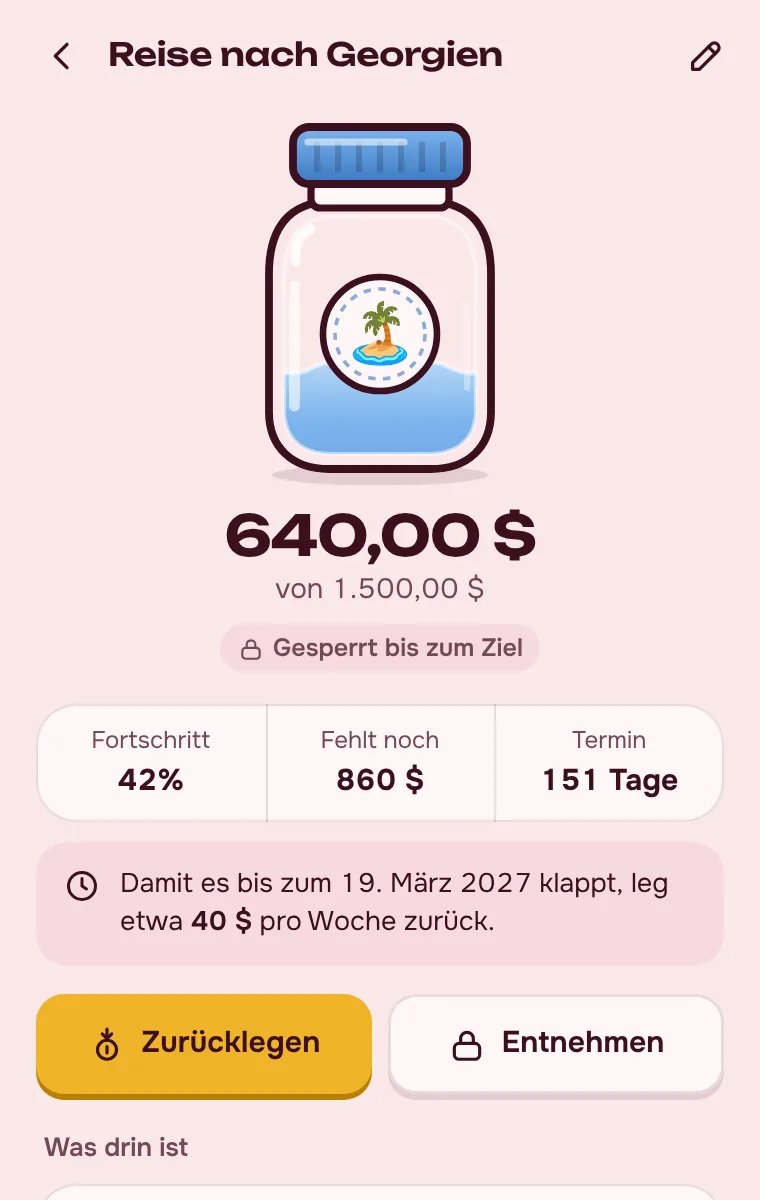
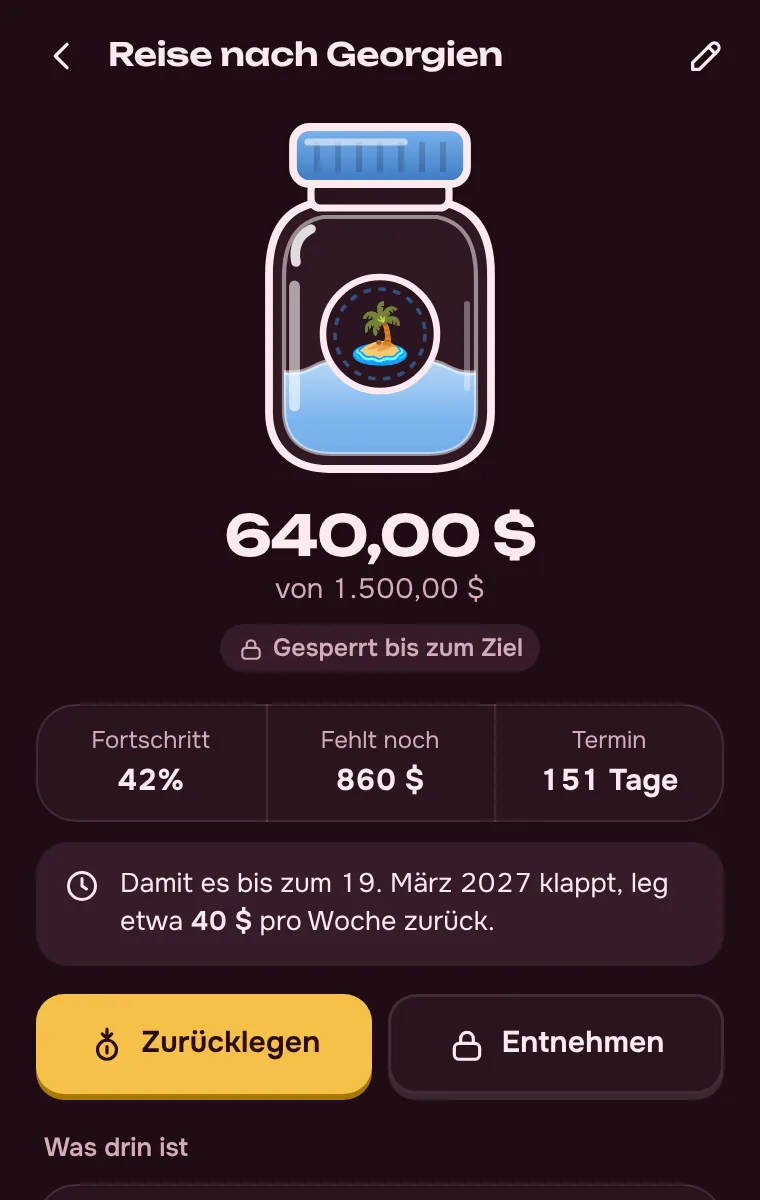
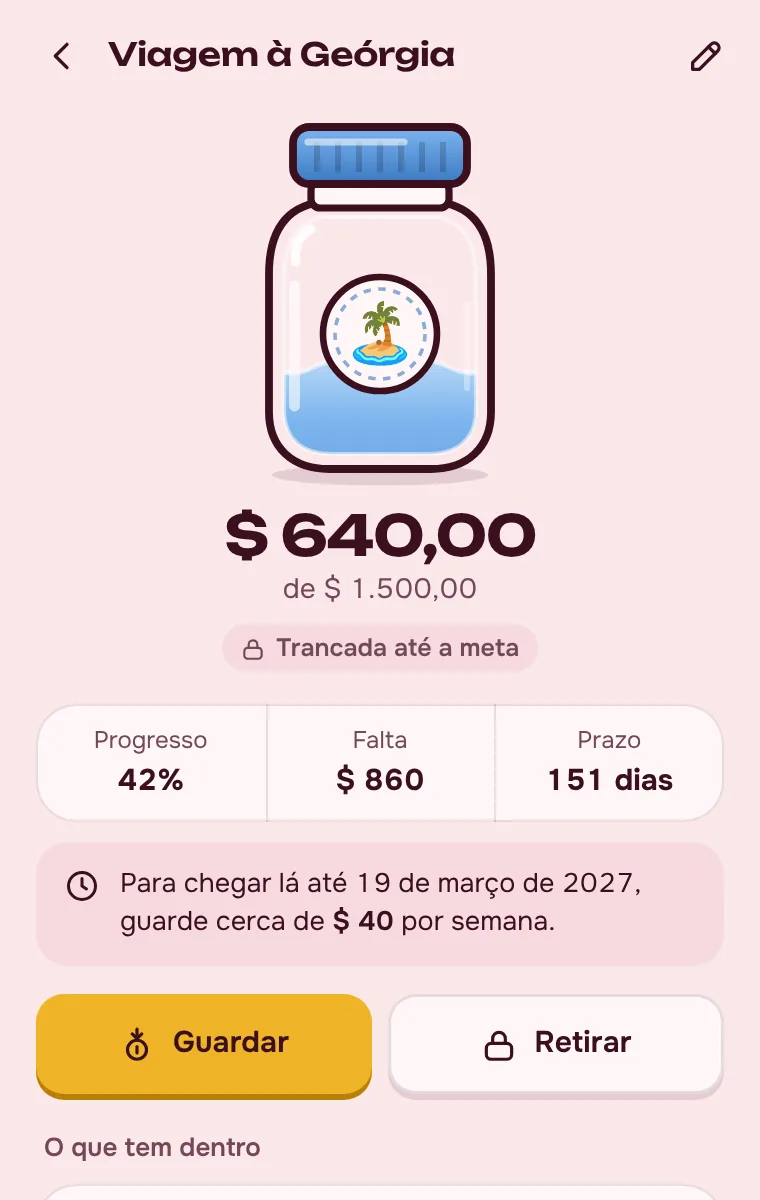
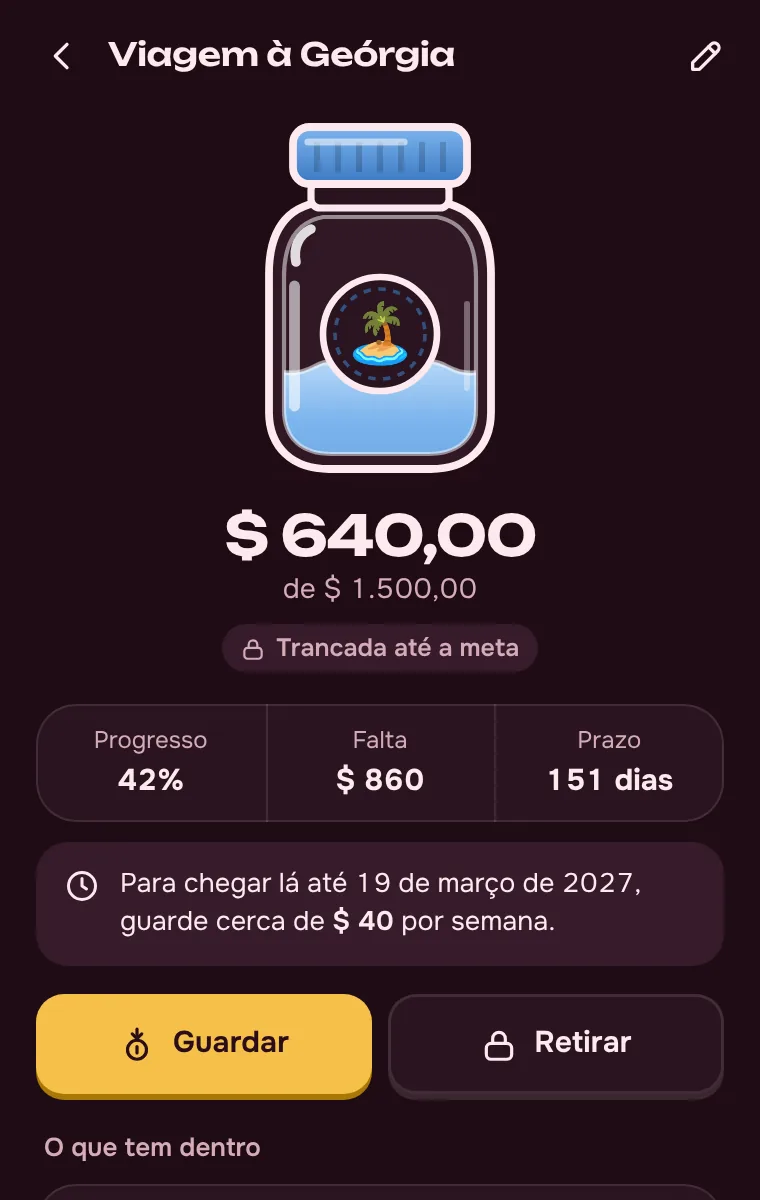
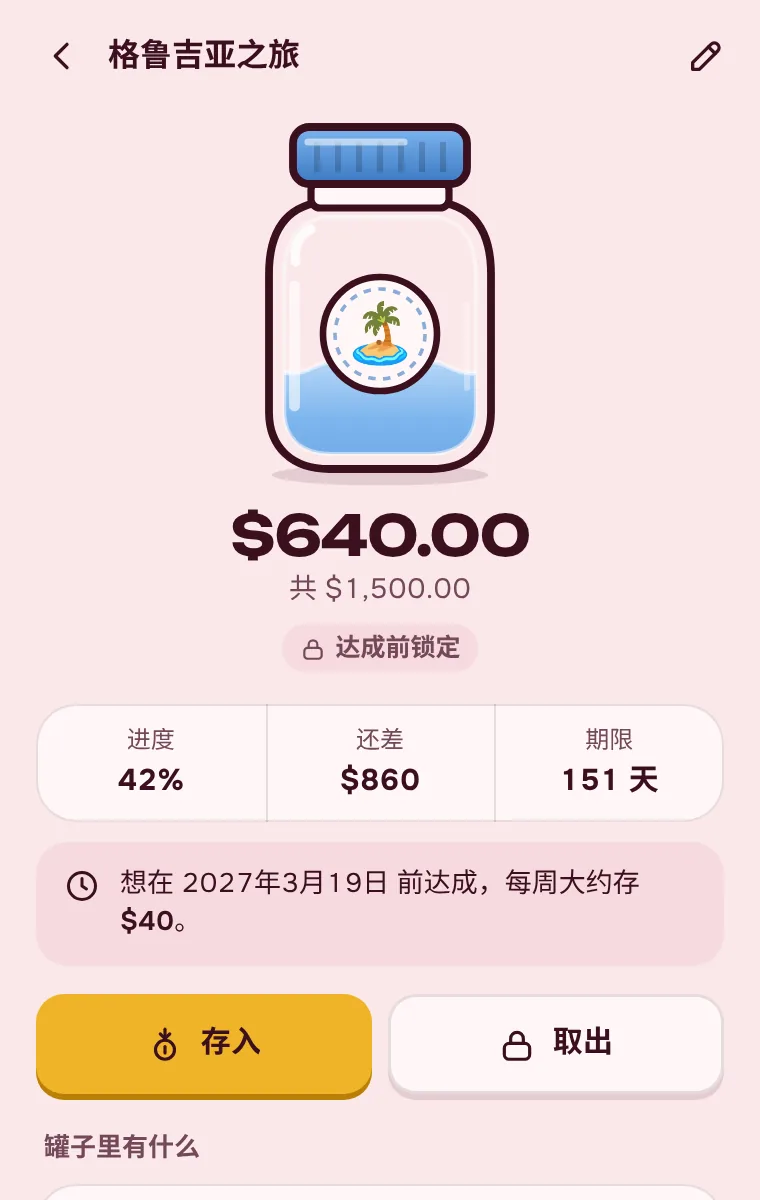
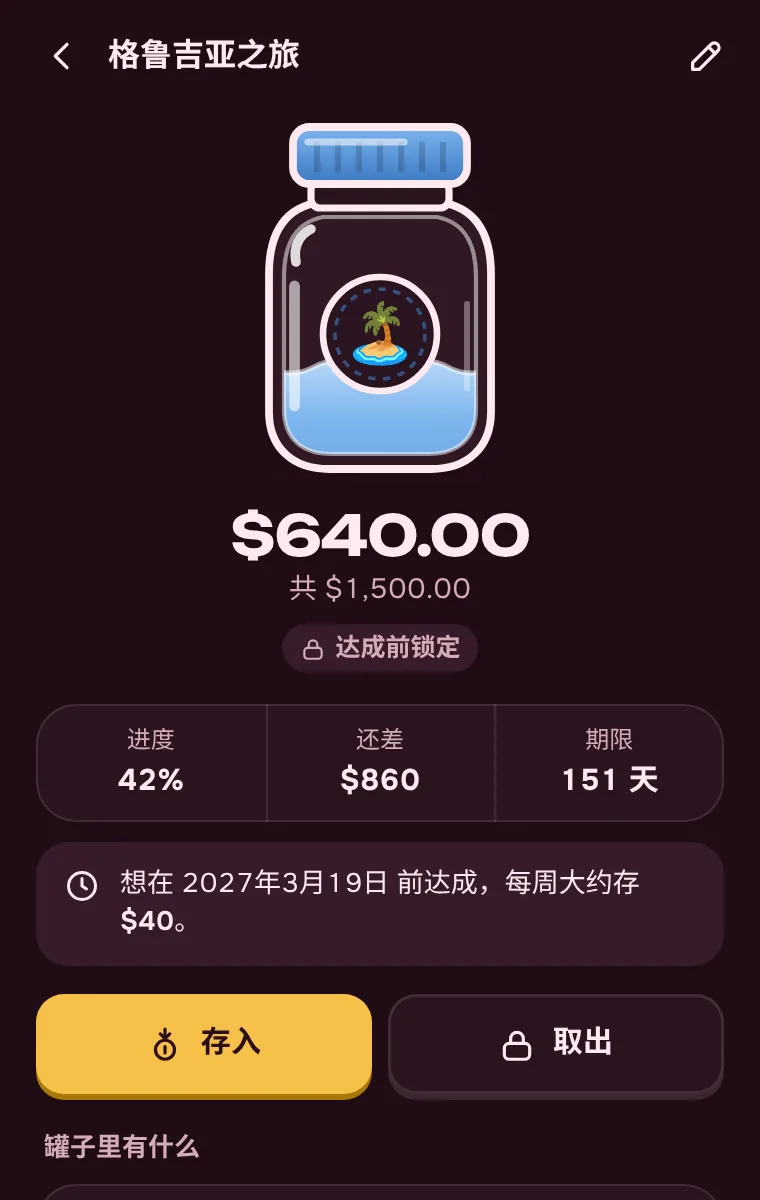
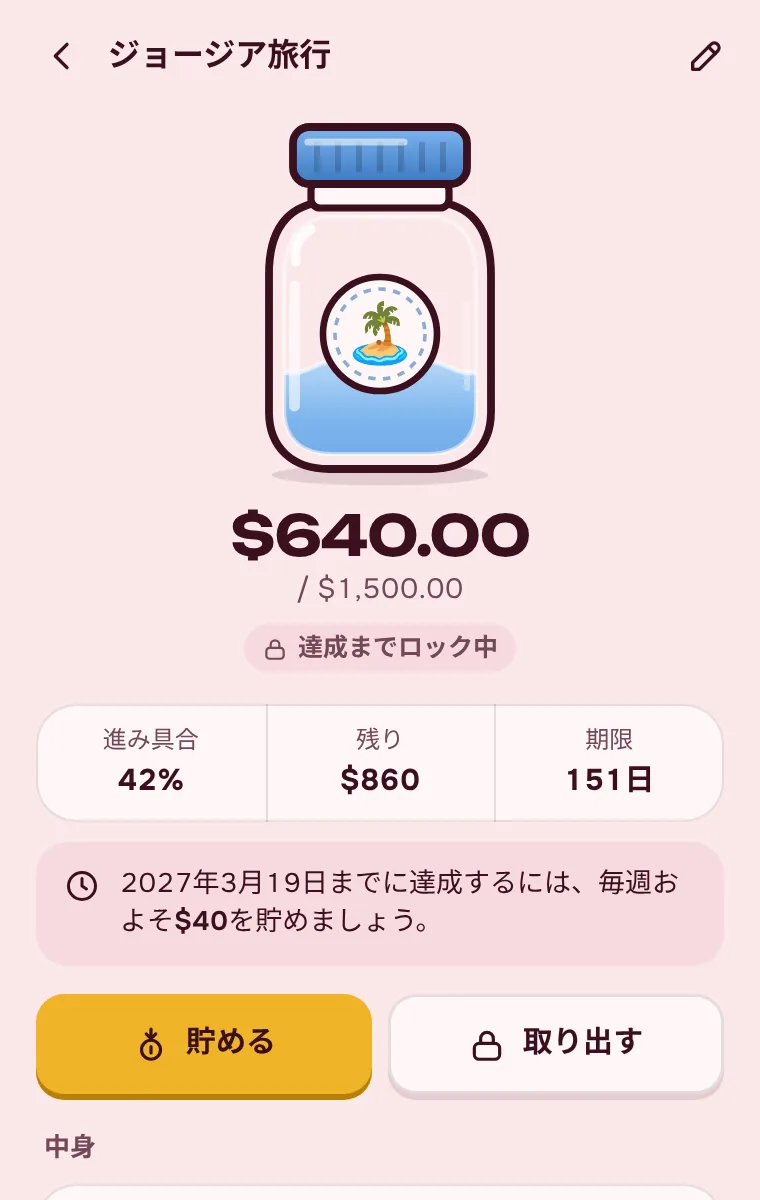
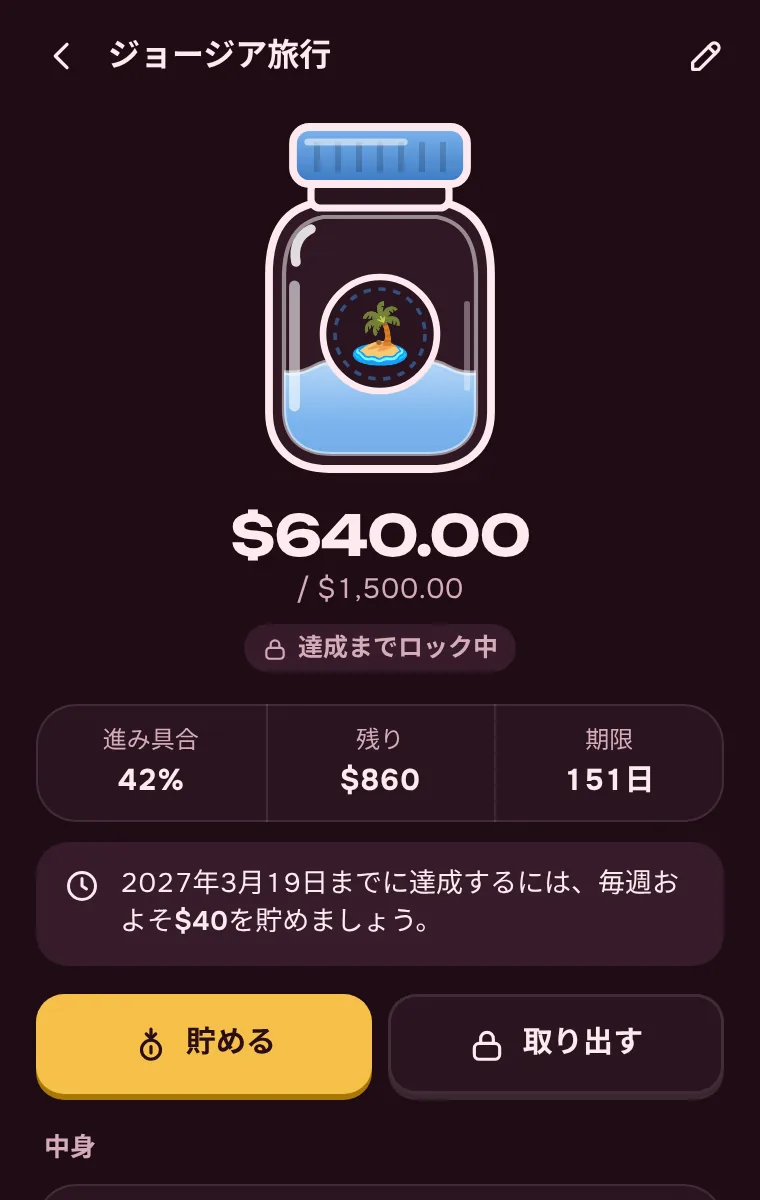
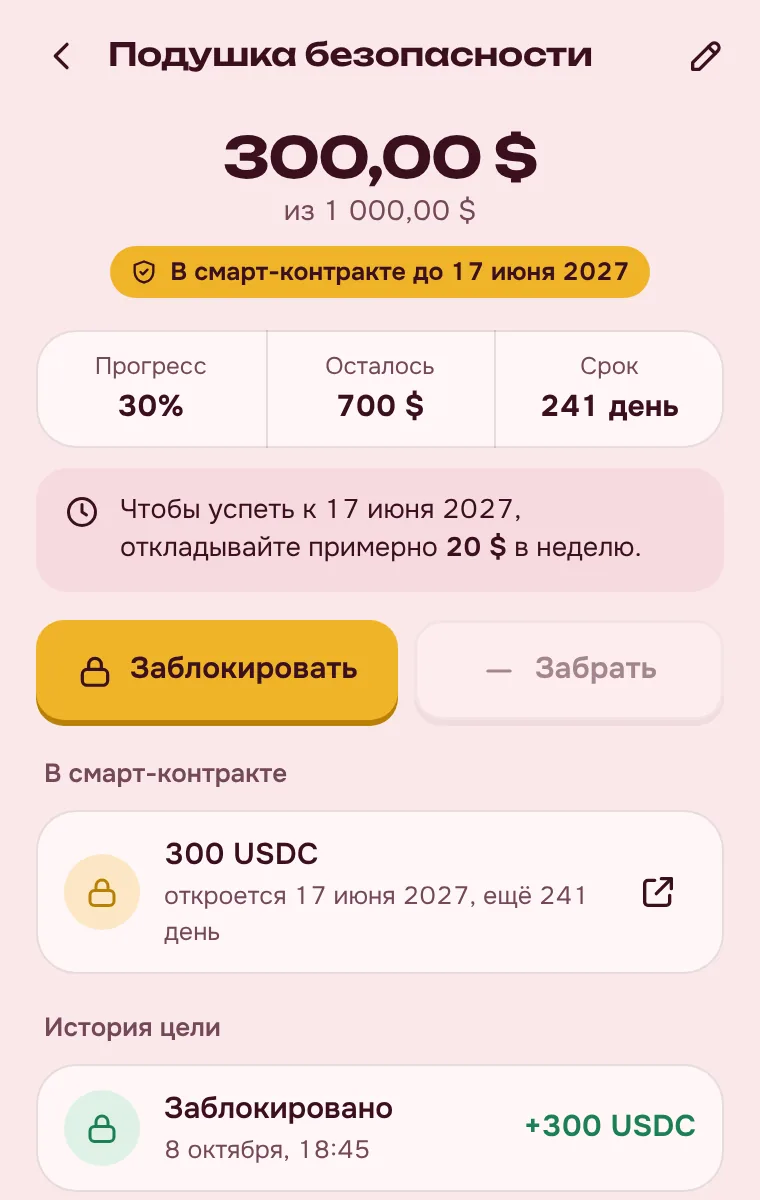
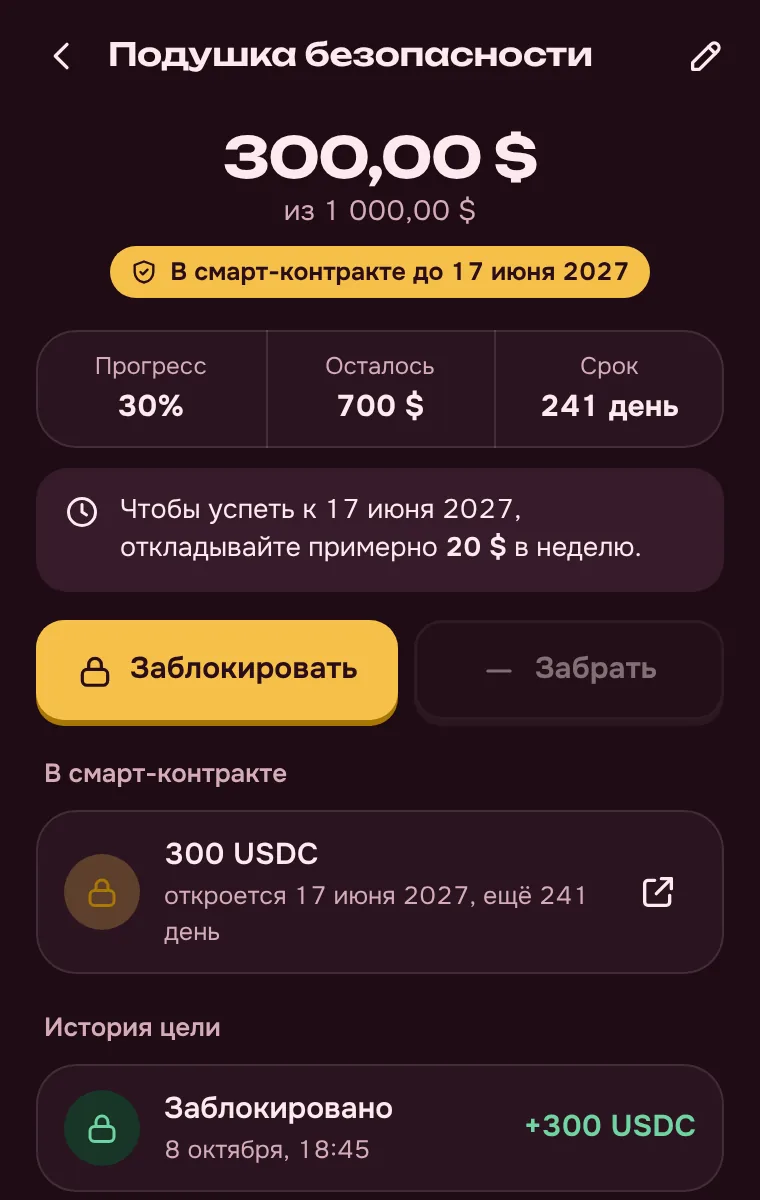
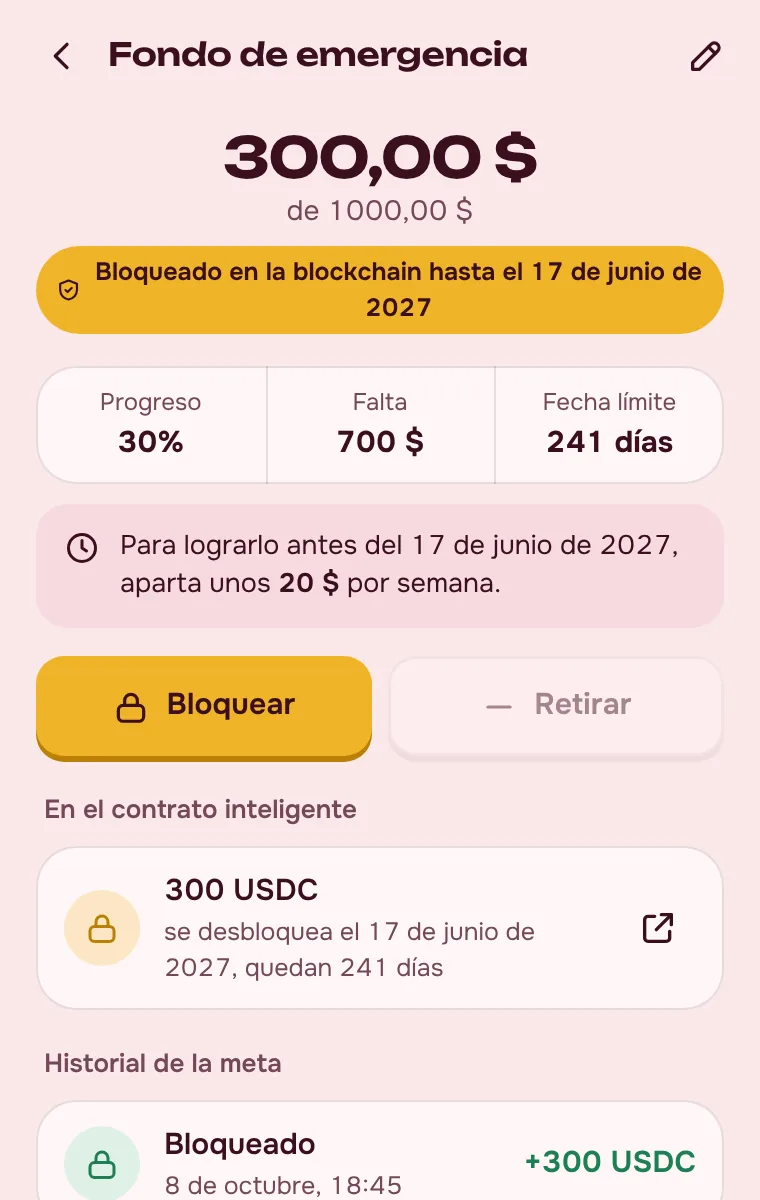
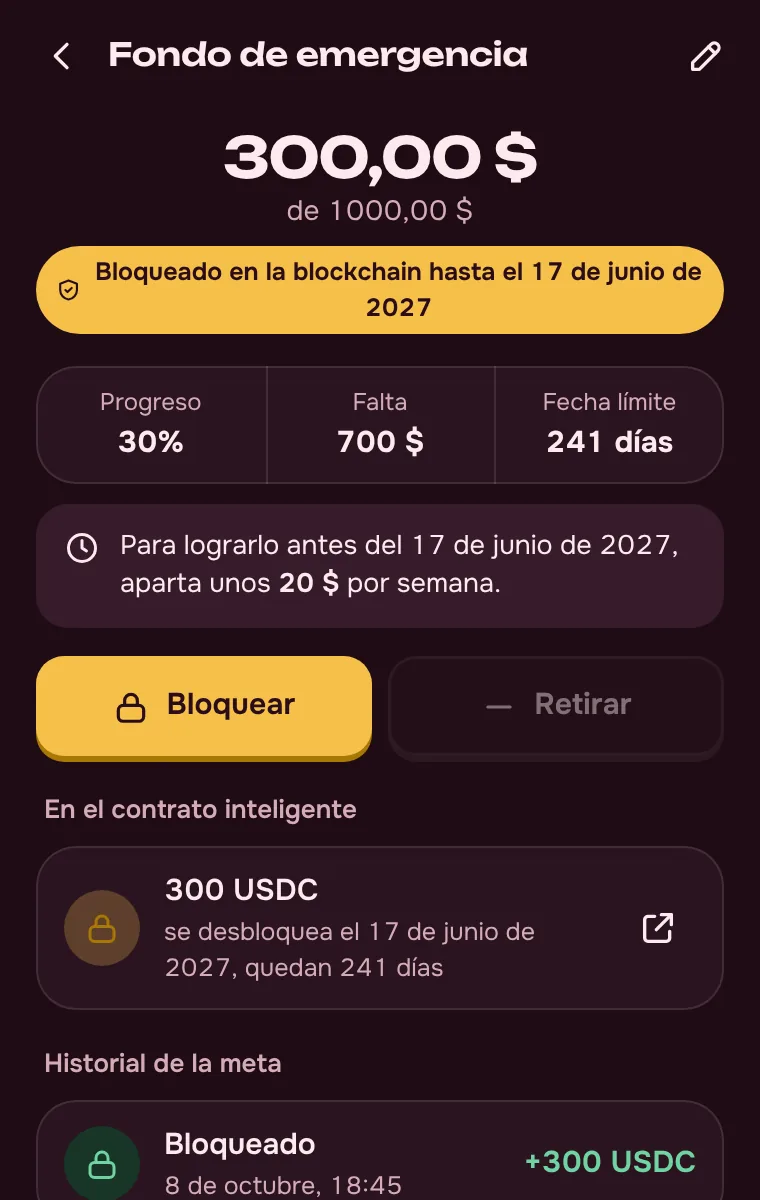
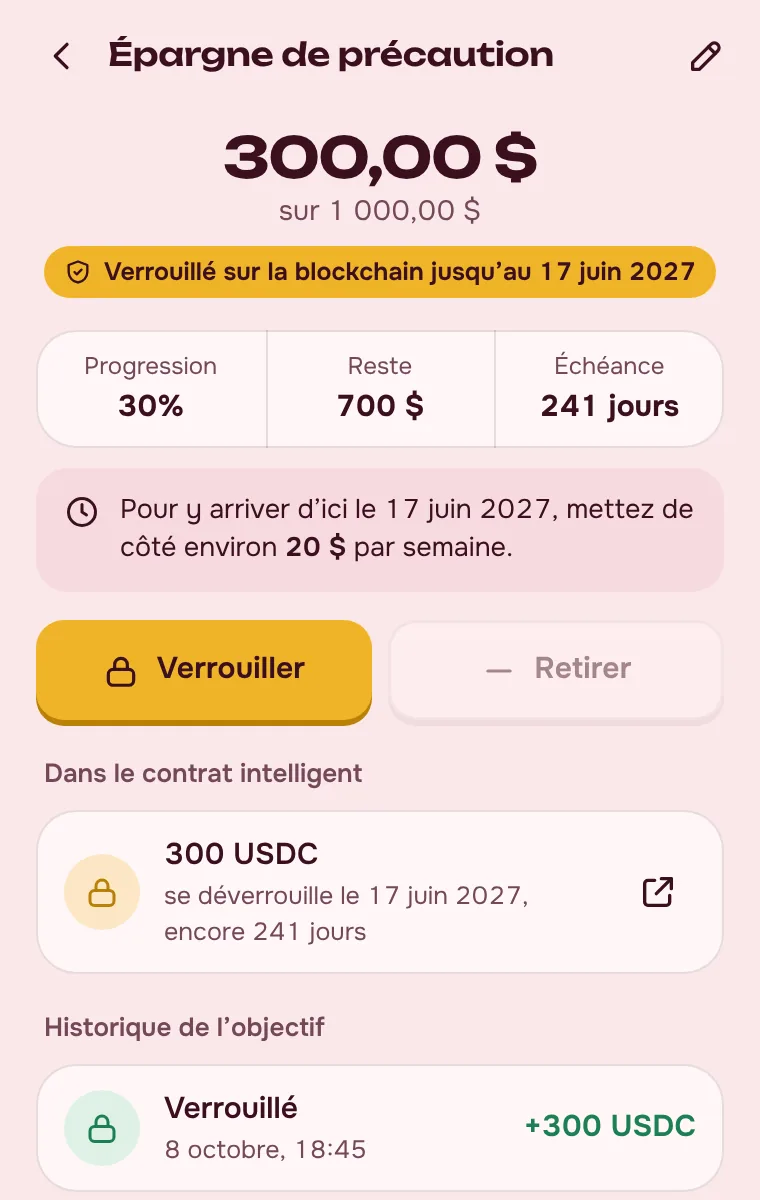
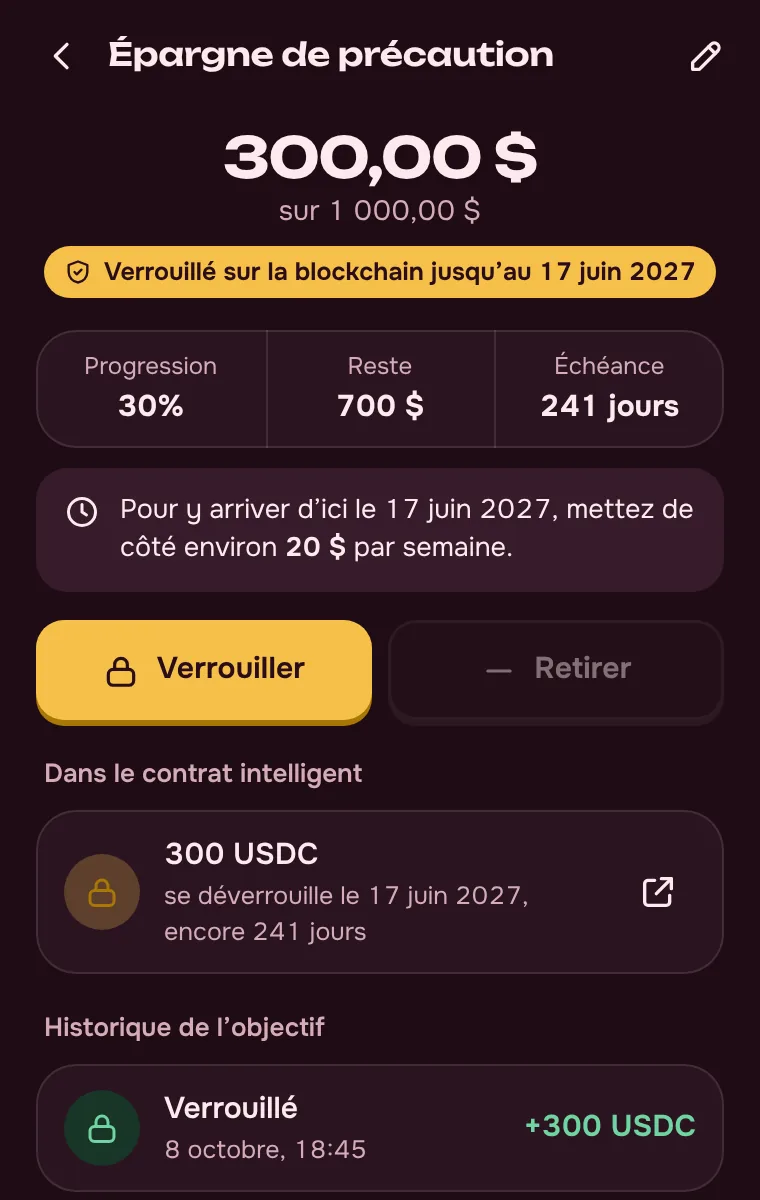
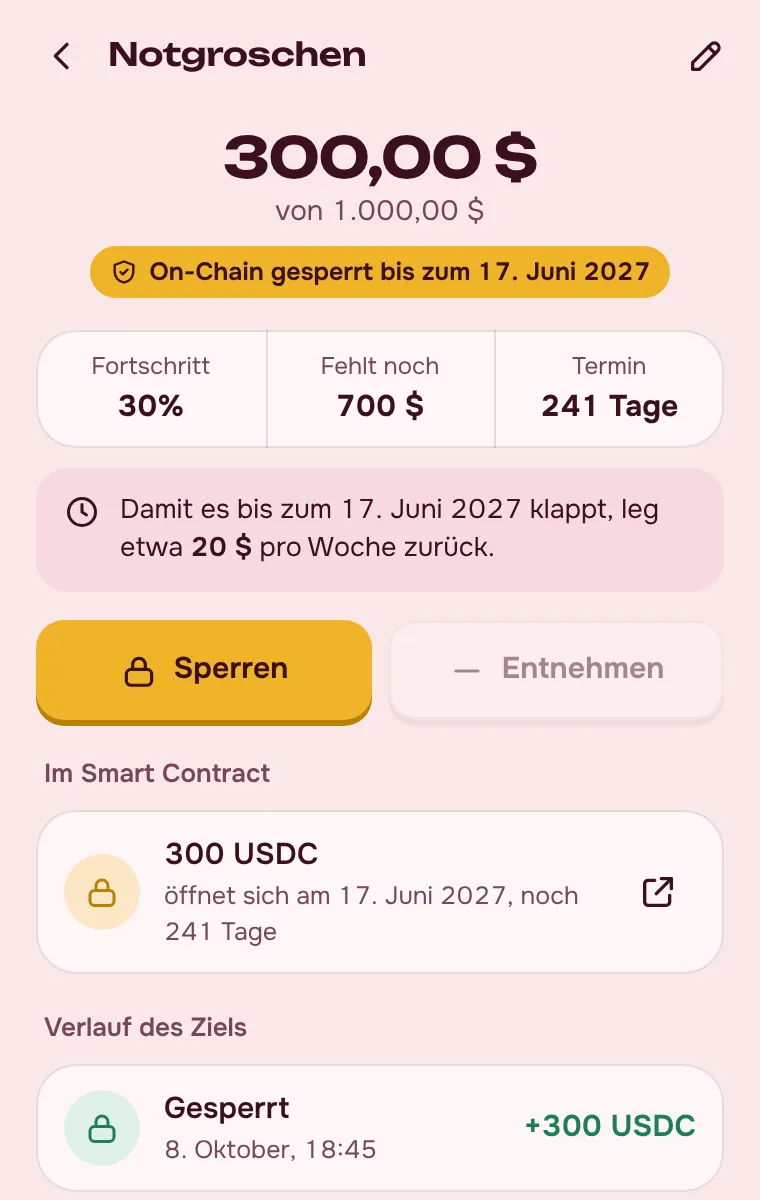
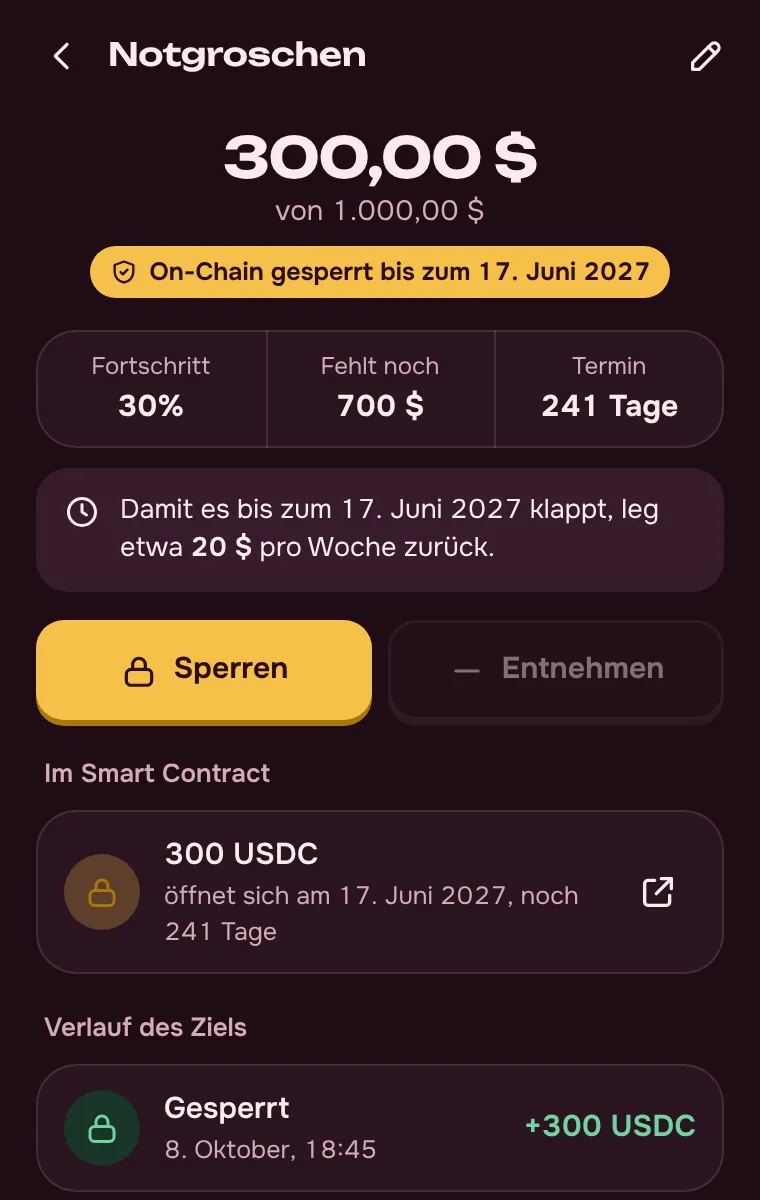
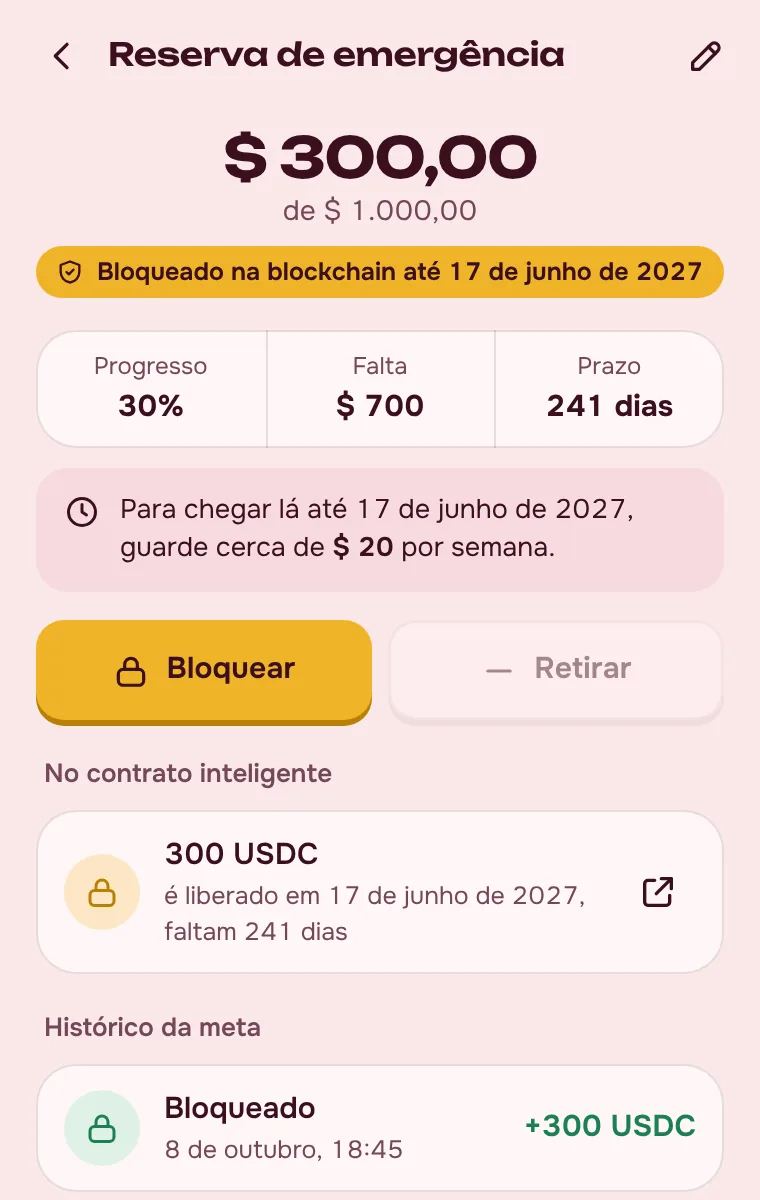
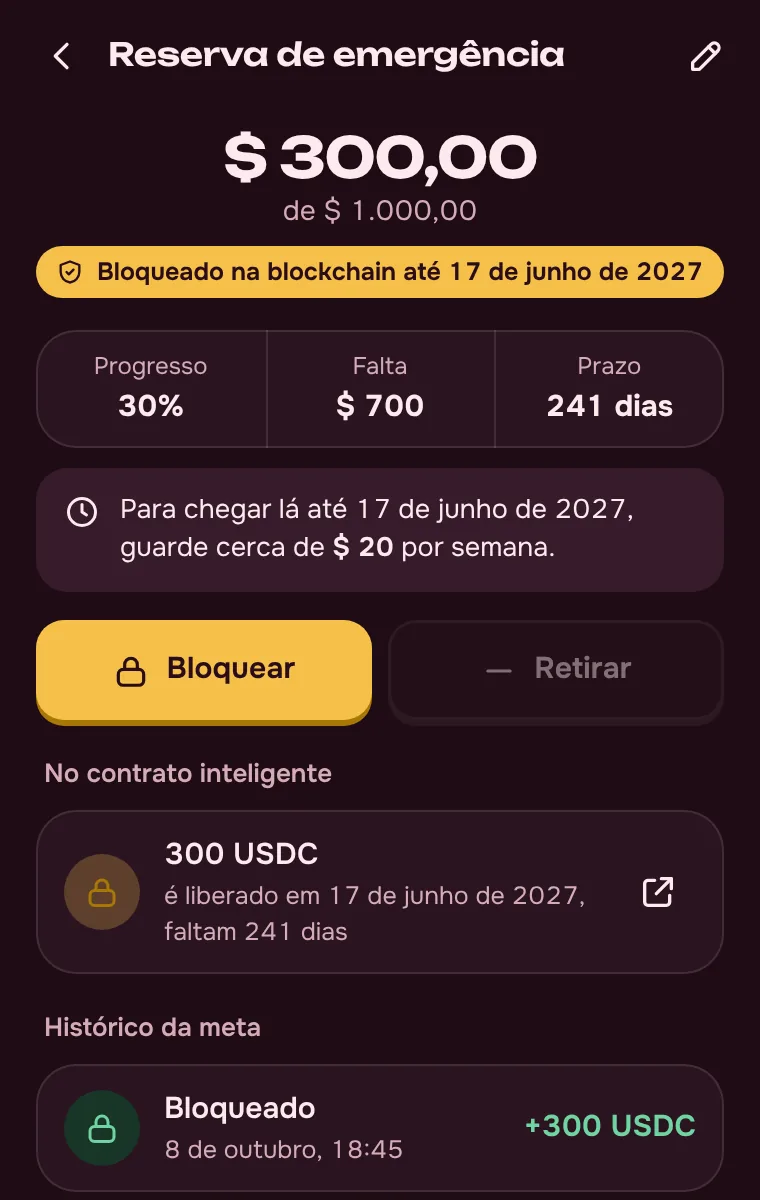
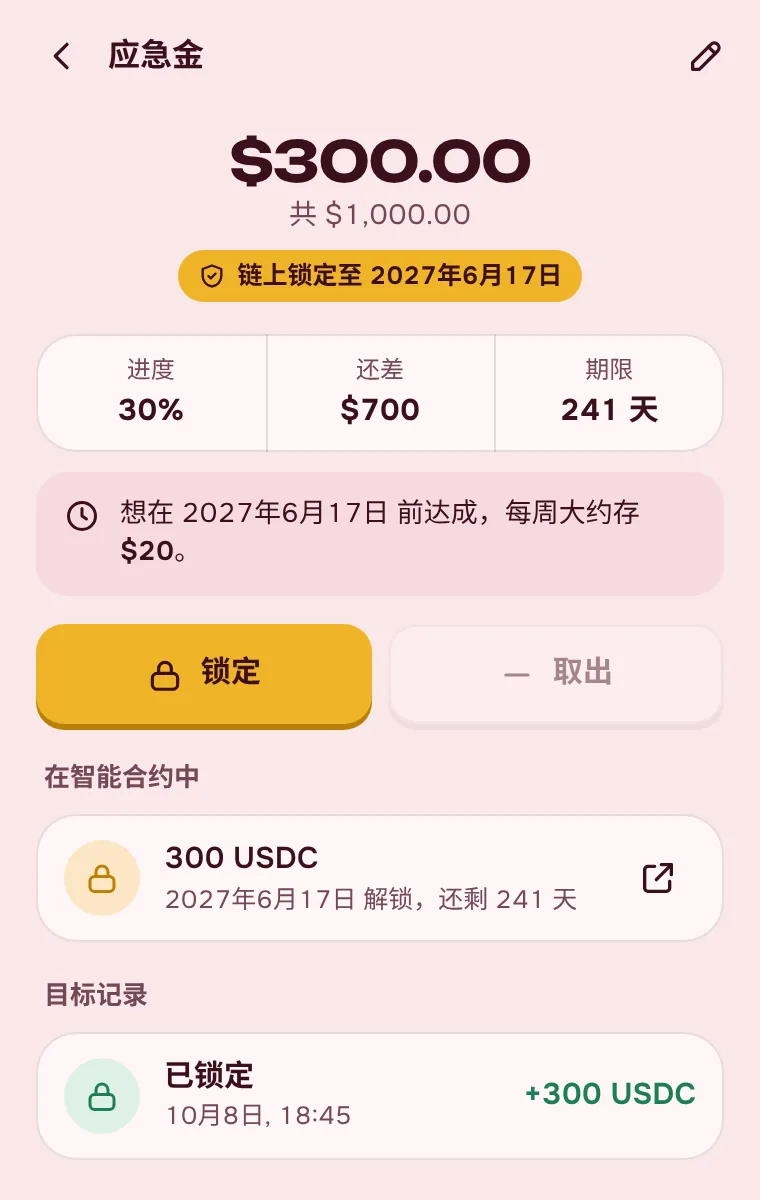
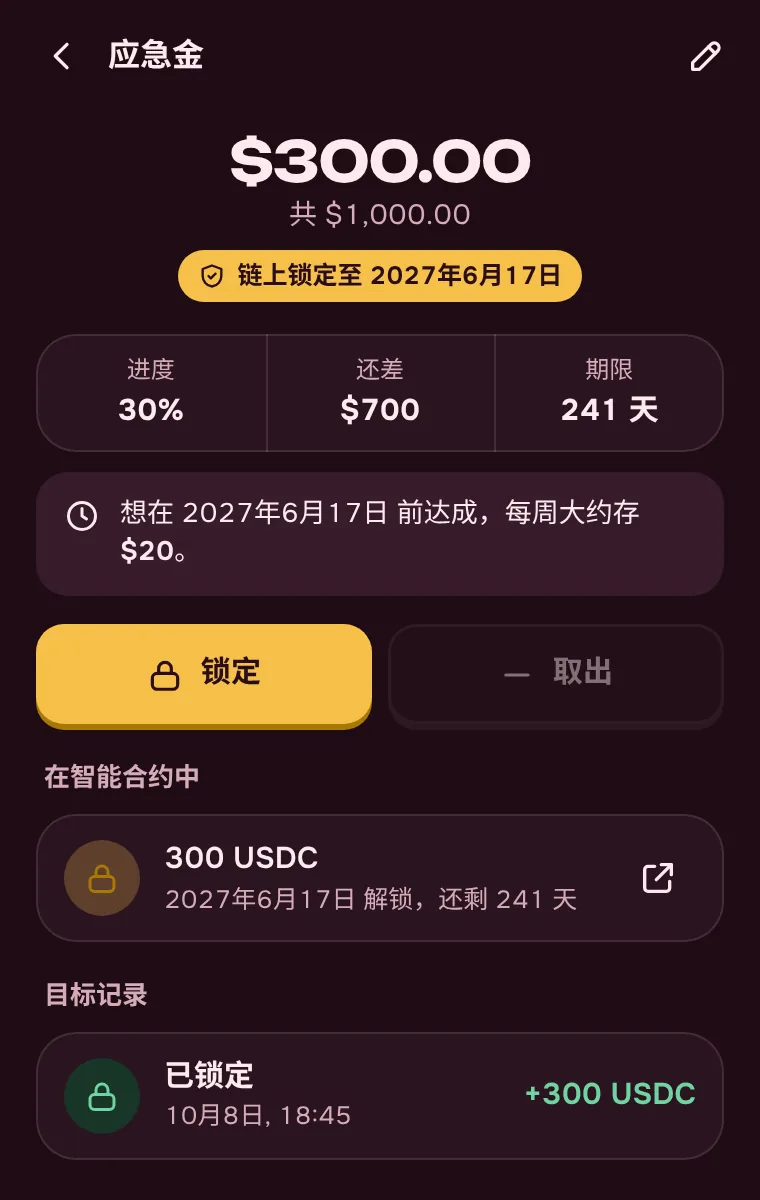
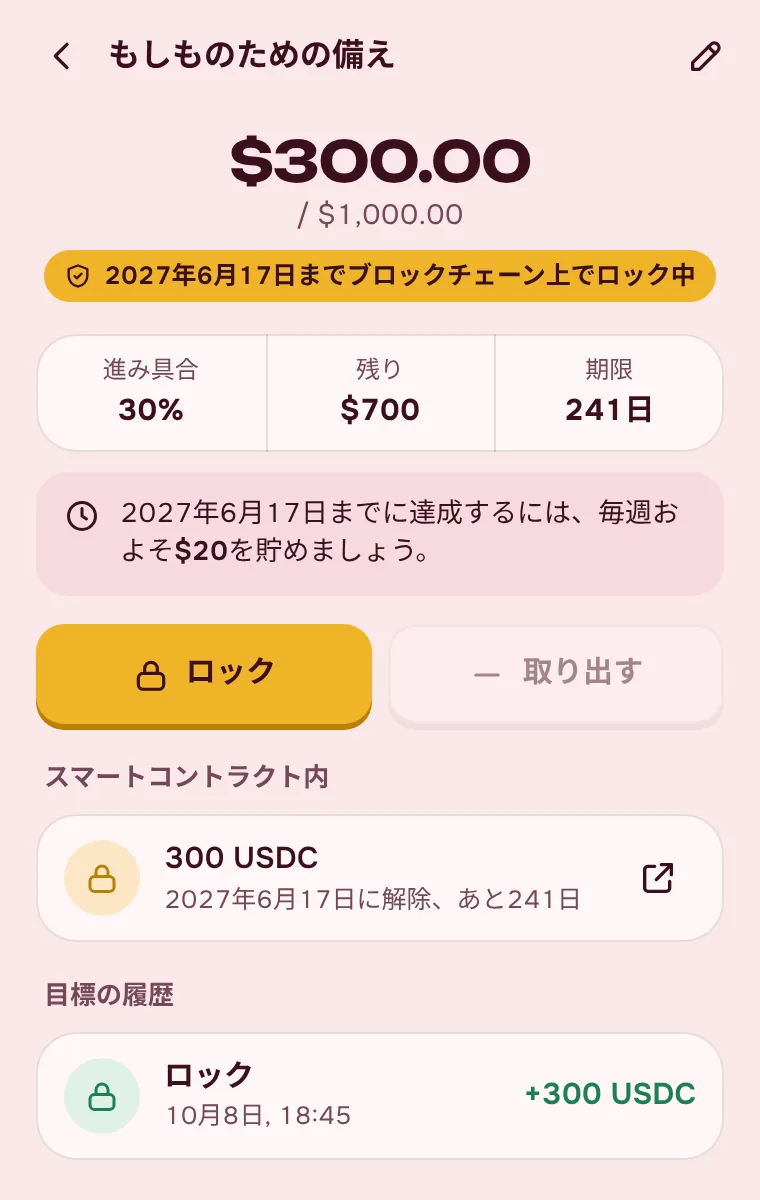
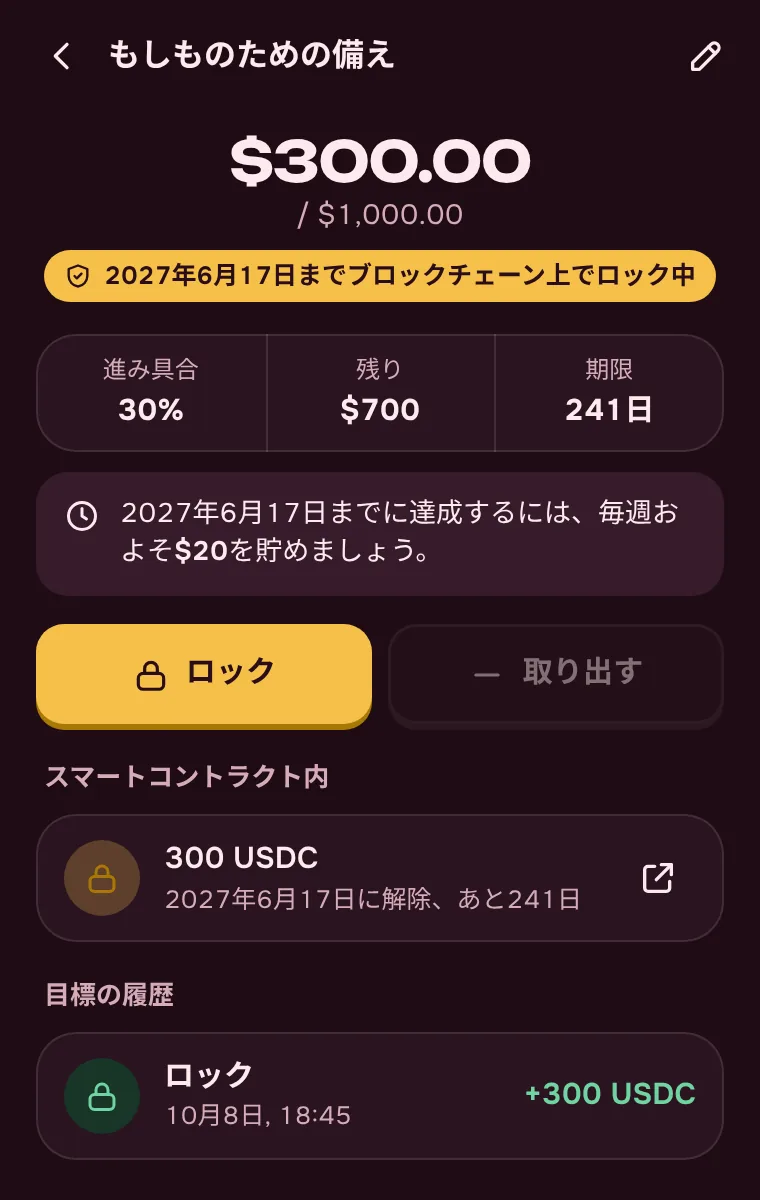
Lock until reached
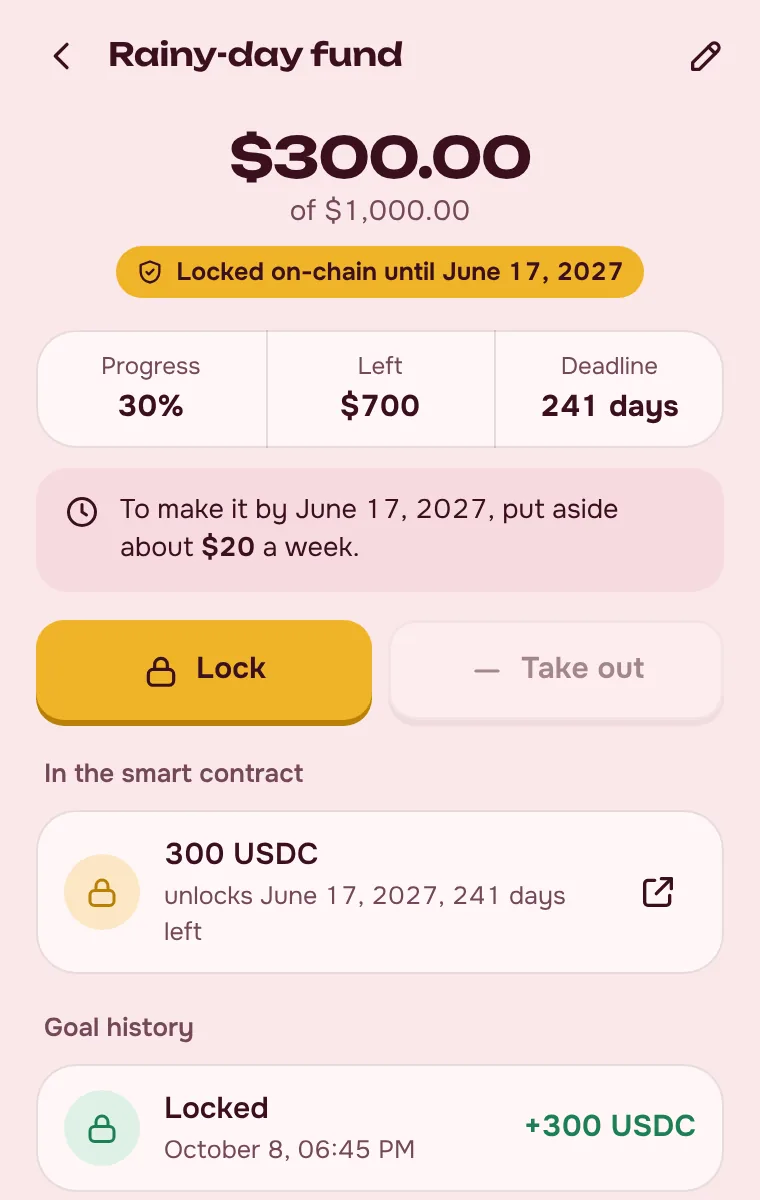
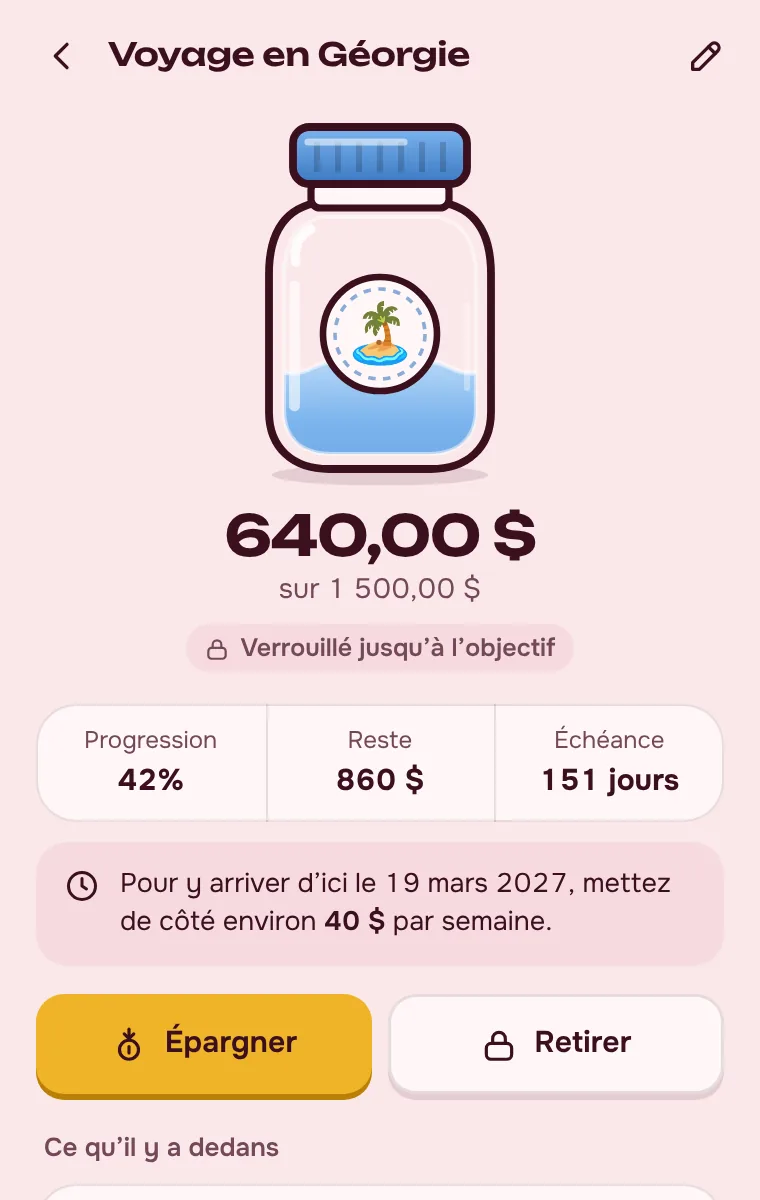
Until the goal is reached, its money can’t be taken out, and the goal can’t be deleted or unlocked — no word or button gets around it. The lock comes off by itself once you reach the amount.
A Solana piggy bank wallet for Chrome
PiggyBank is a crypto piggy bank wallet on Solana. Set goals, save and swap USDC, USDT and SOL, and watch the jars fill up. Your keys stay with you.


Tap the pig to drop a coin
Setup takes a couple of minutes. After that the piggy bank tells you how much to put aside.
Pick a password and write down your 12-word recovery phrase. Already have a Solana wallet? Import it with the phrase or a private key.
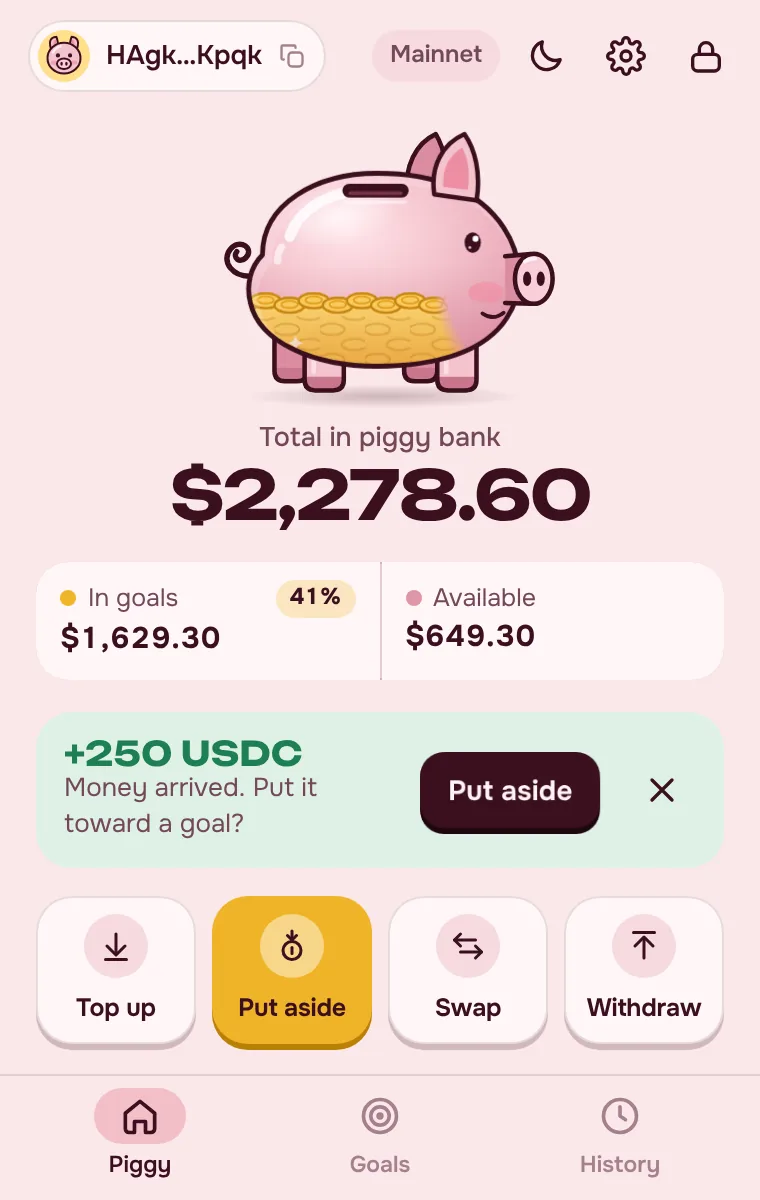
Send SOL, USDC or USDT to your piggy bank address or QR code, from an exchange or another wallet. You’ll get a notification when it arrives.
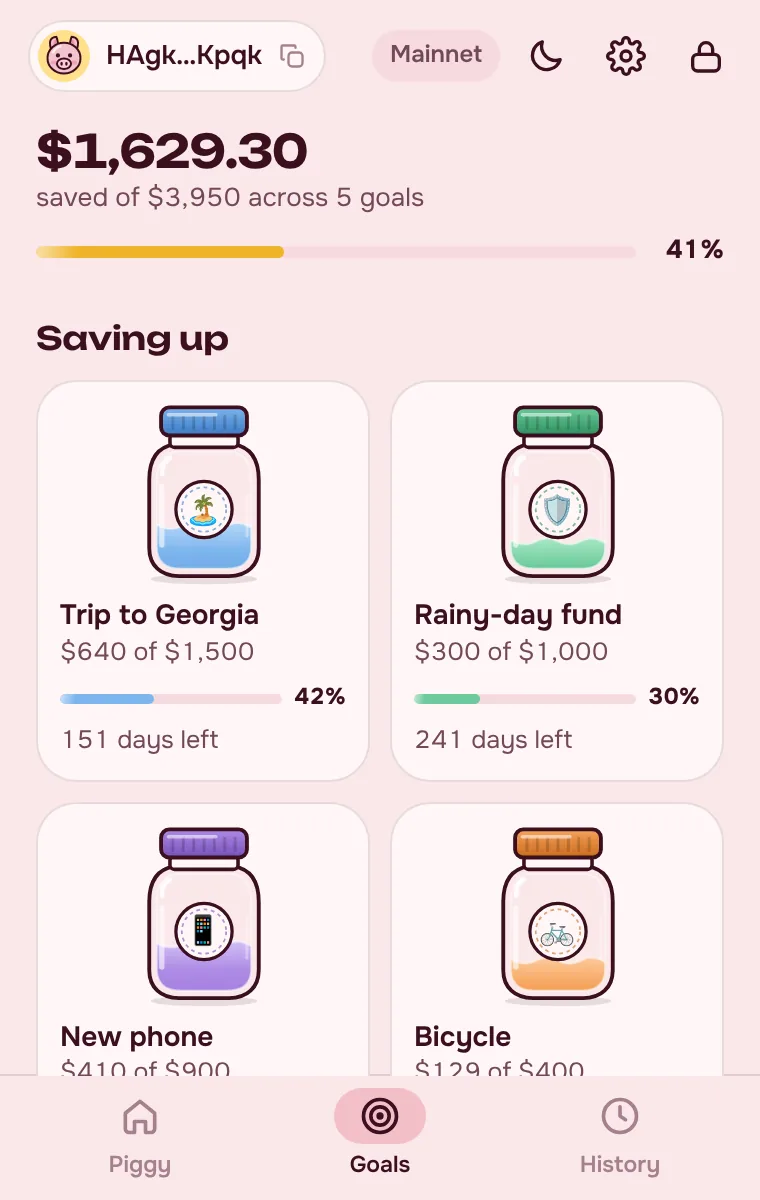
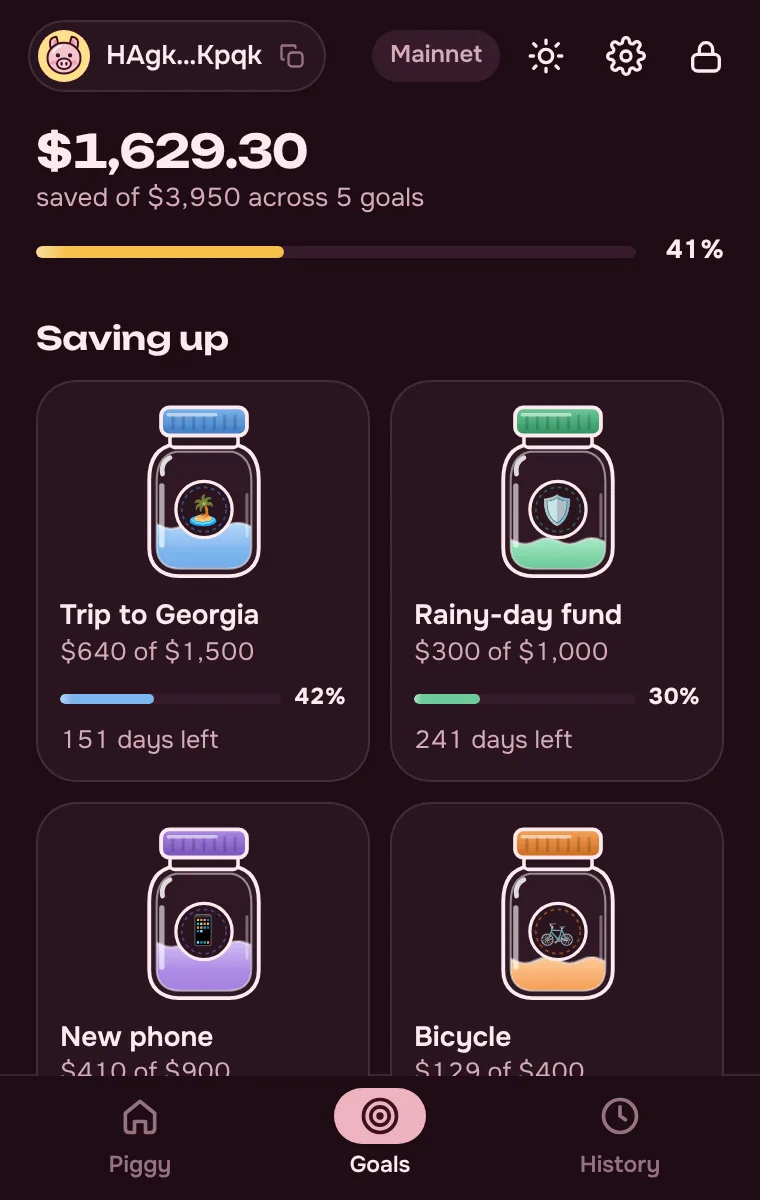
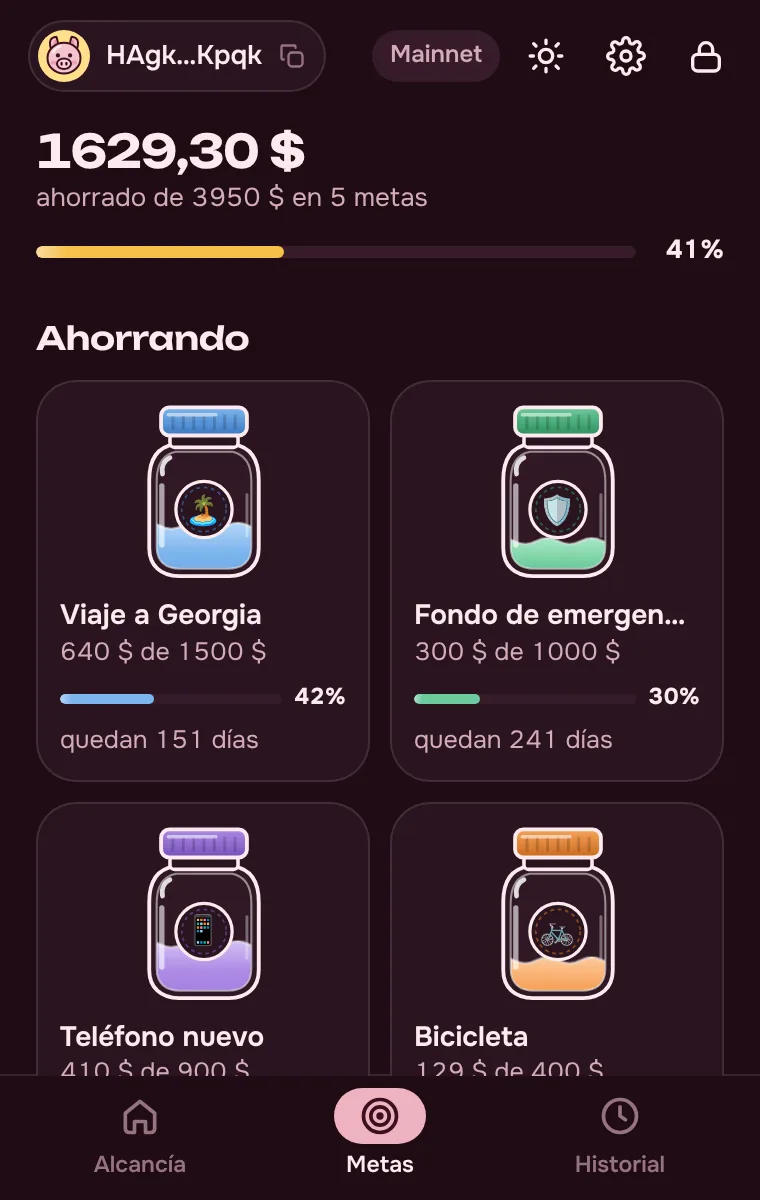
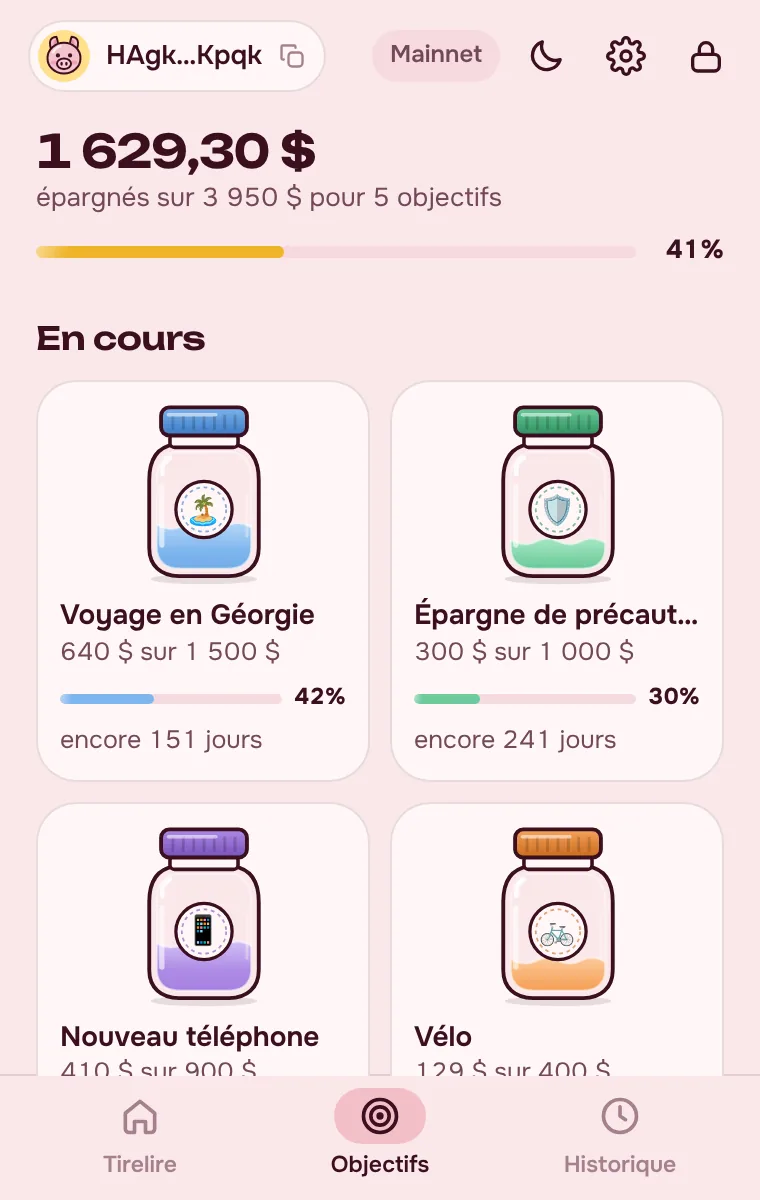
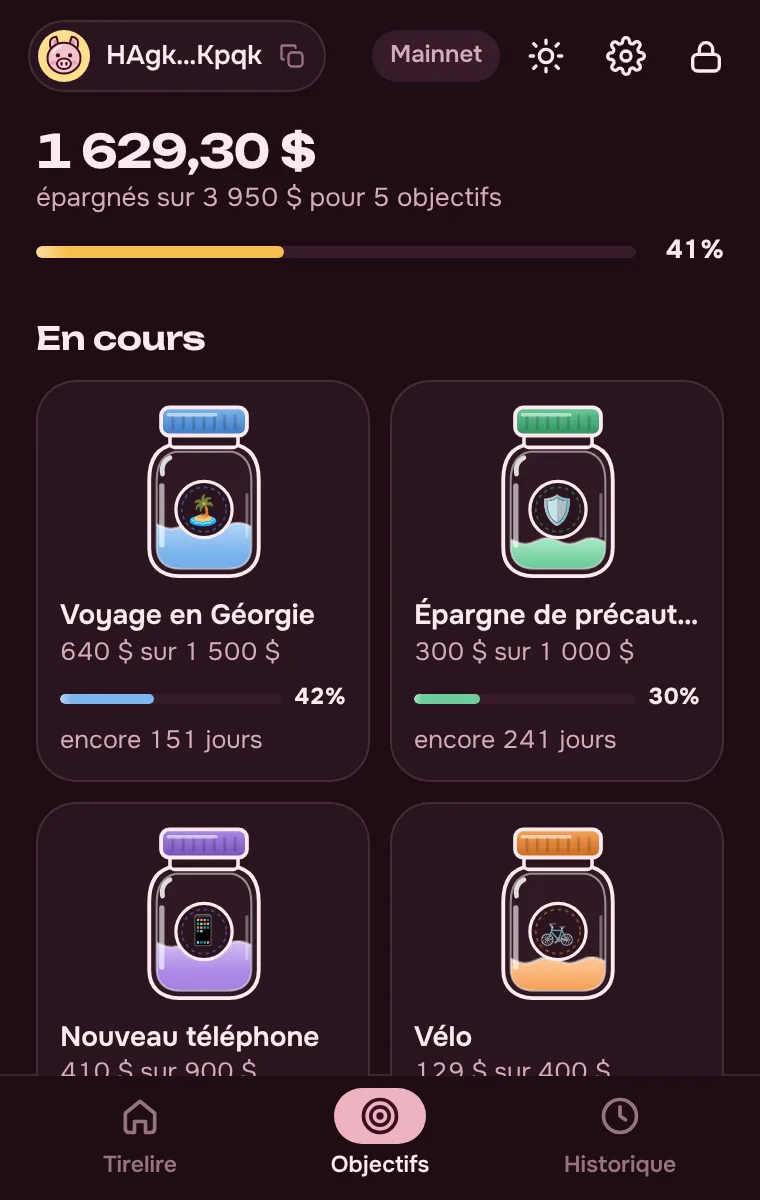
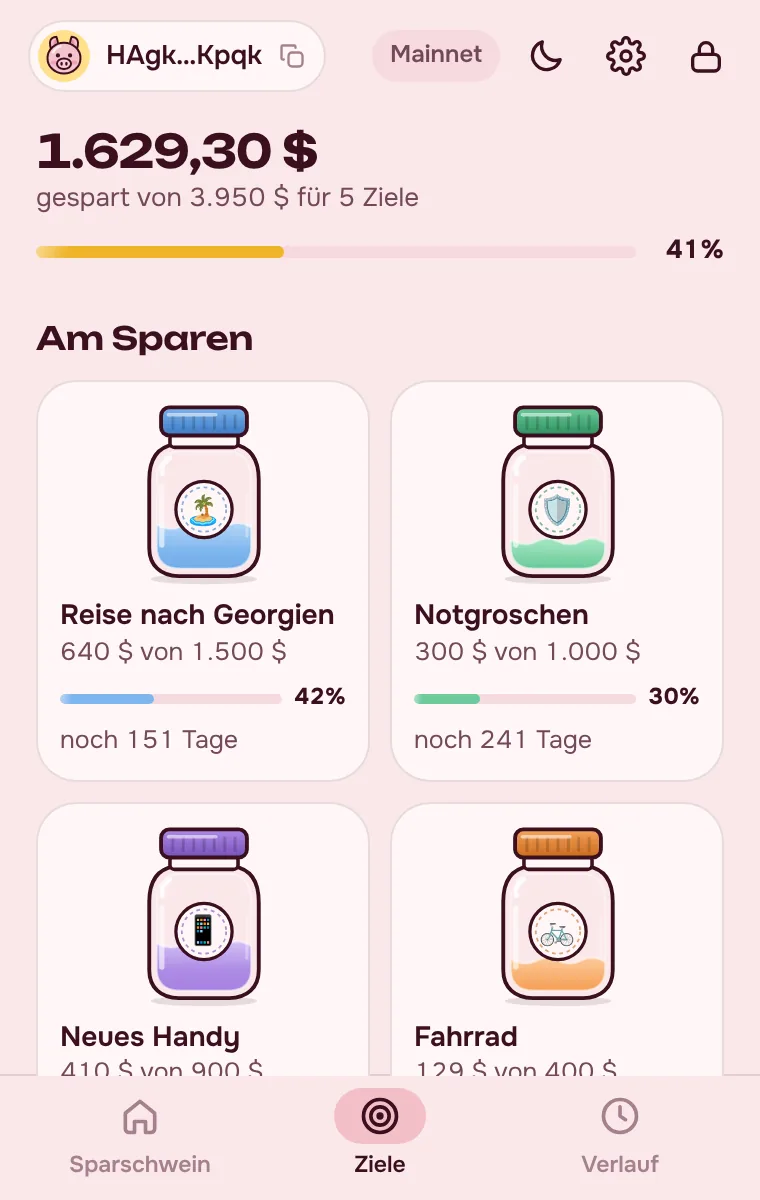
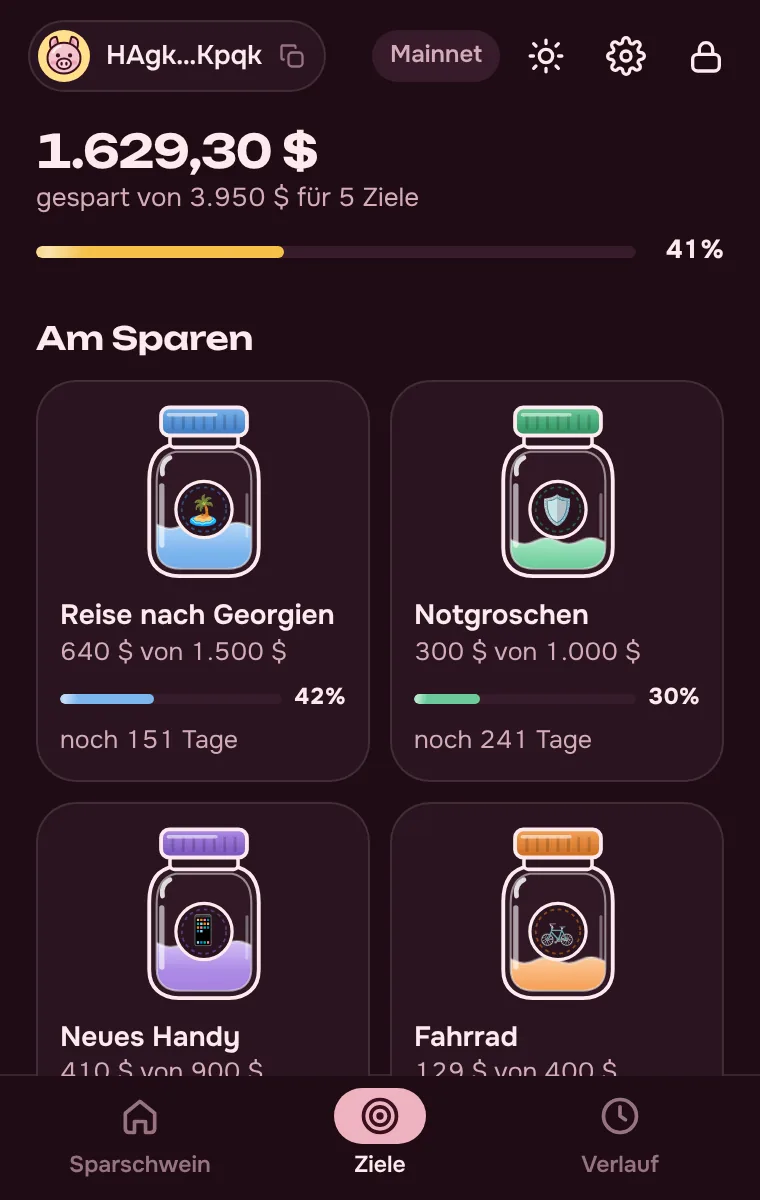
A trip, a phone, a rainy-day fund: every goal gets its own jar. It fills with each top-up, and the piggy bank counts what’s left.
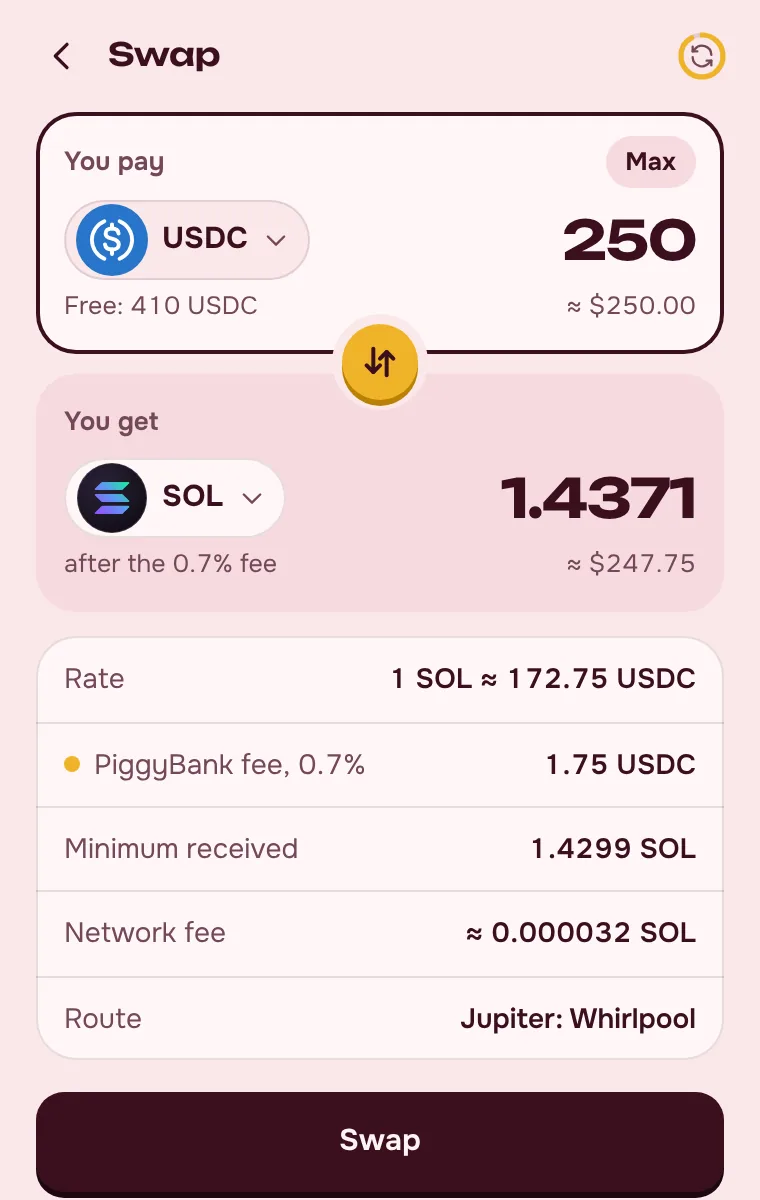
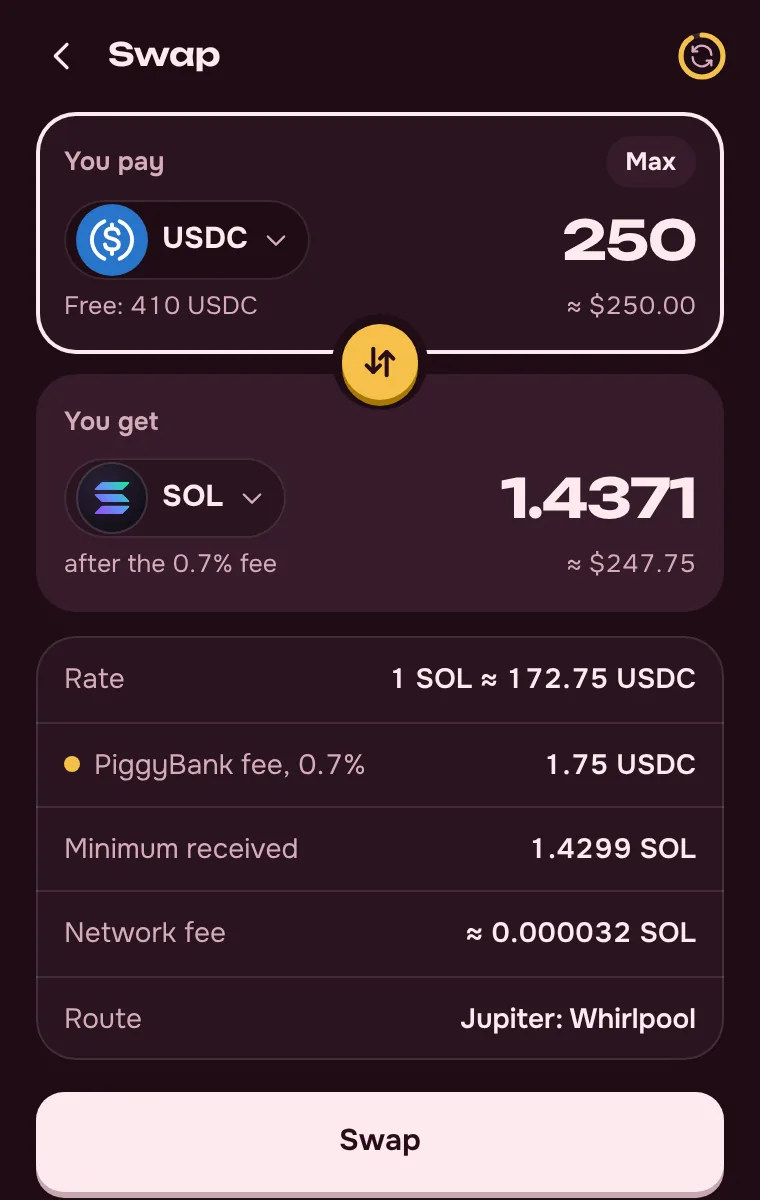
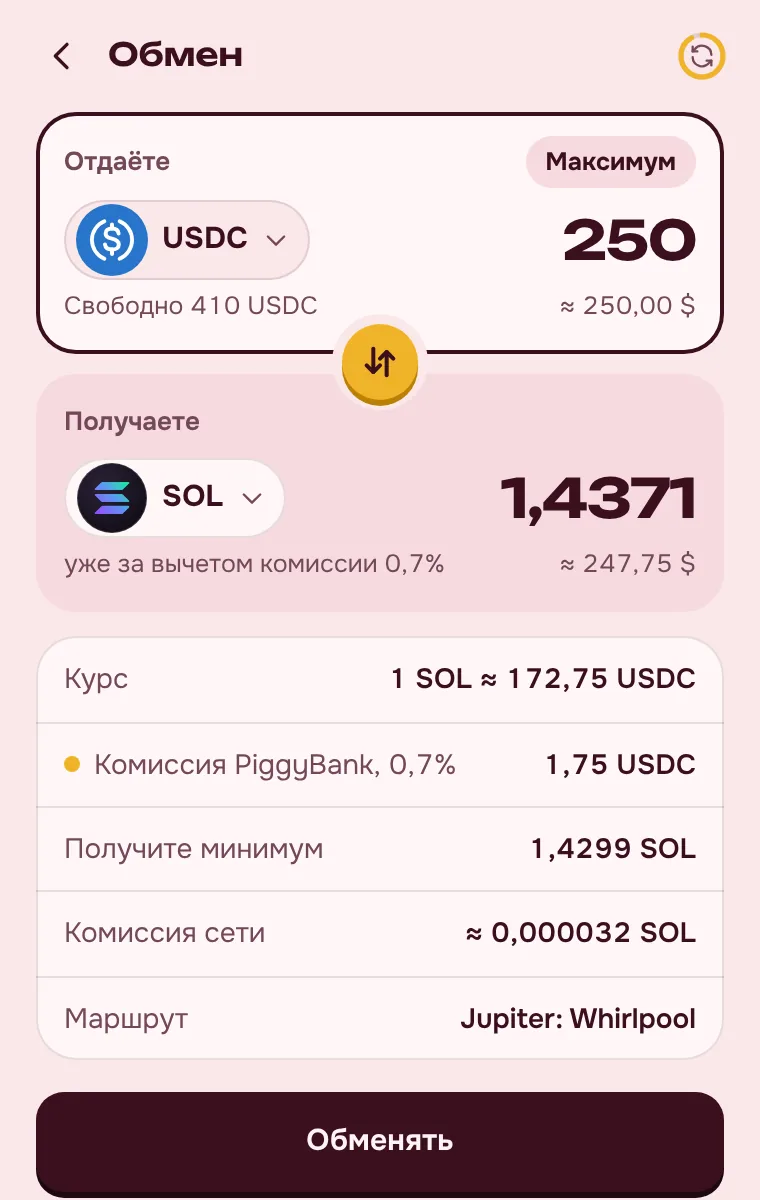
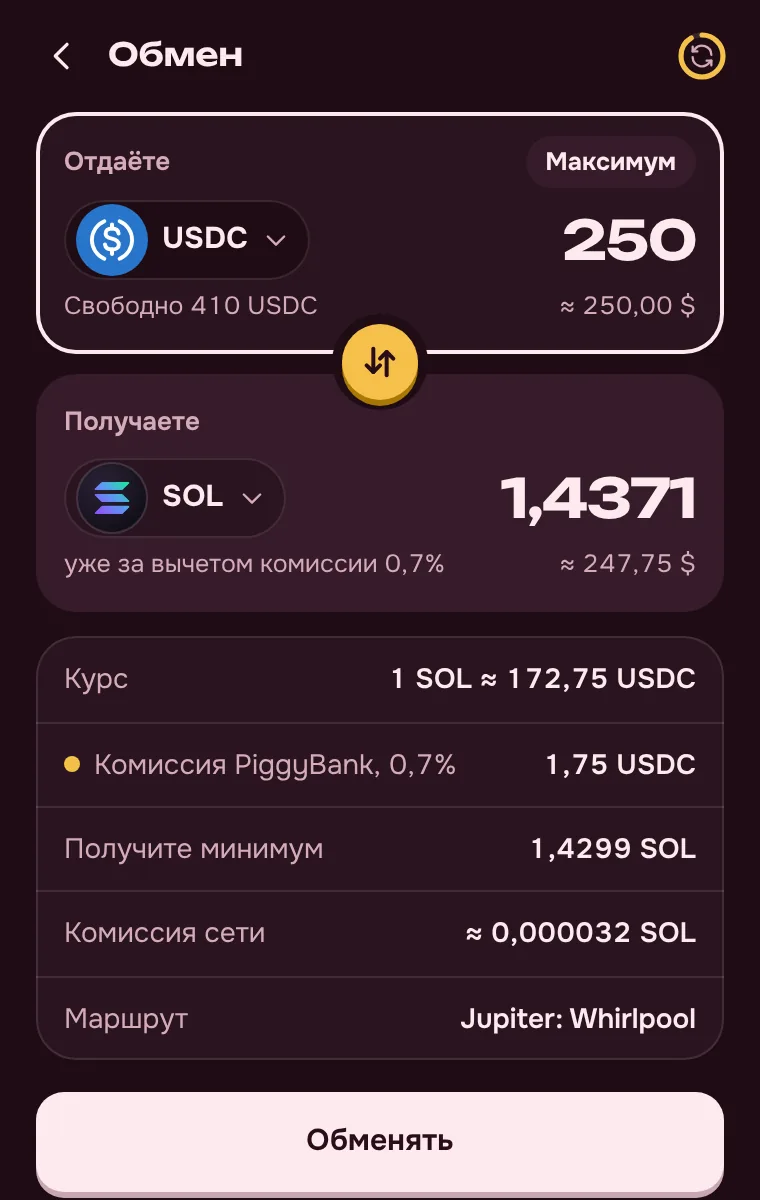
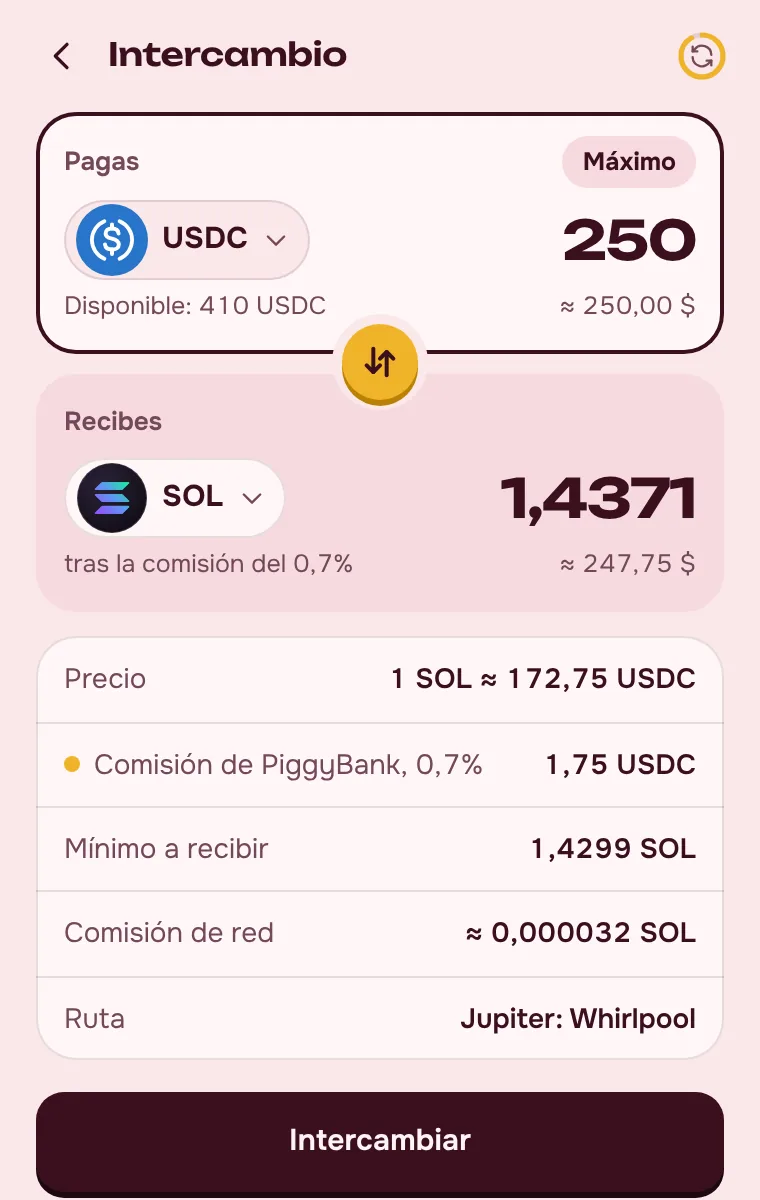
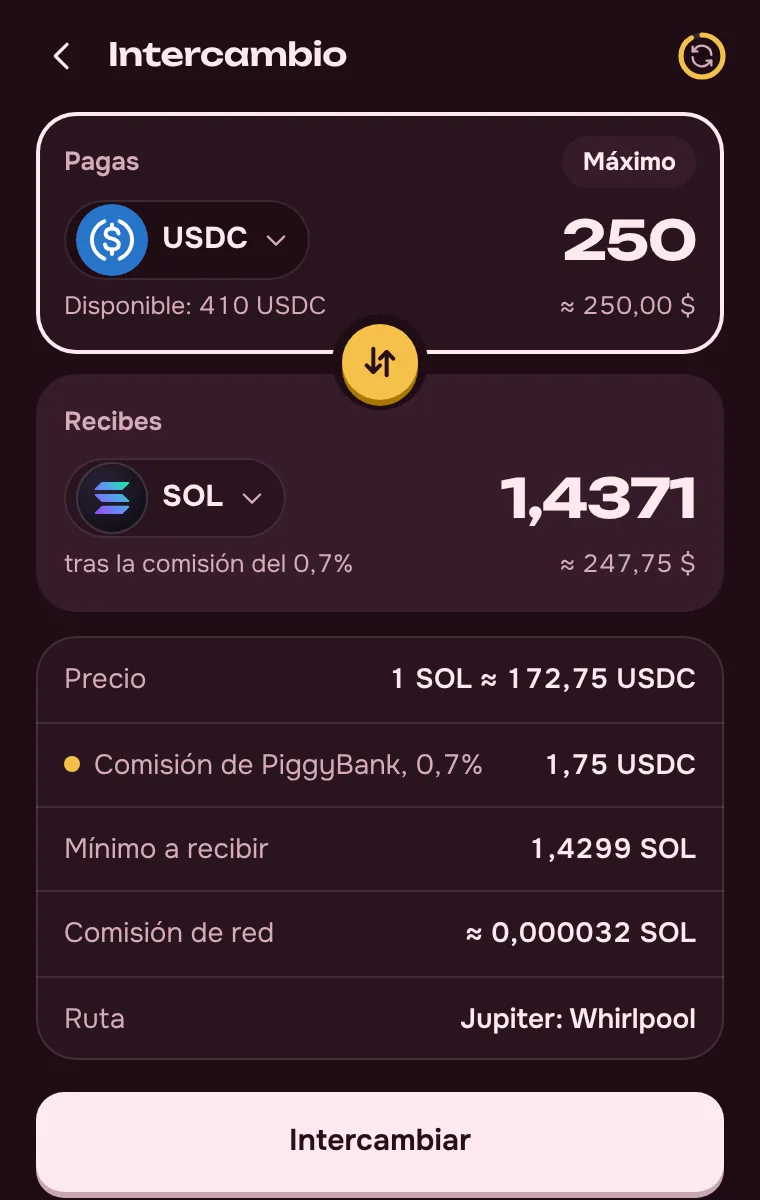
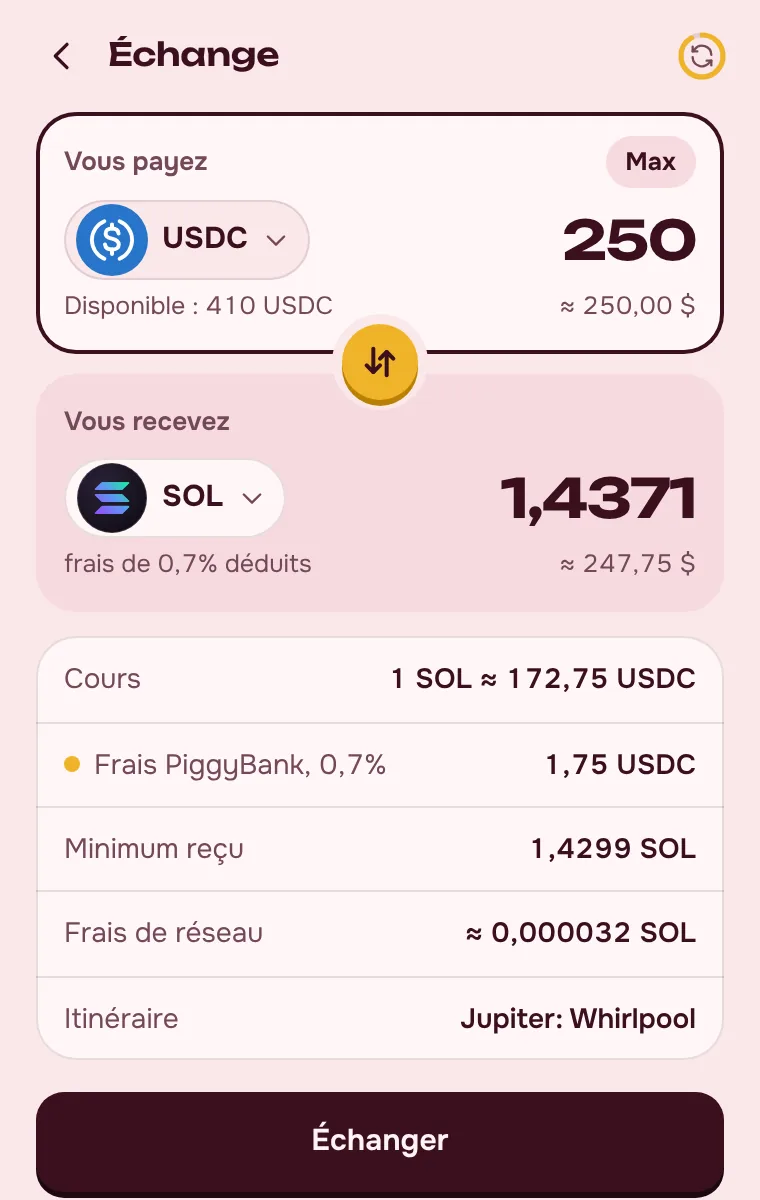
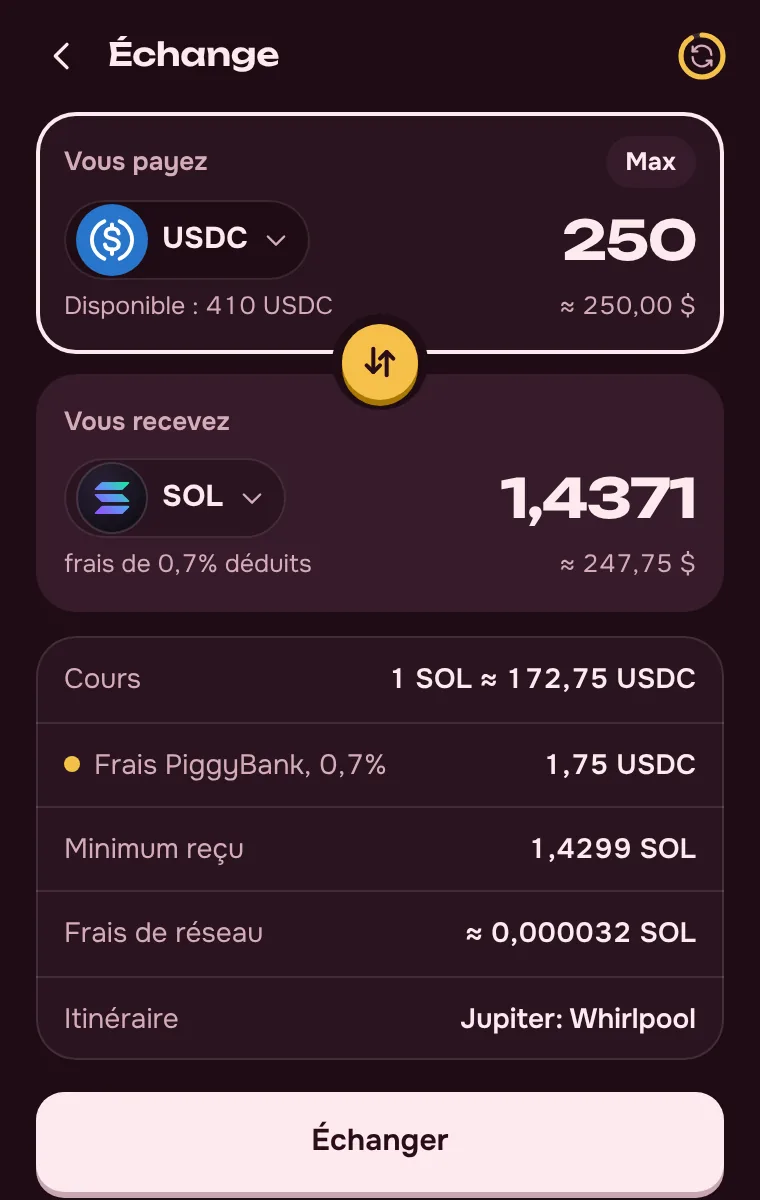
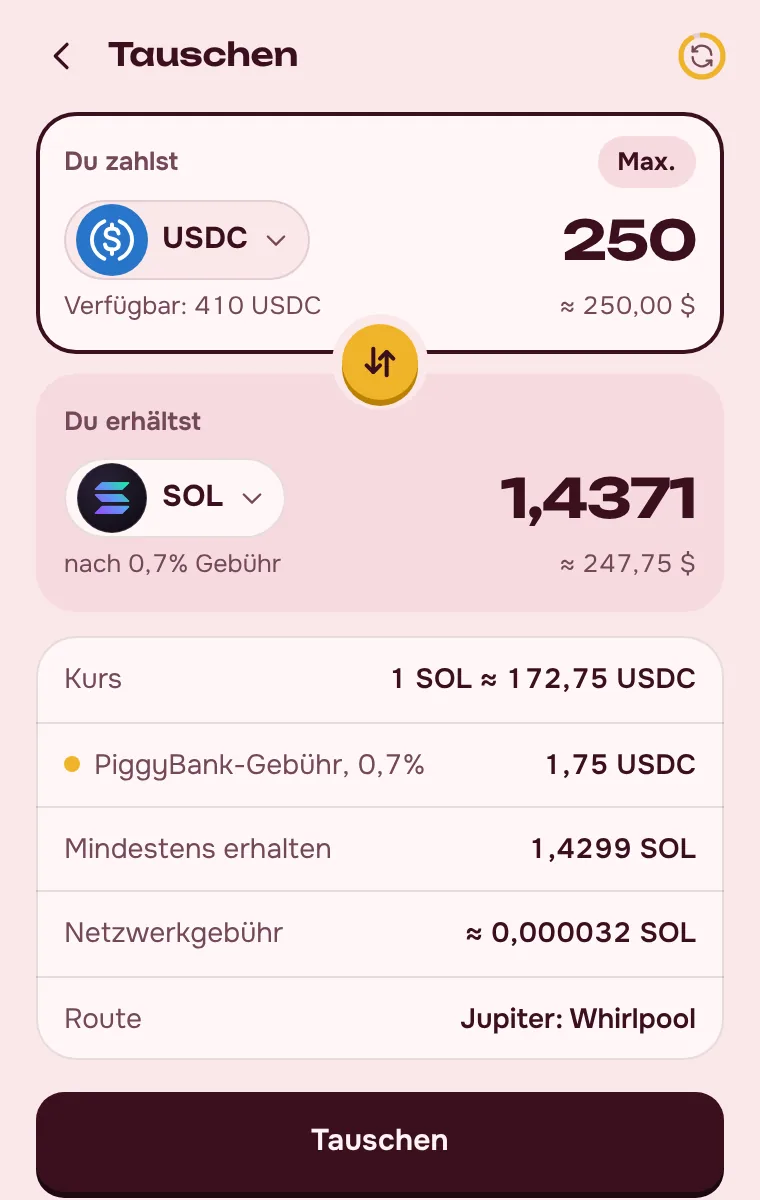
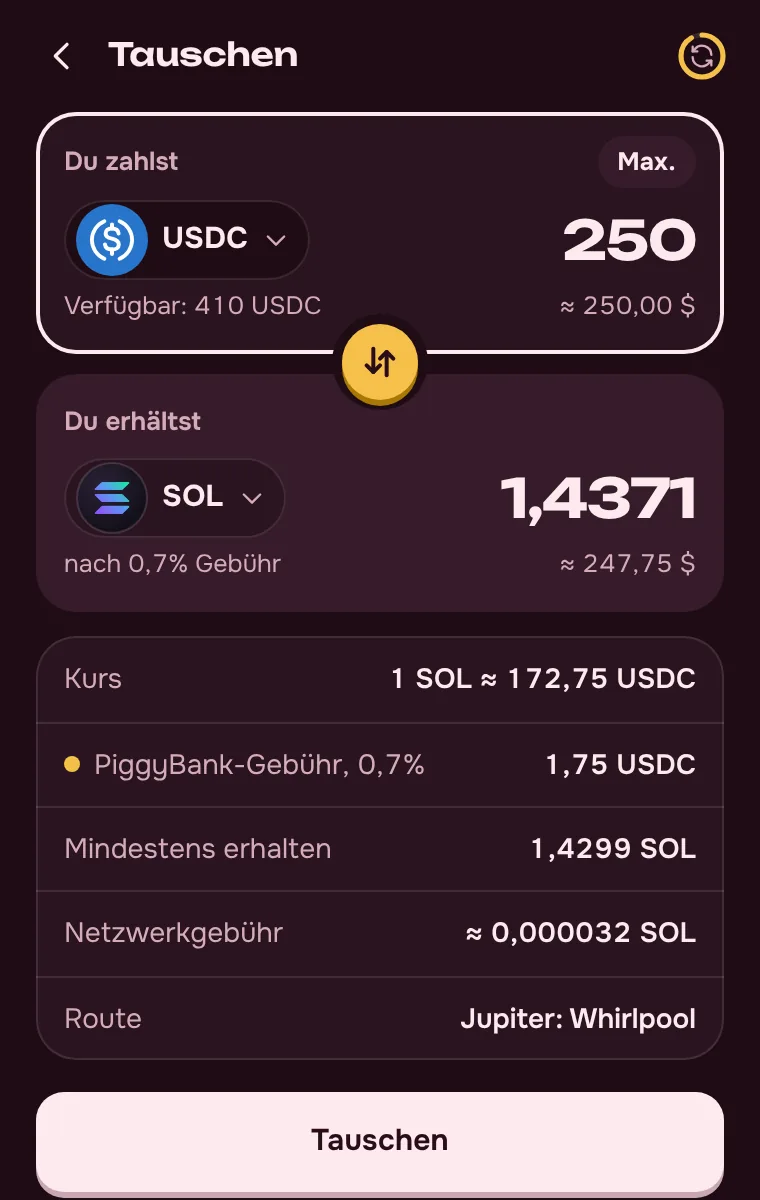
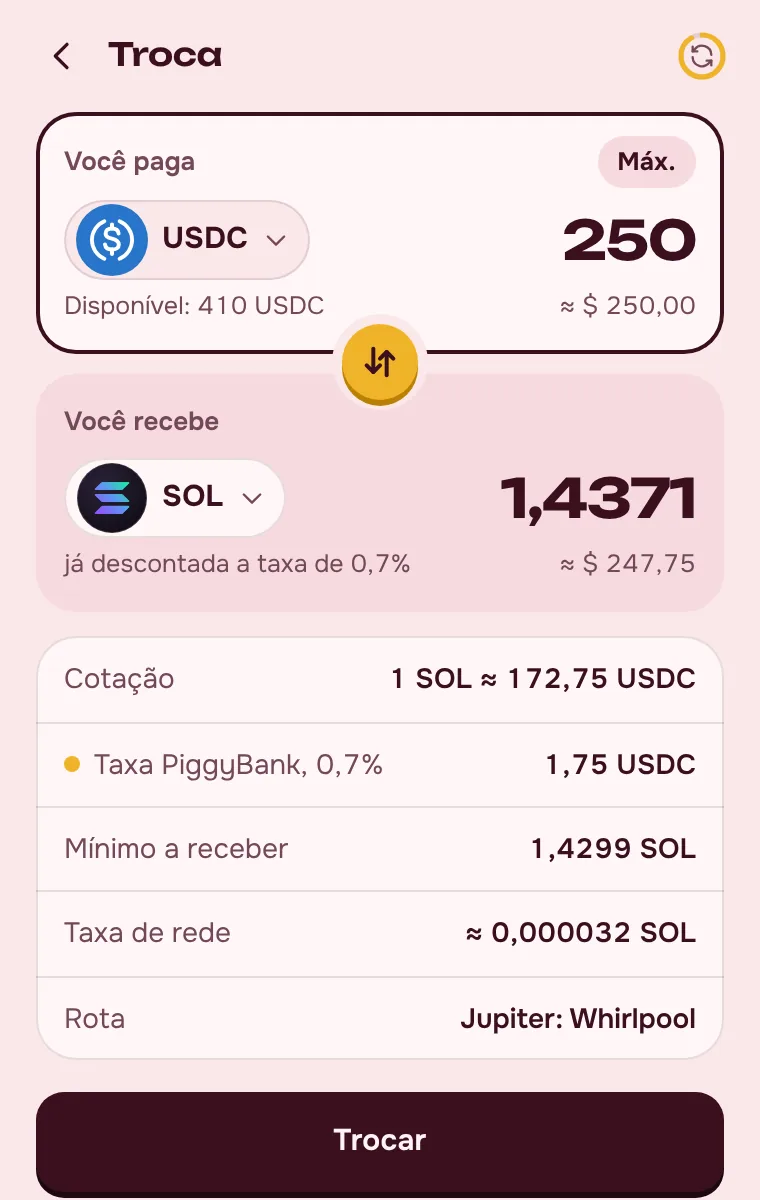
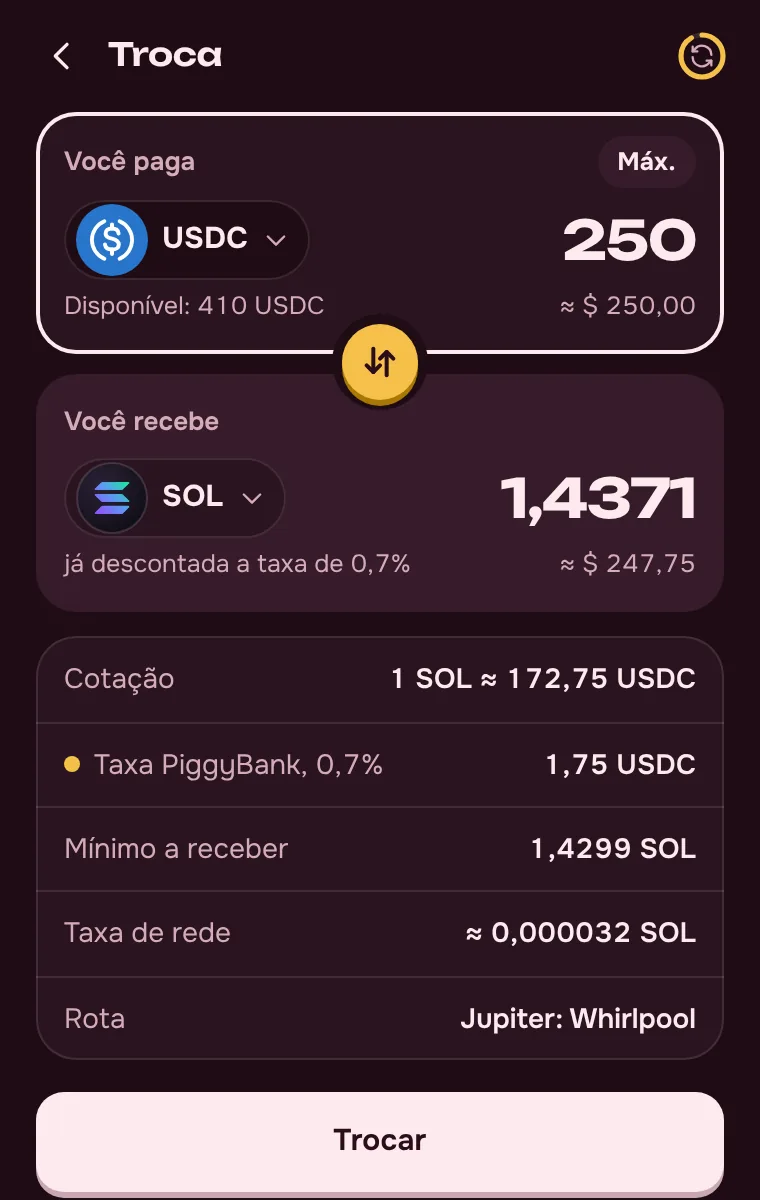
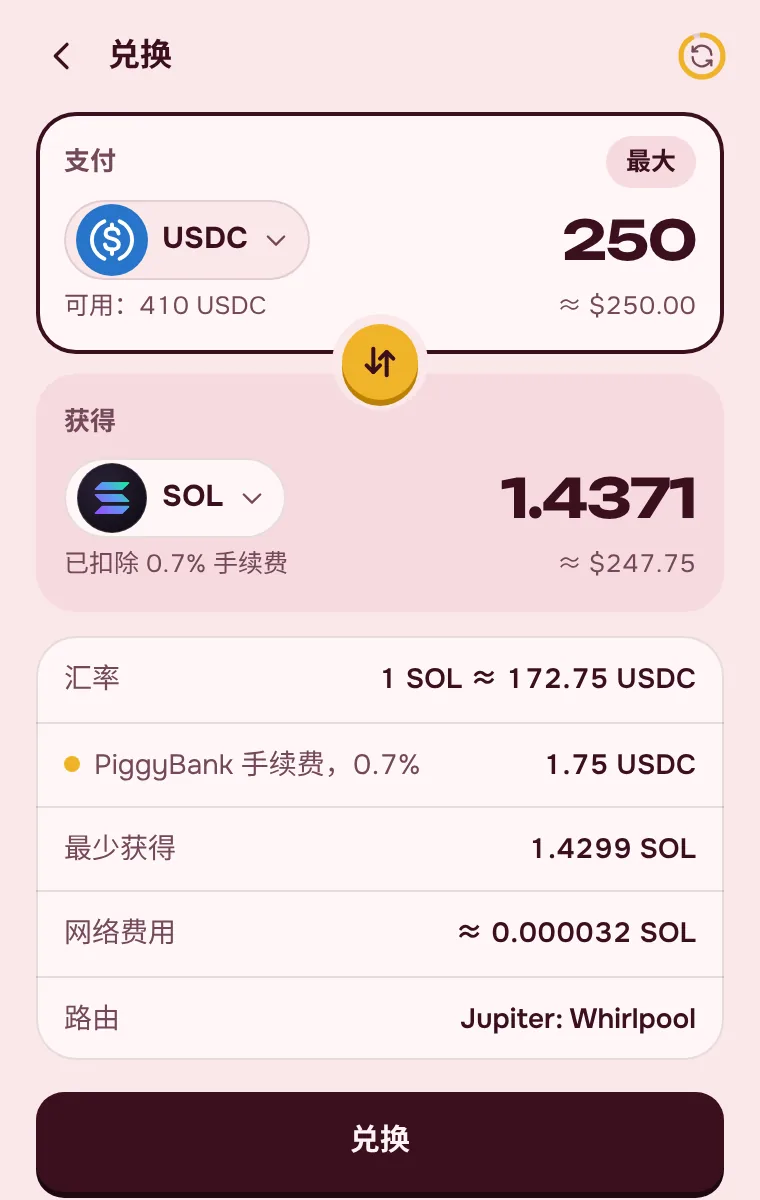
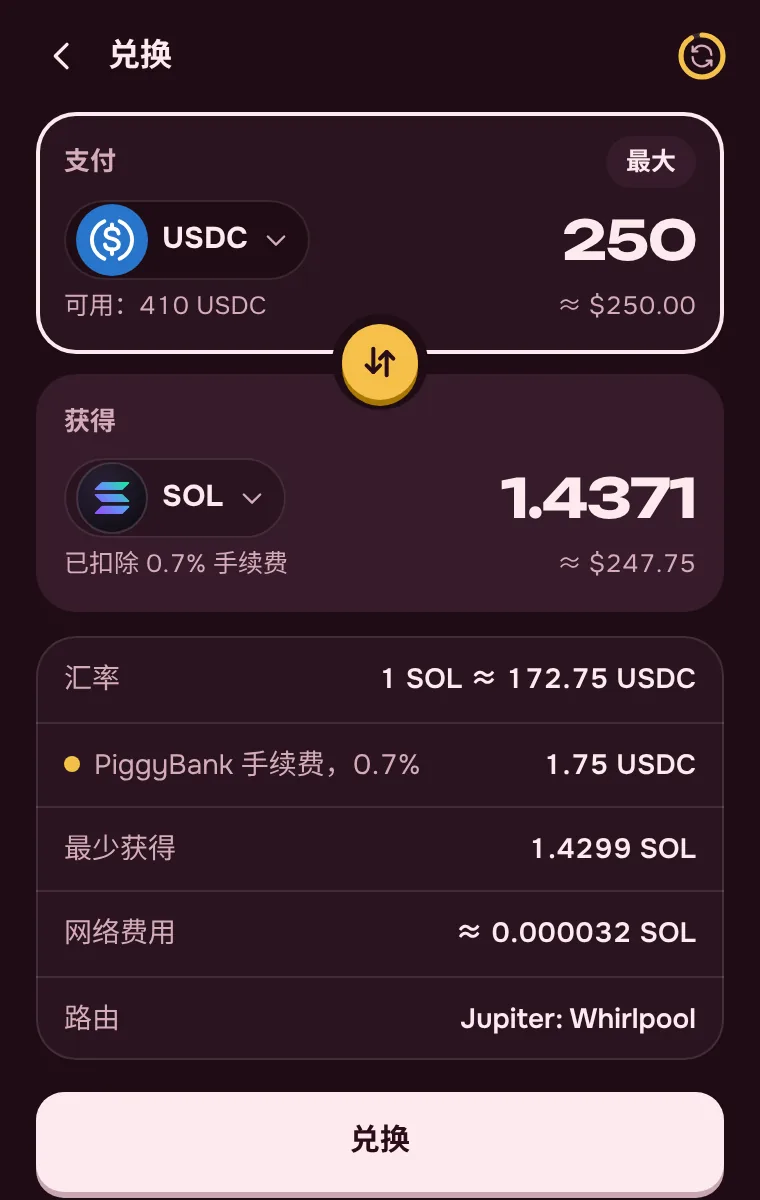
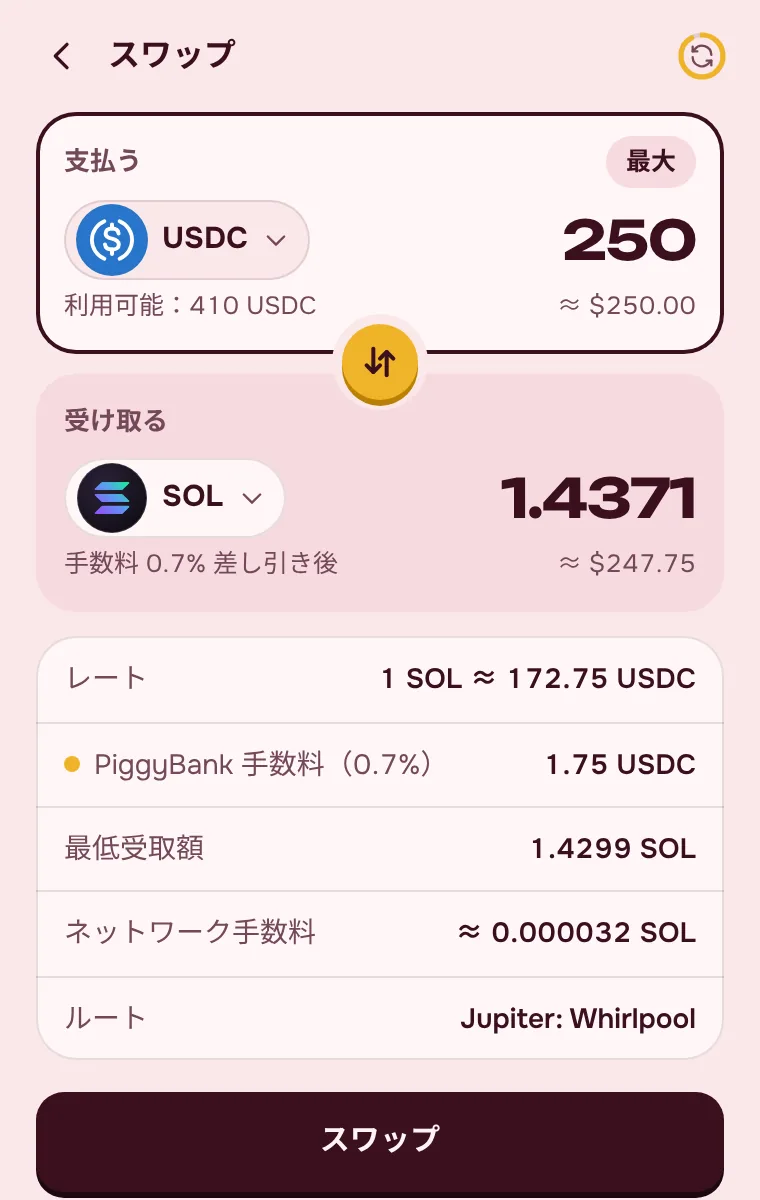
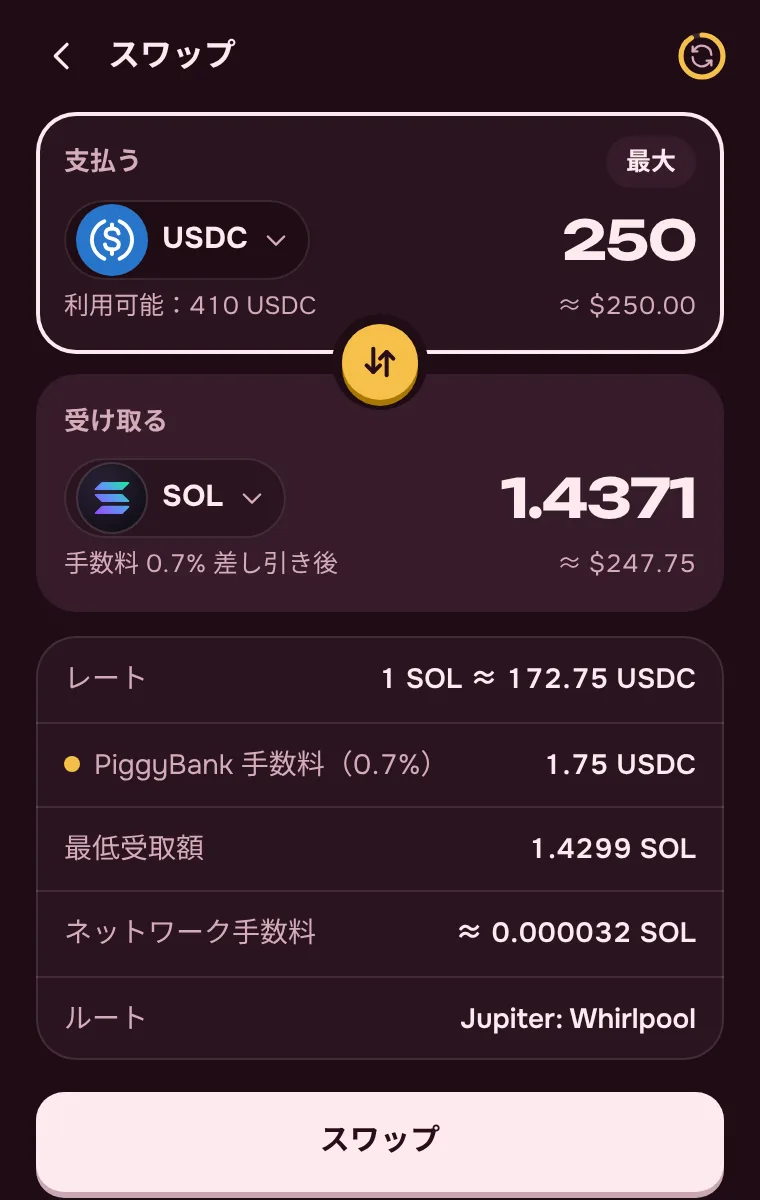
Swap SOL, USDC and USDT in a couple of taps at the best rate Jupiter can find. No need to move money to an exchange and back.
This is a demo: real swaps happen in the extension, after you confirm.
Done! In the piggy bank
Pick a goal and a date. The site does the same math as the extension.
With a month or less to go, the piggy bank switches to a daily amount — easier to keep up.
Choose for each goal how tightly the money is locked.
Until the goal is reached, its money can’t be taken out, and the goal can’t be deleted or unlocked — no word or button gets around it. The lock comes off by itself once you reach the amount.
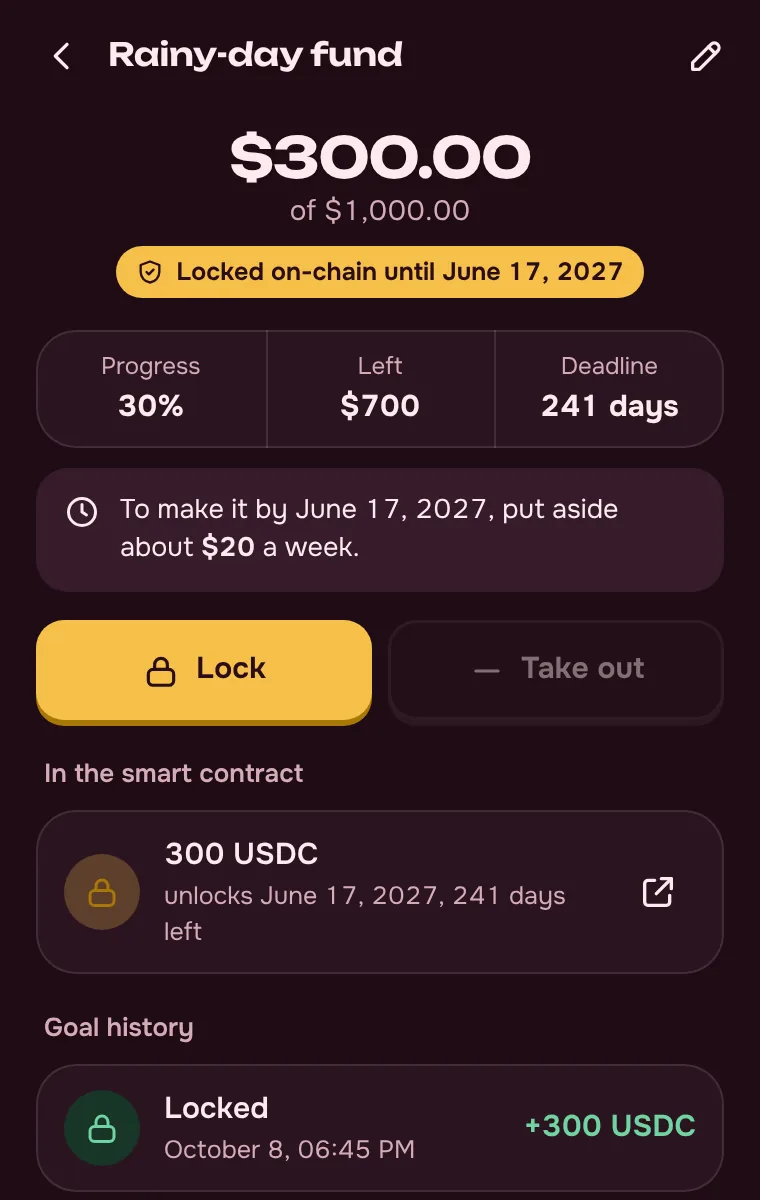
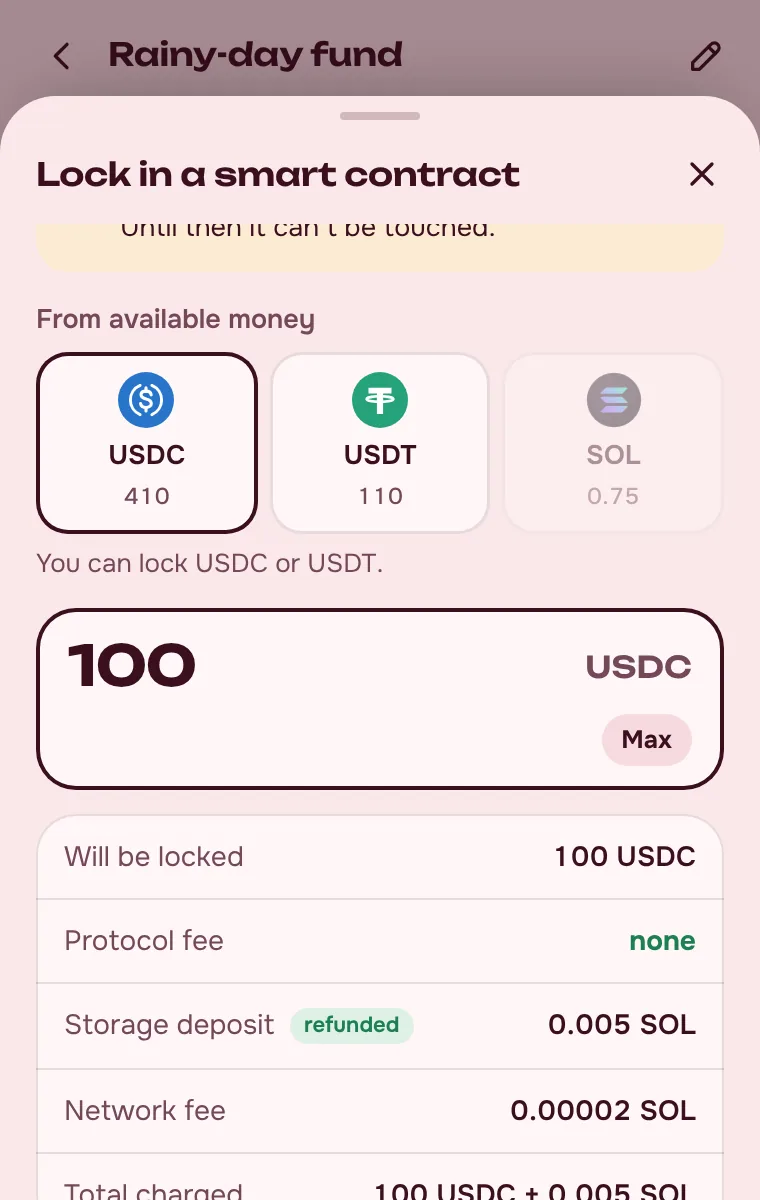
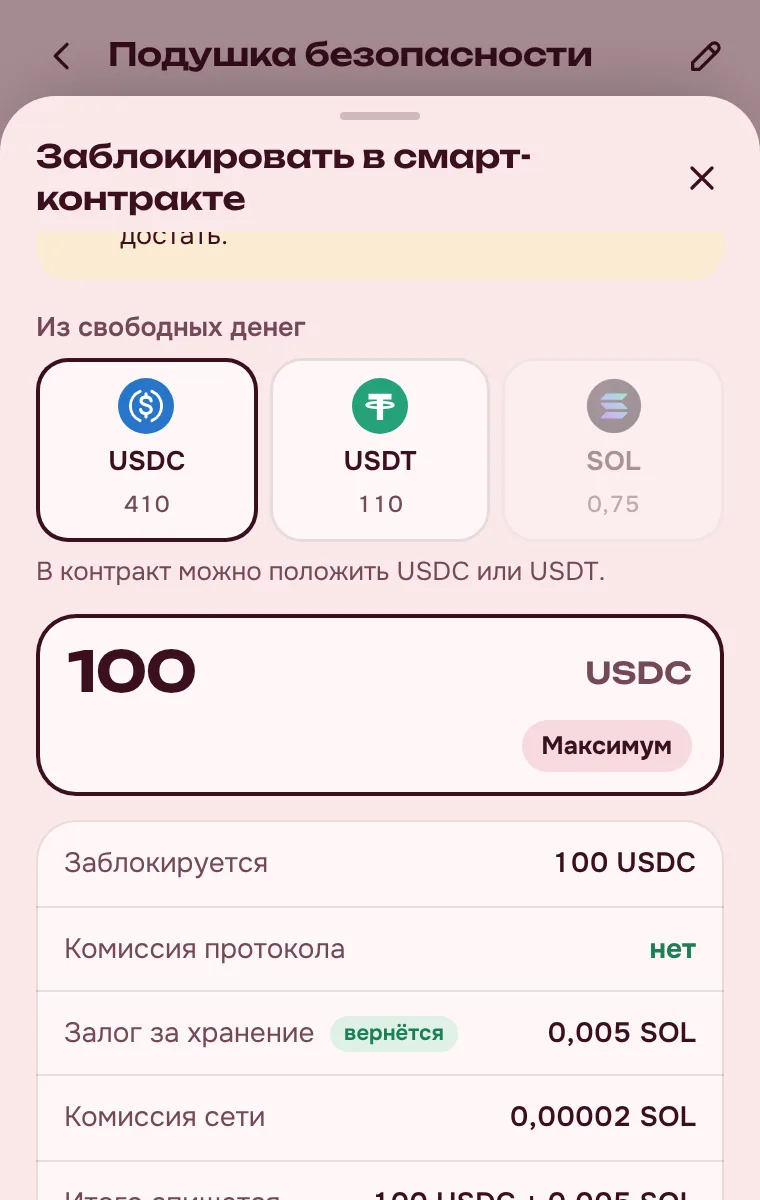
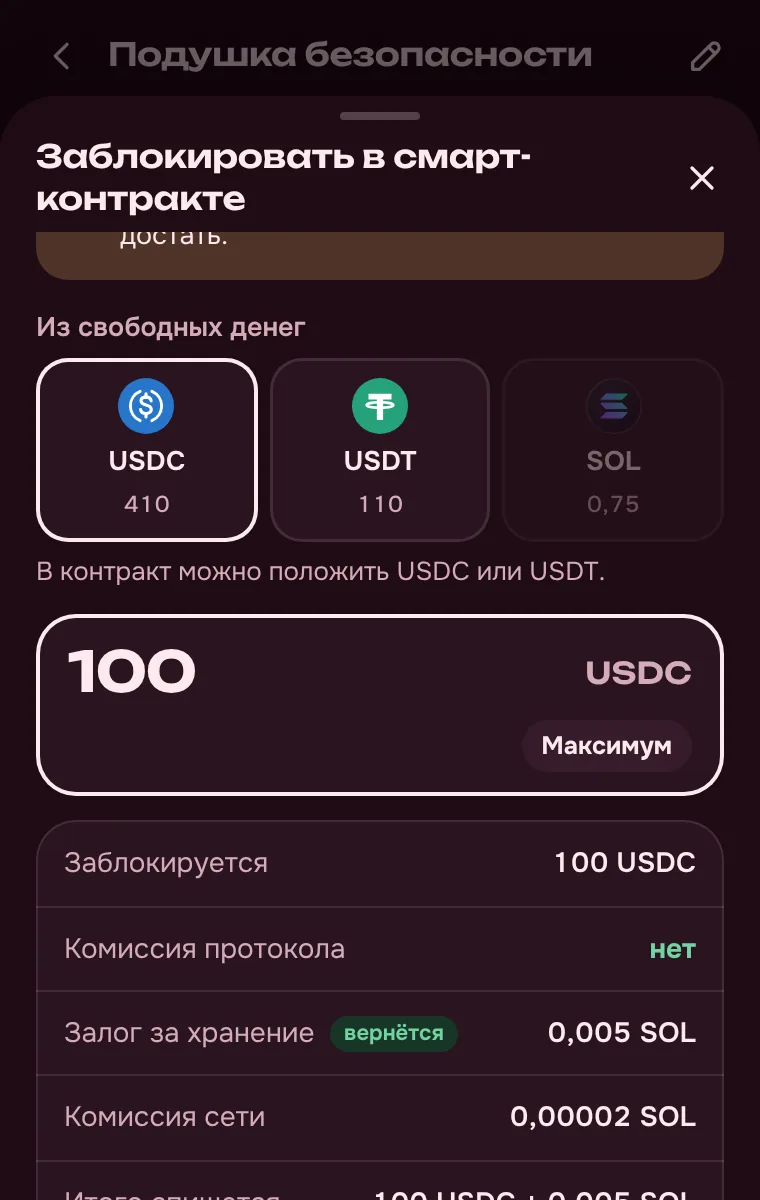
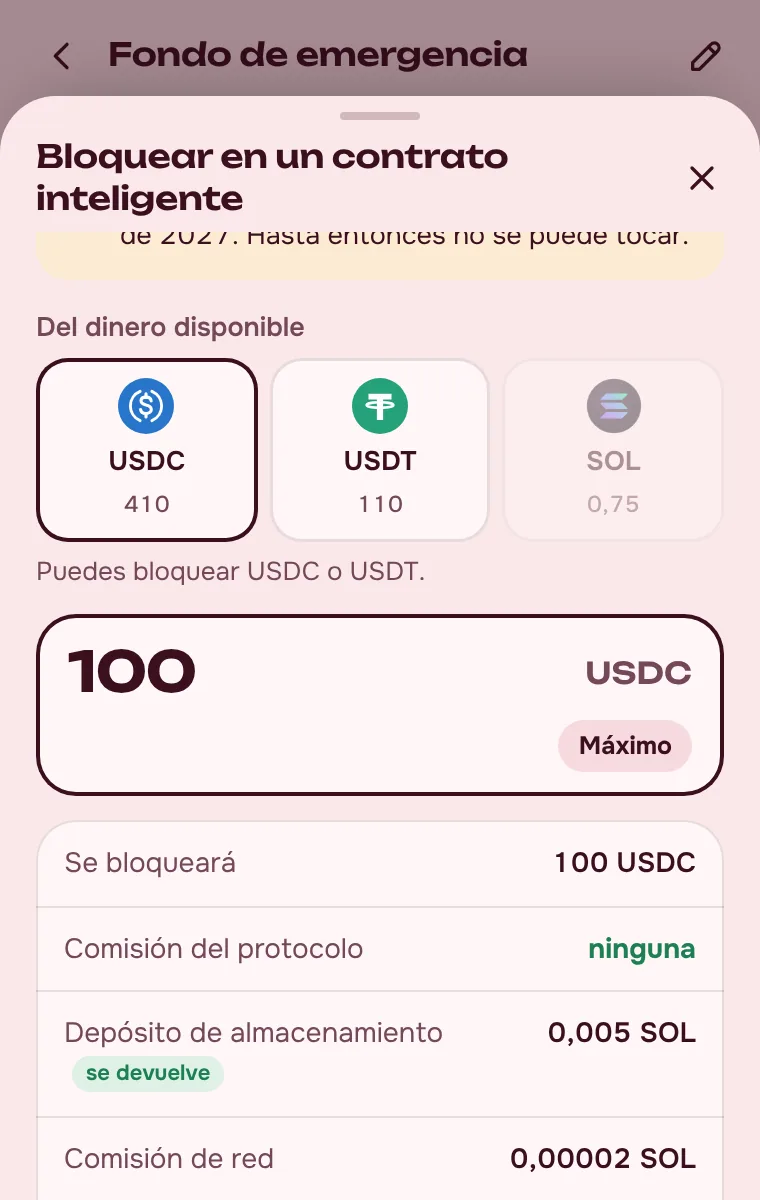
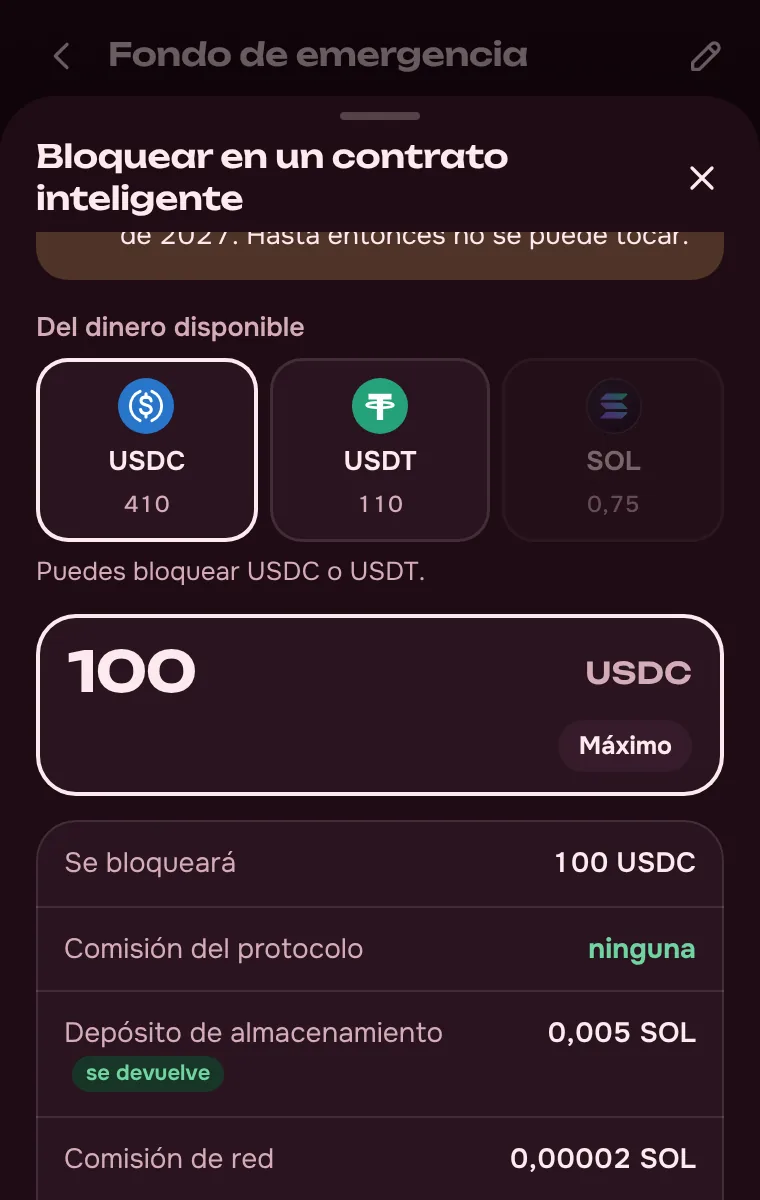
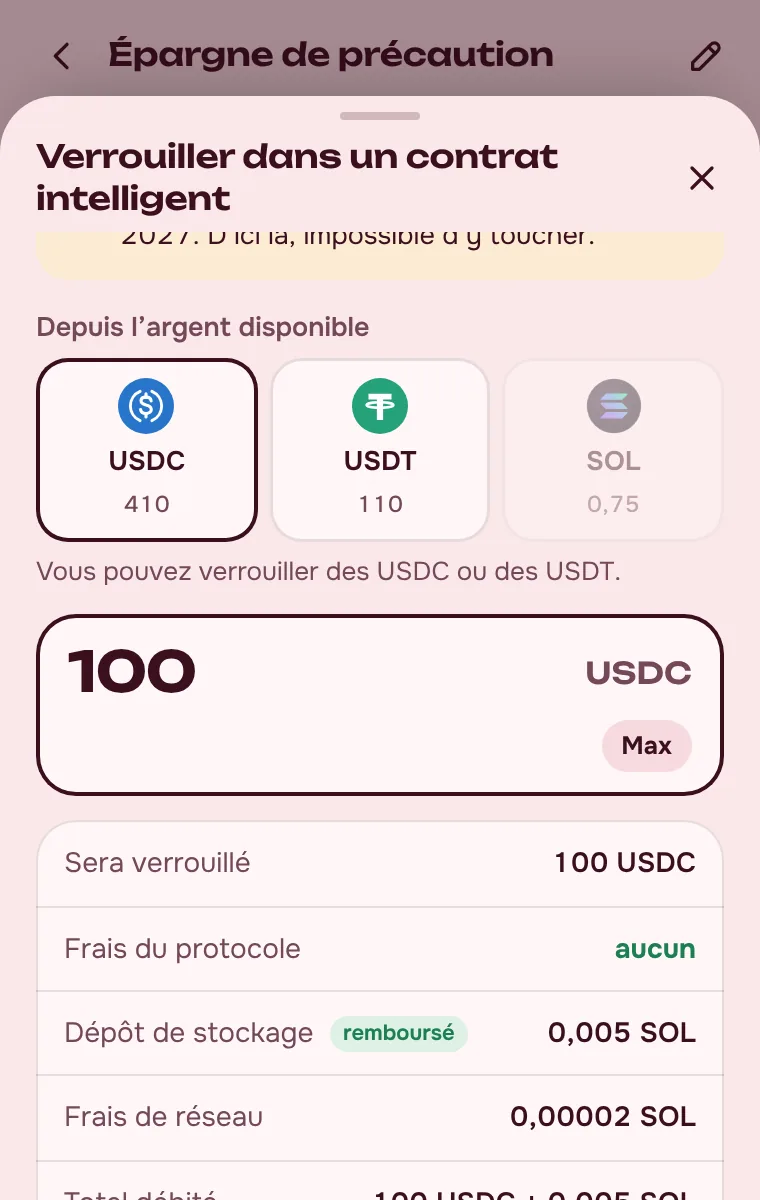
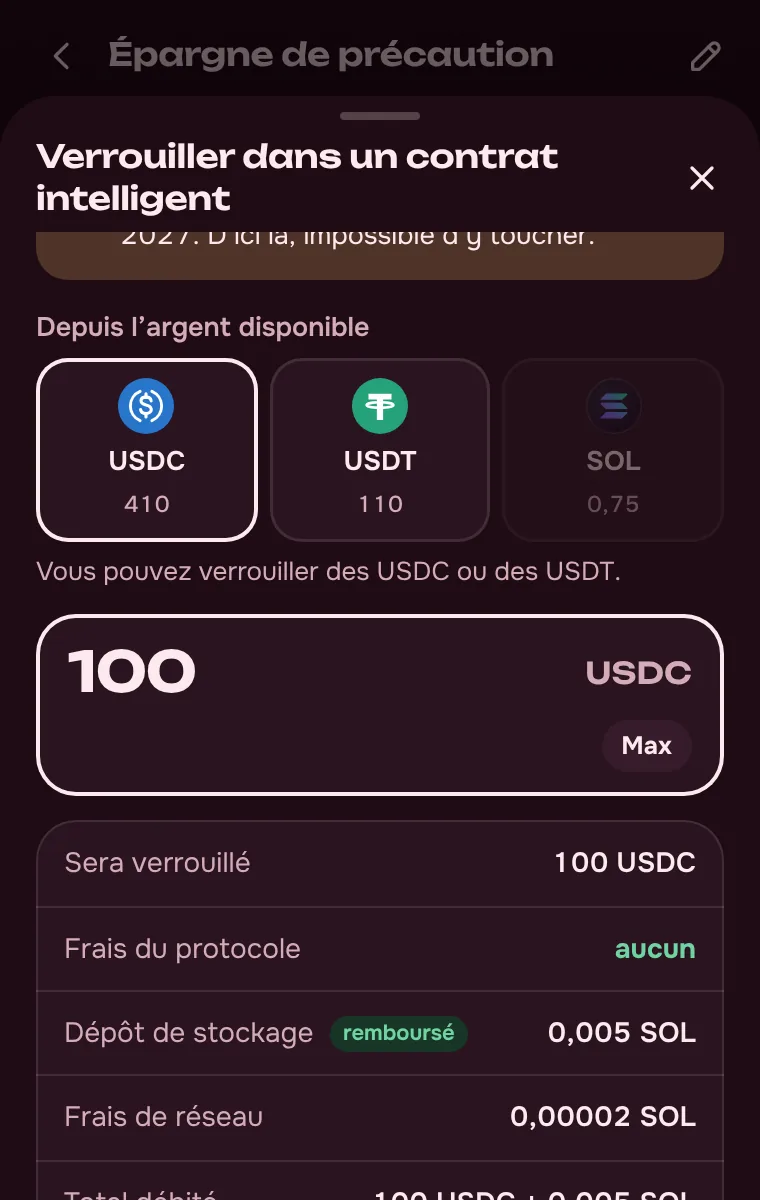
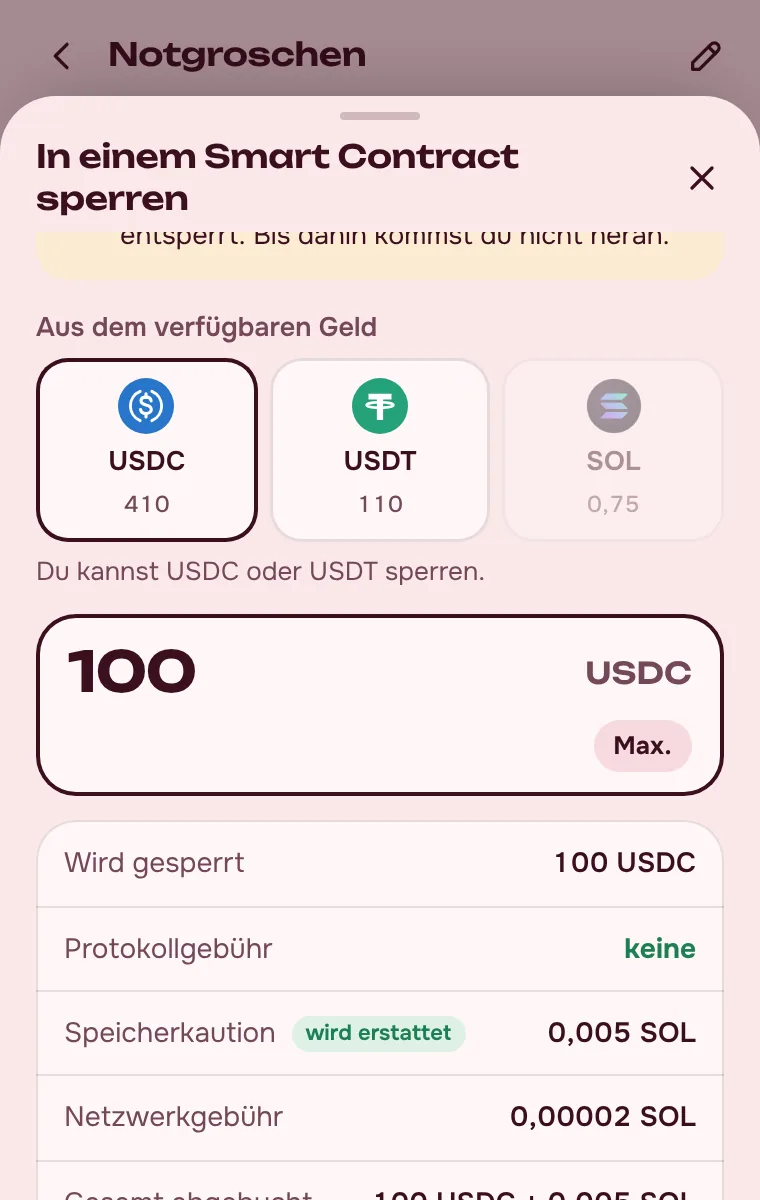
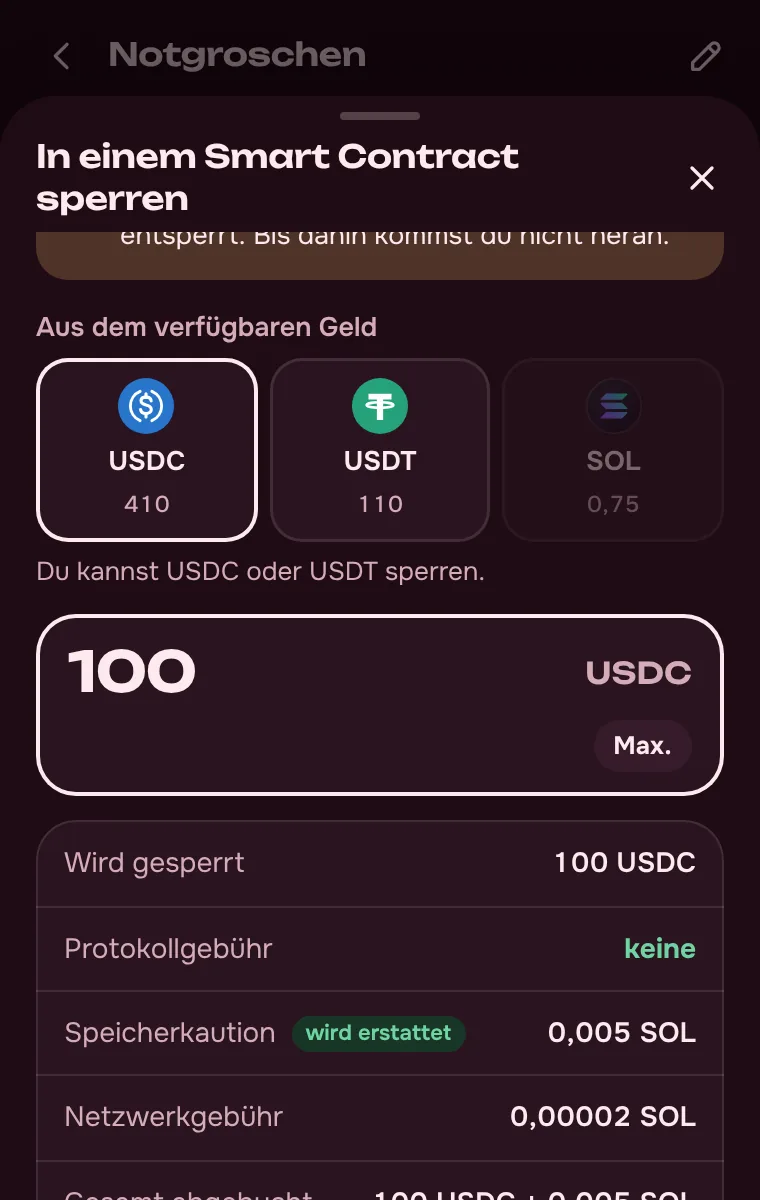
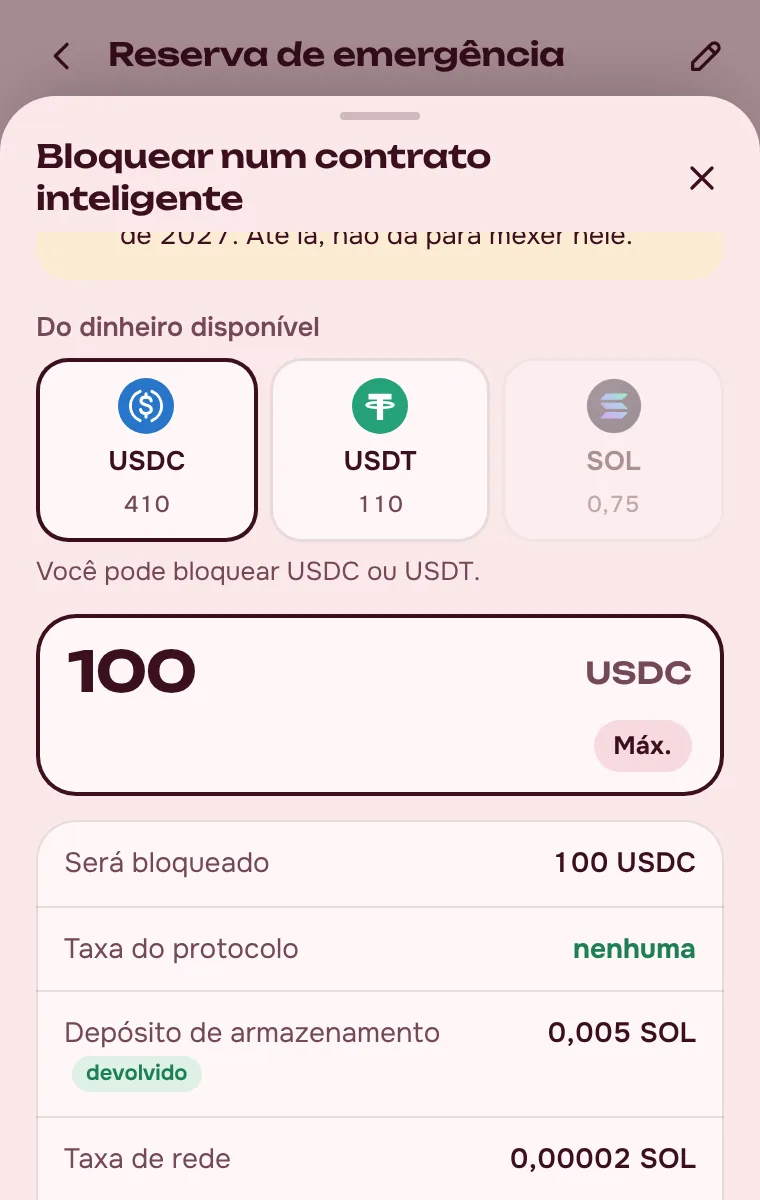
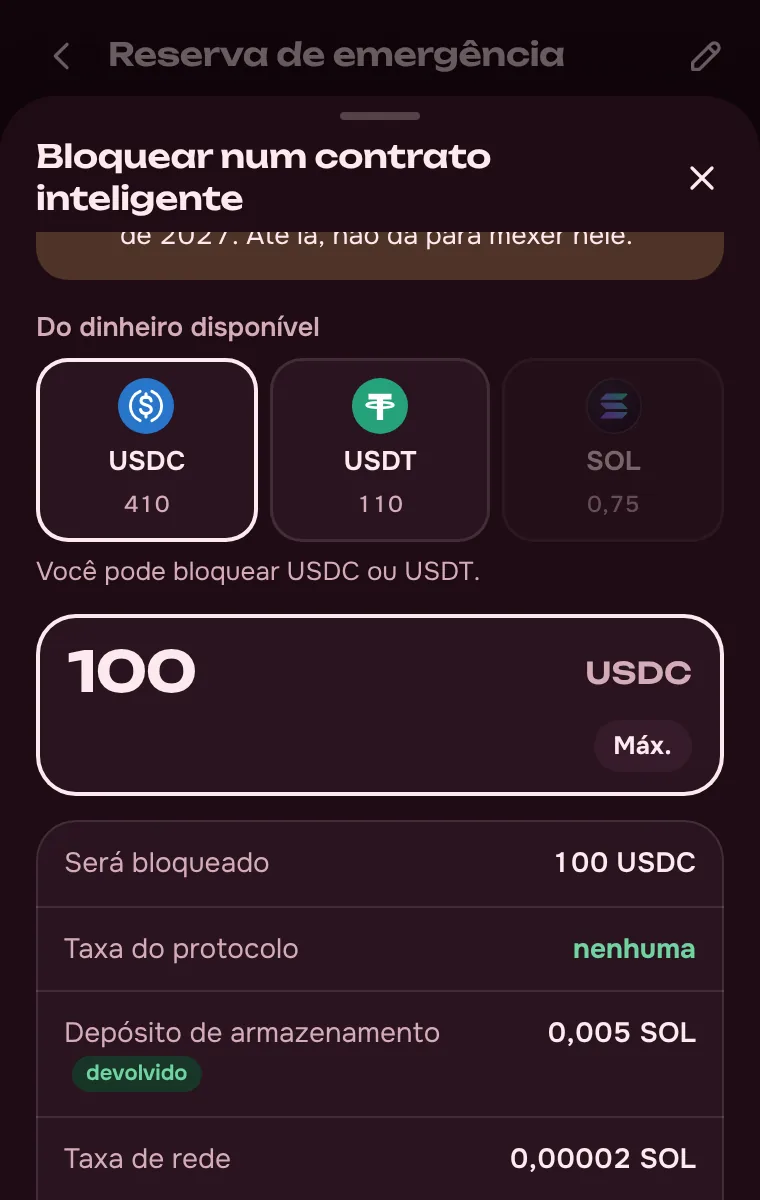
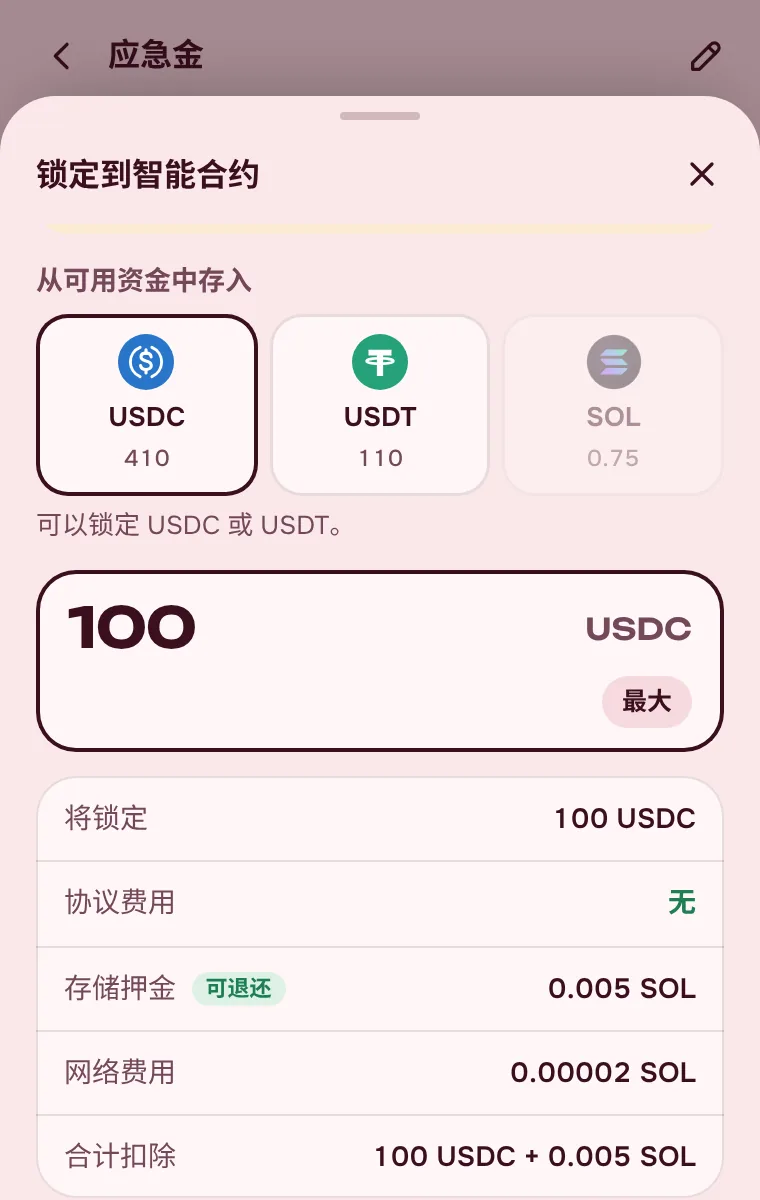
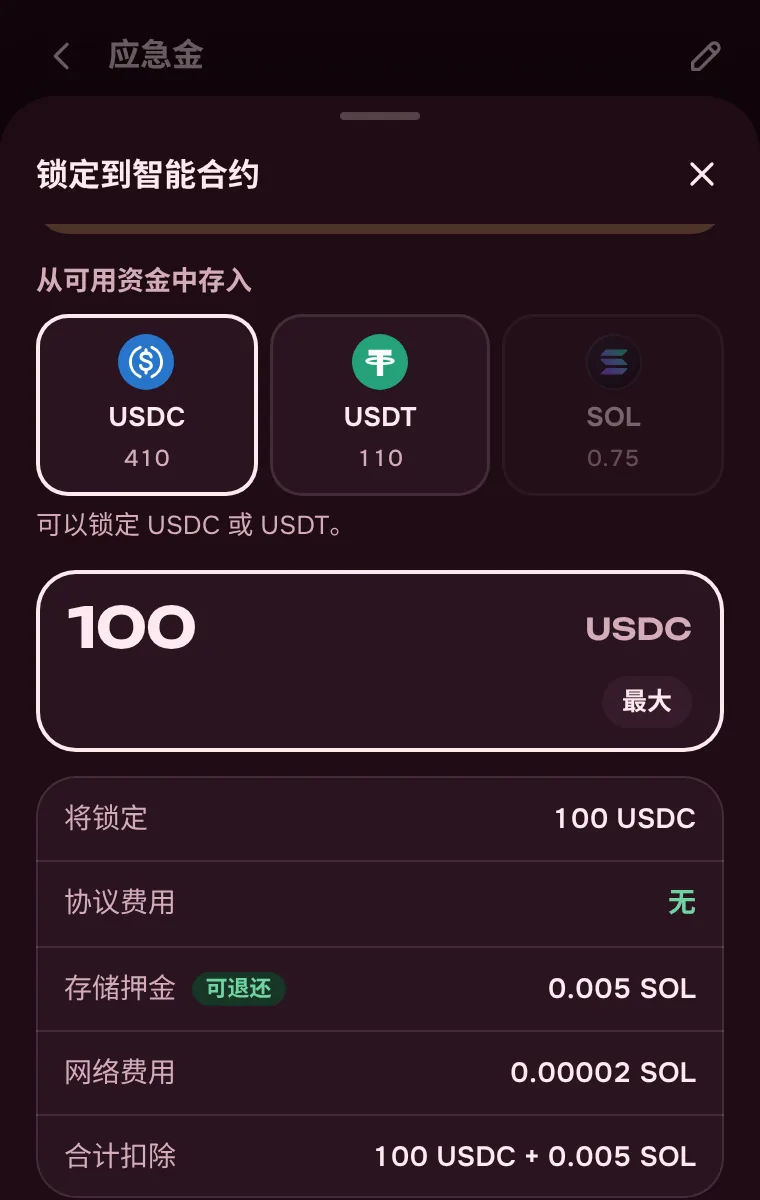
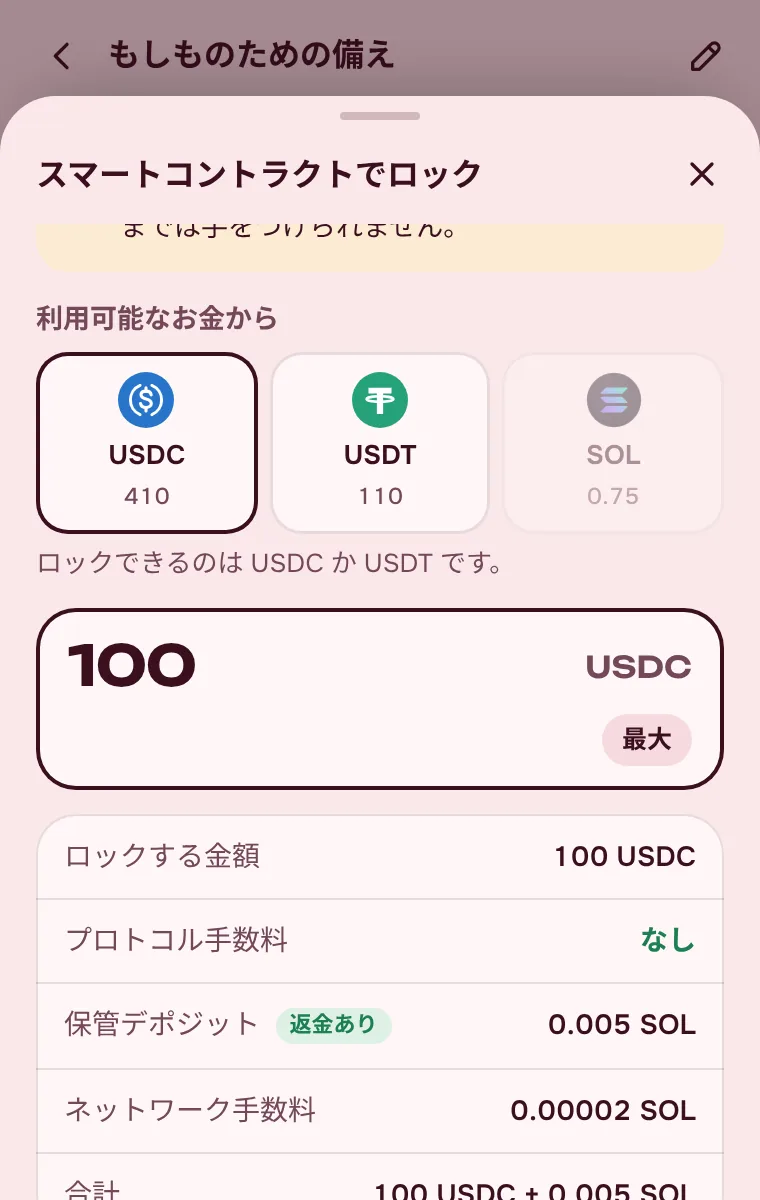
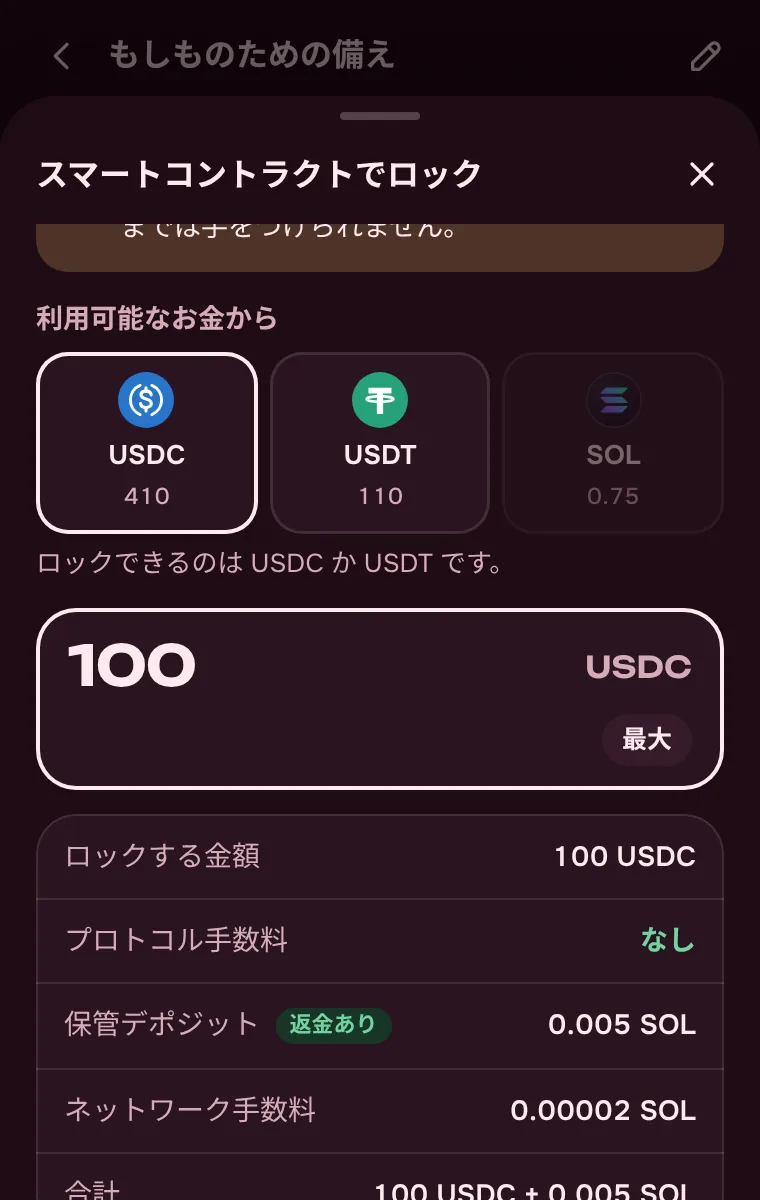
The money goes into a Jupiter Lock smart contract until the date you choose. There’s no way to take it out early — not here, not with another wallet, not through support.
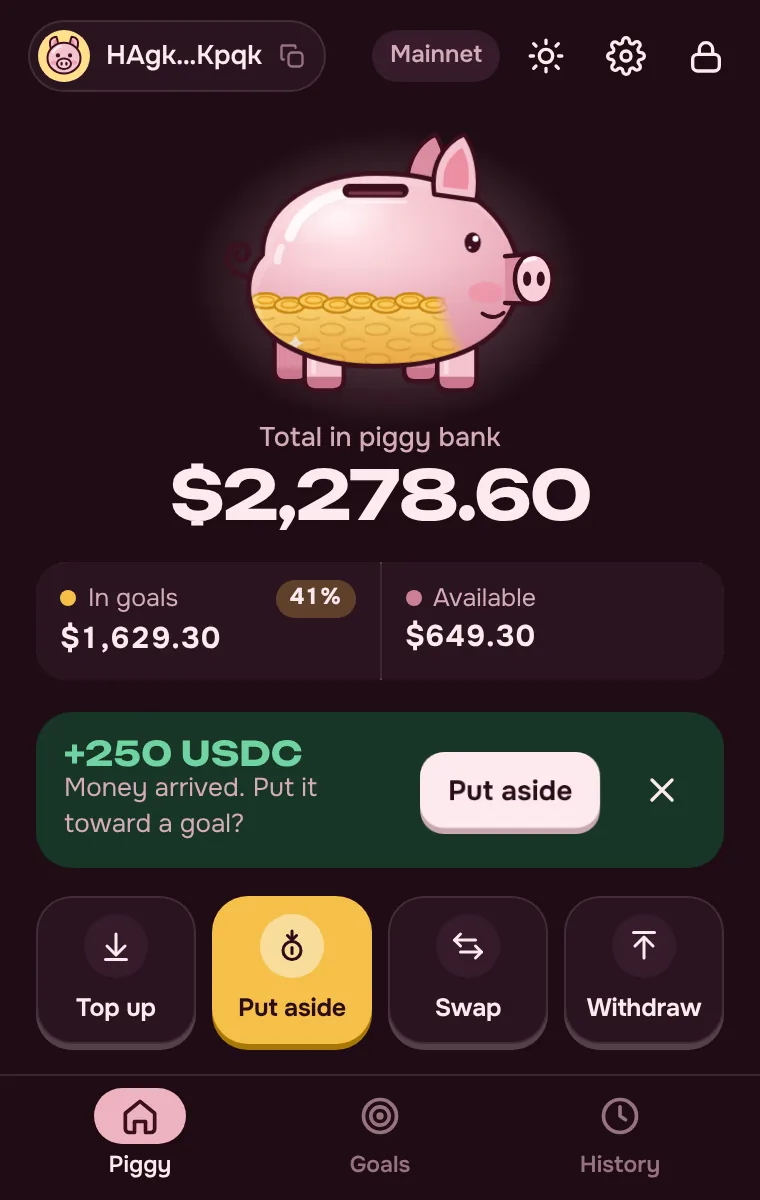
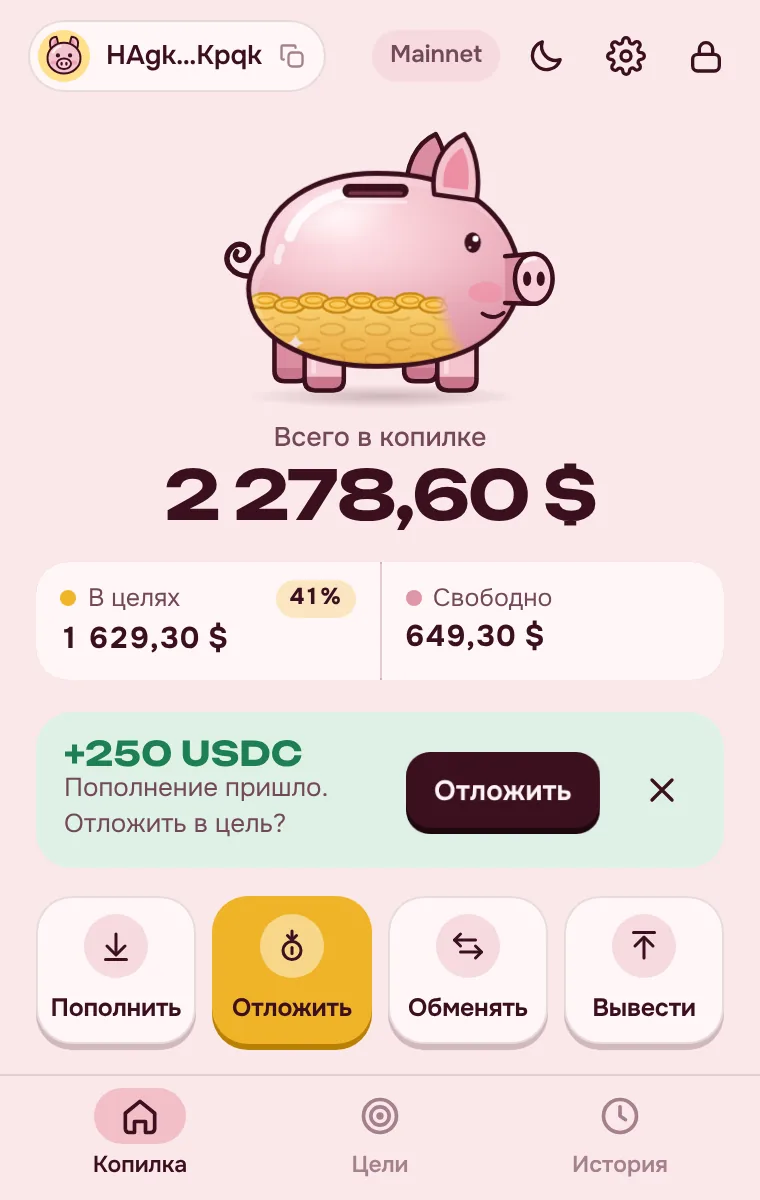
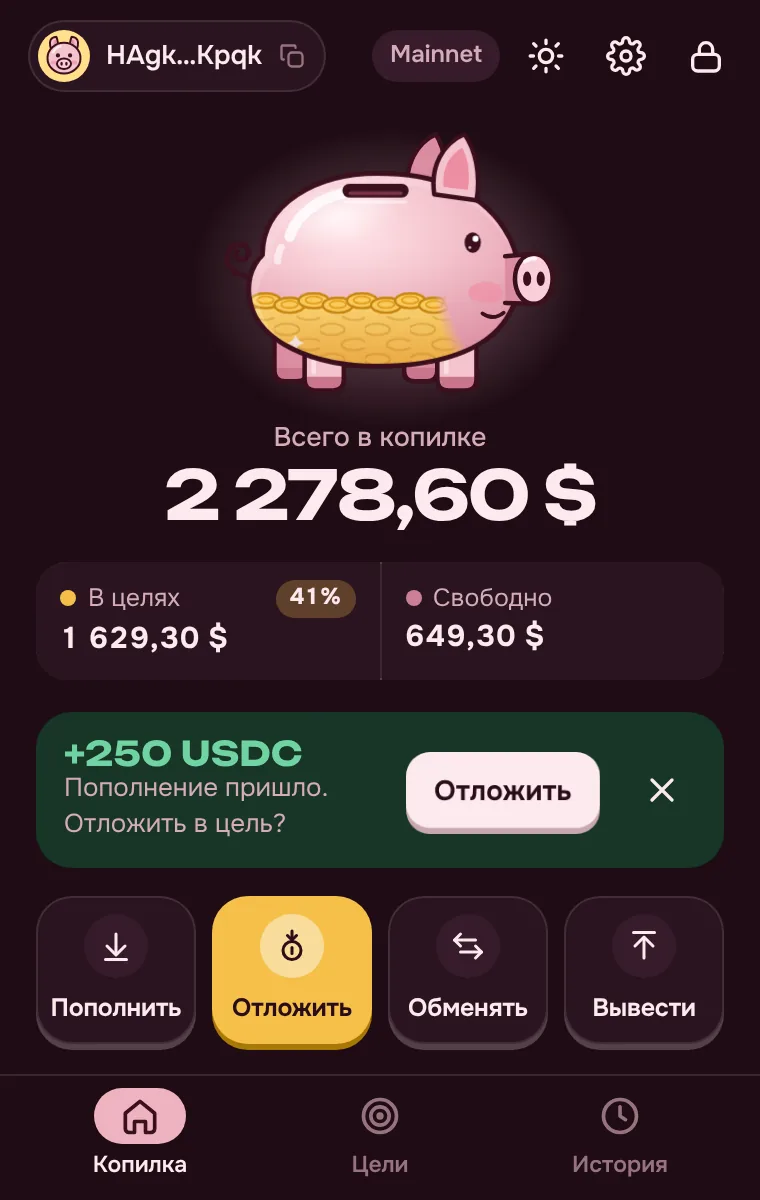
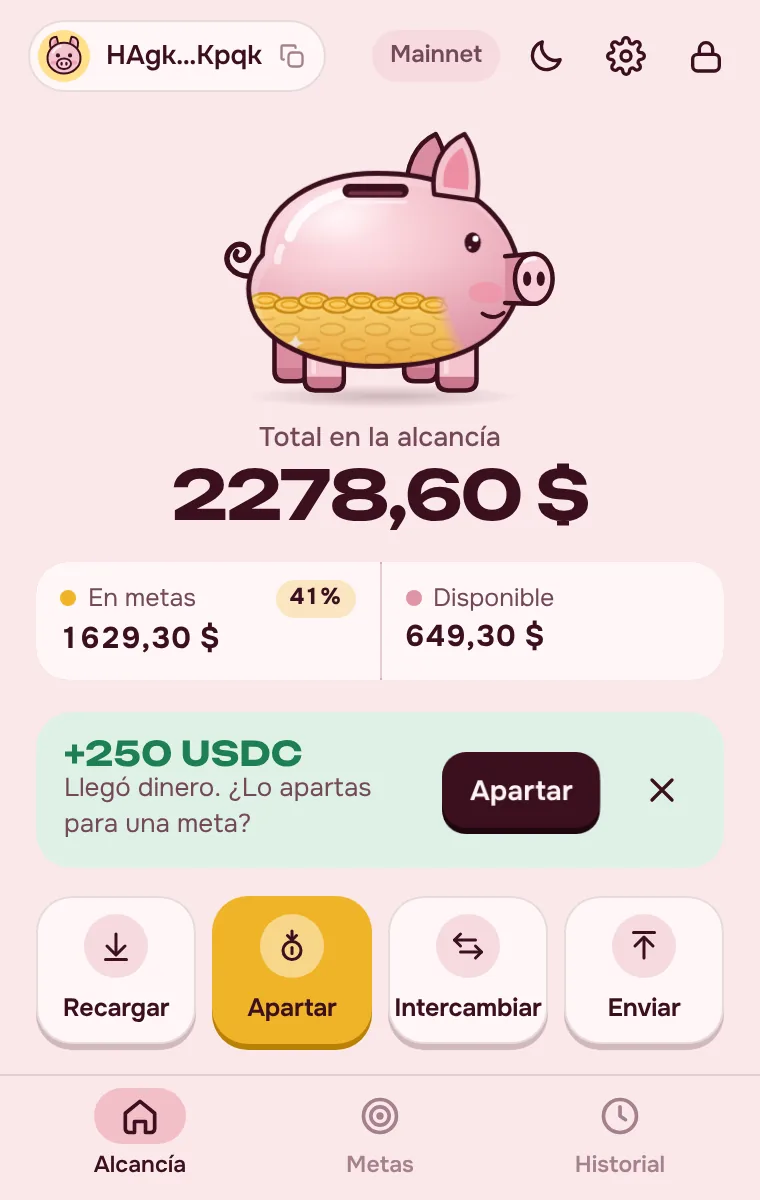
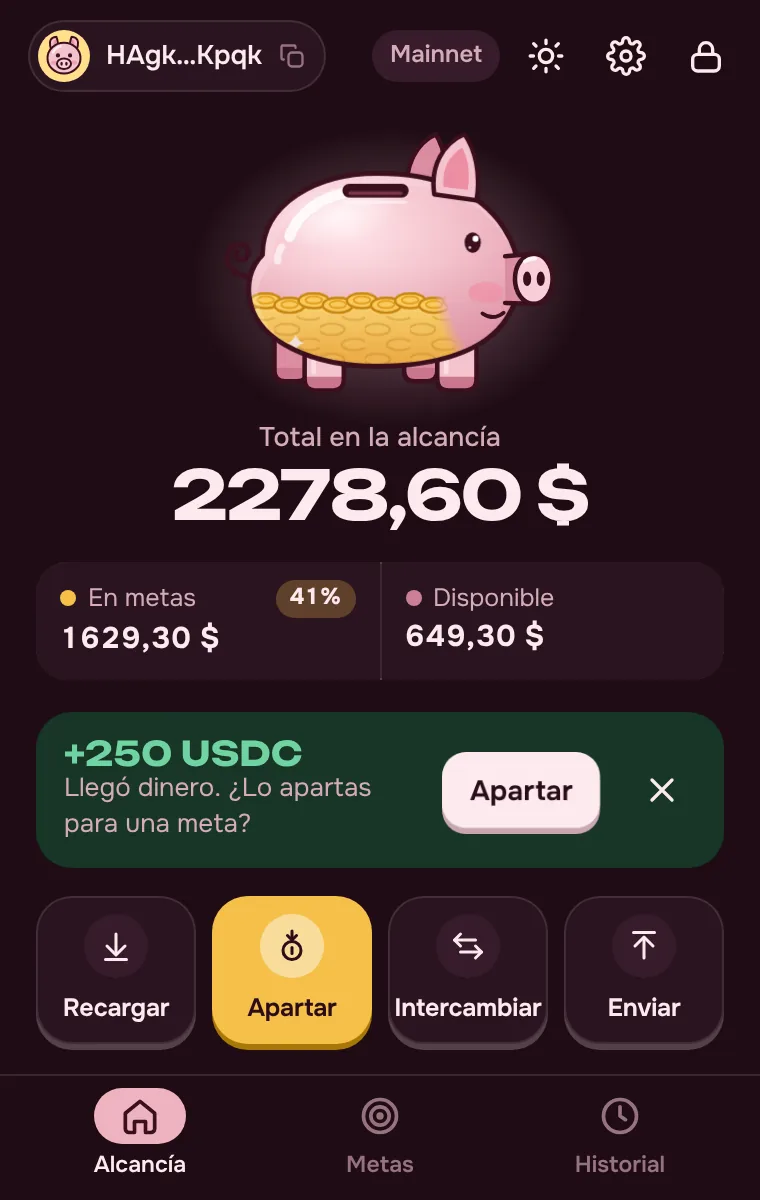
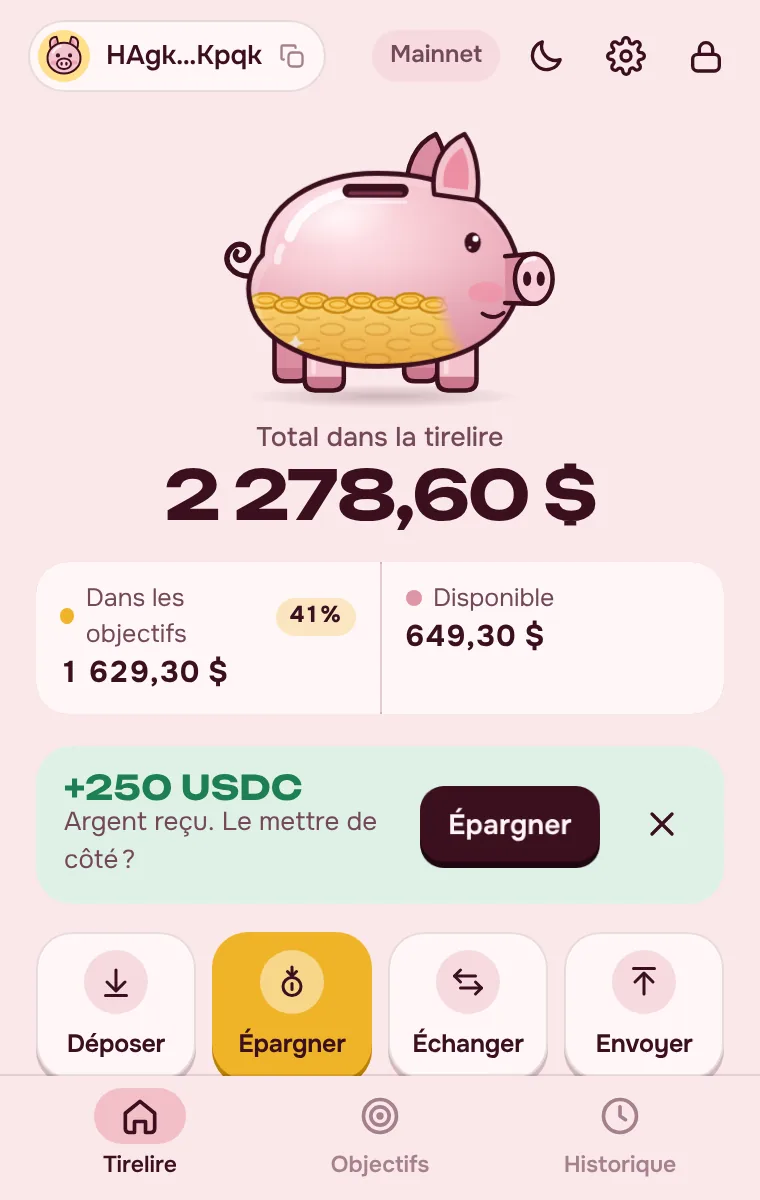
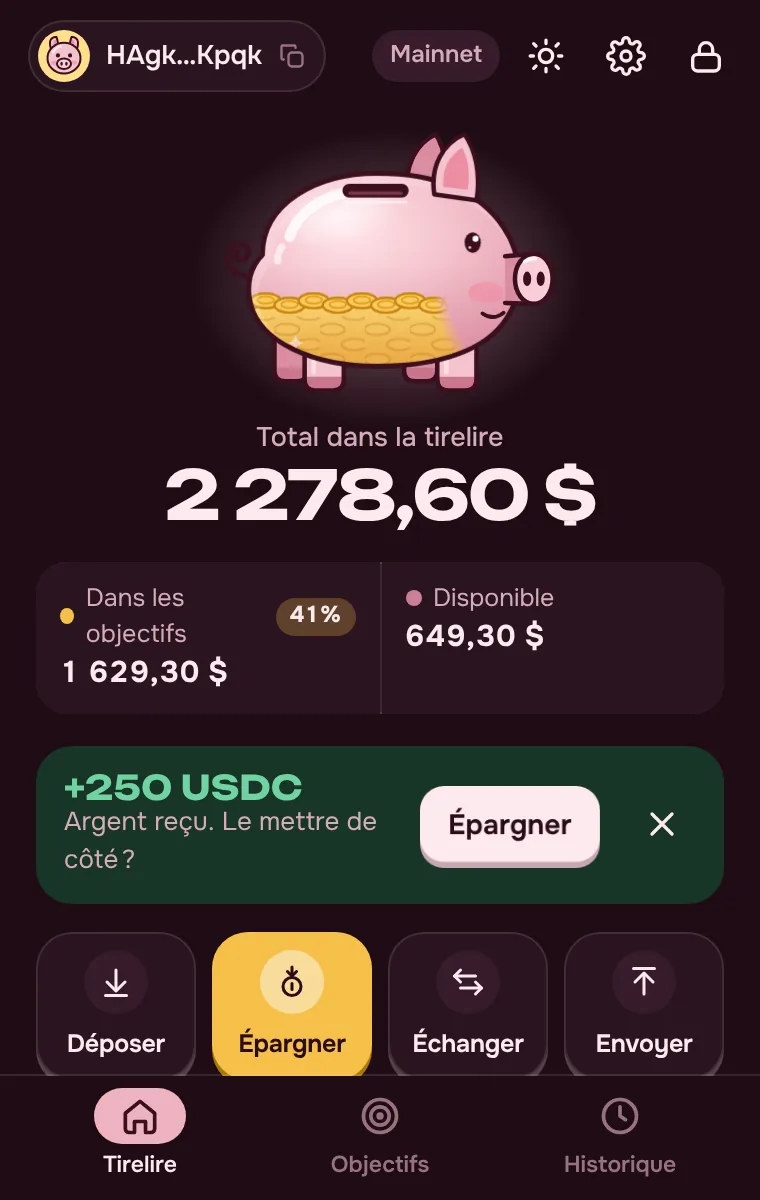
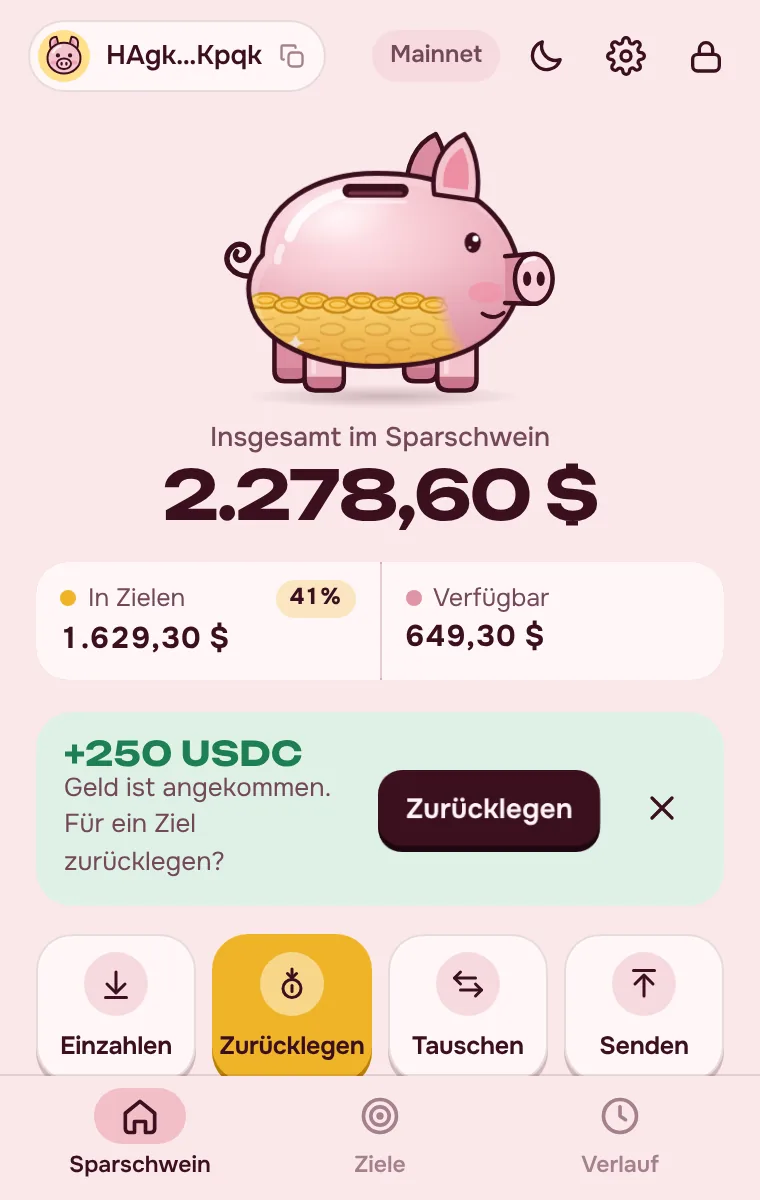
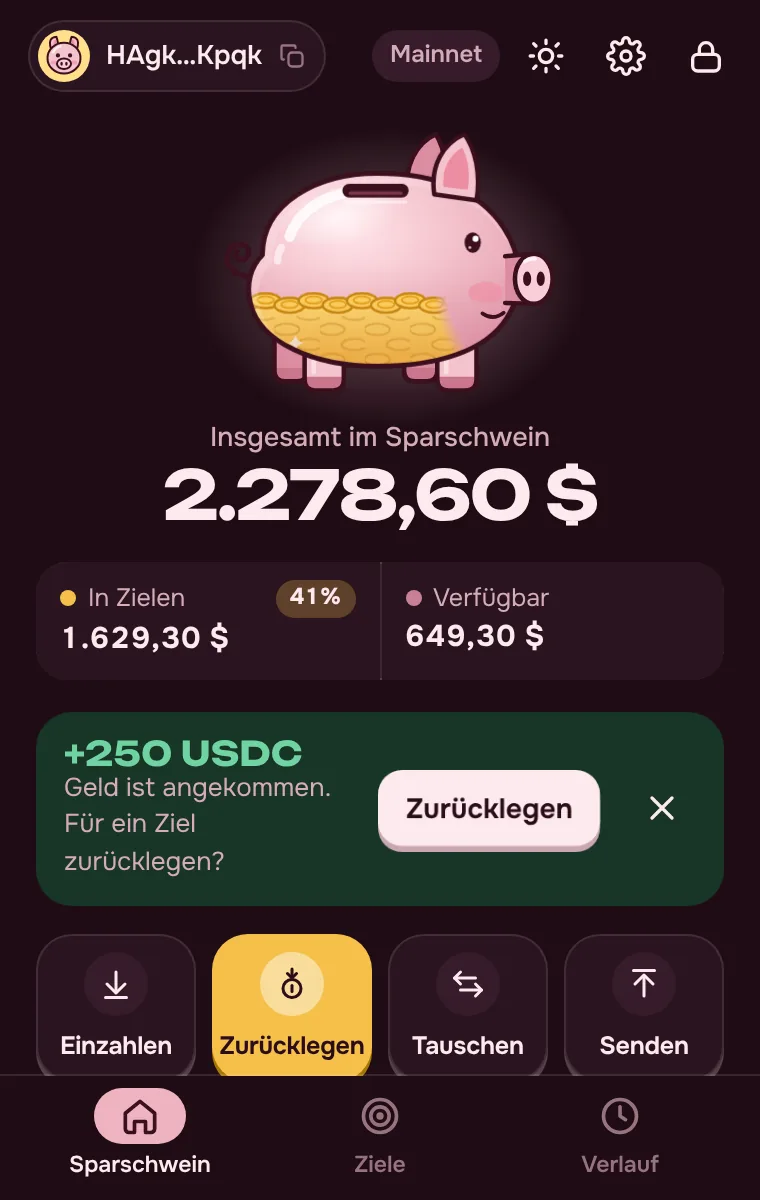
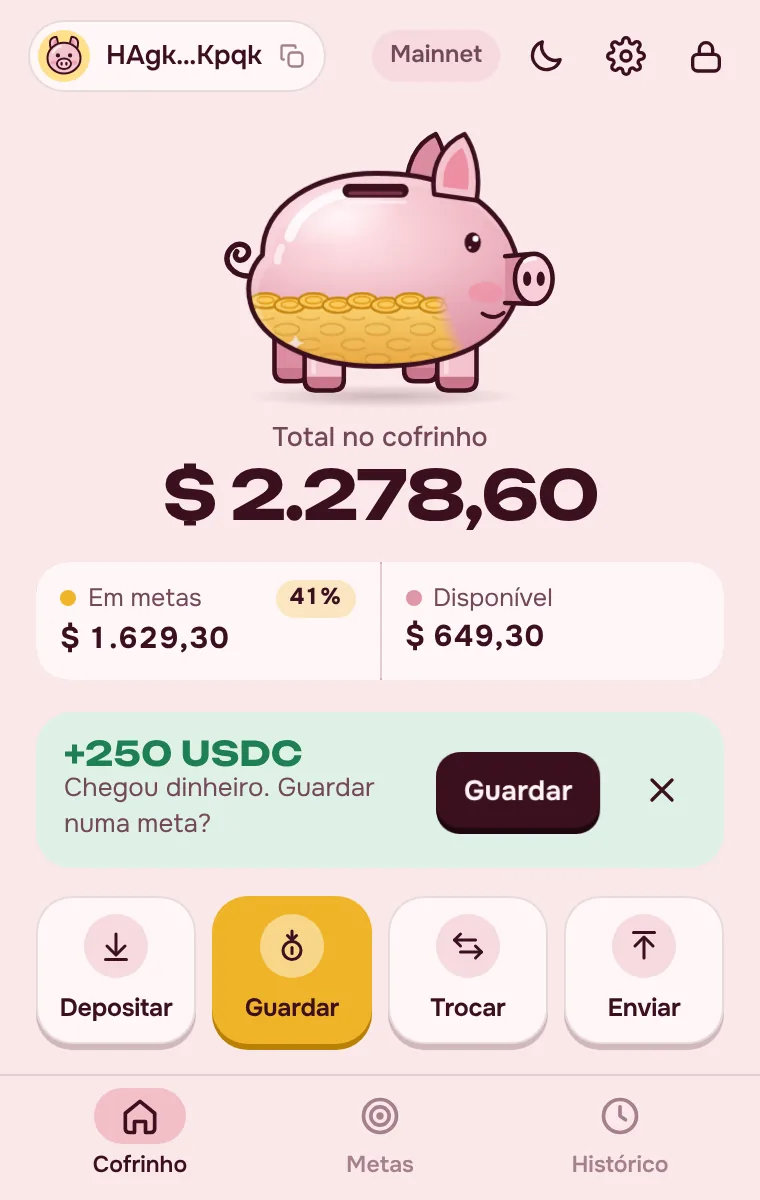
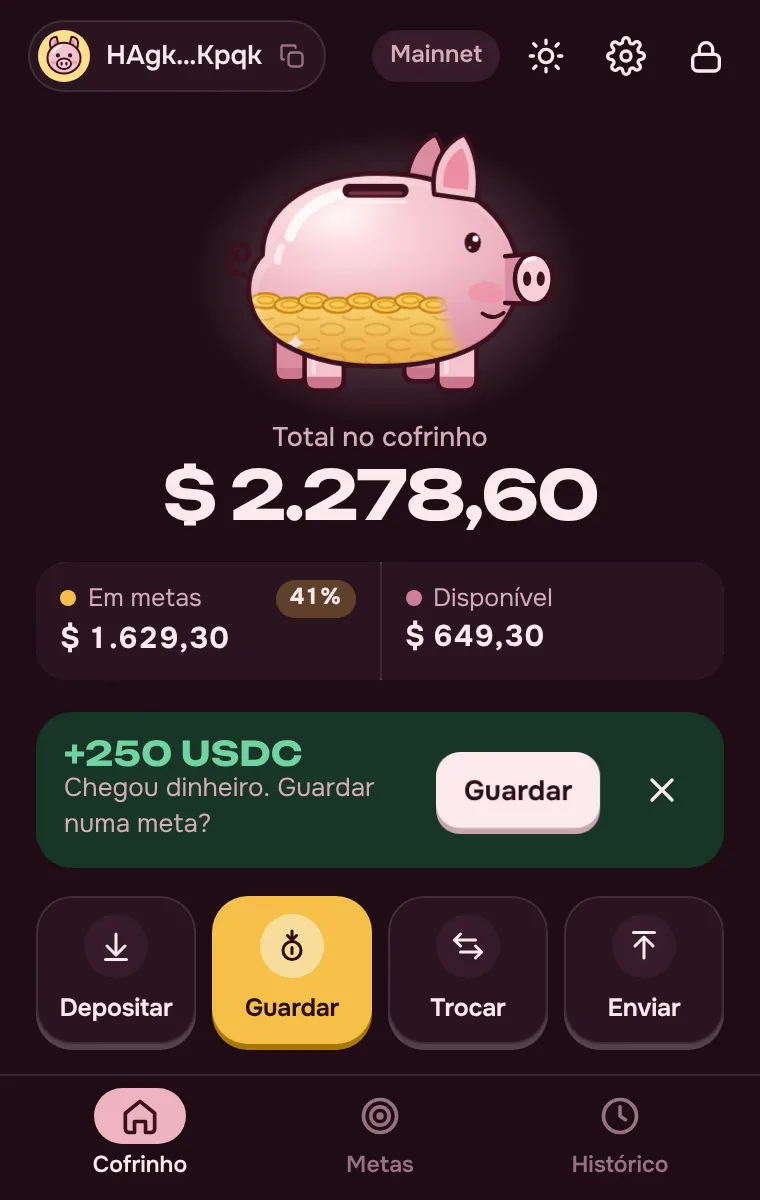
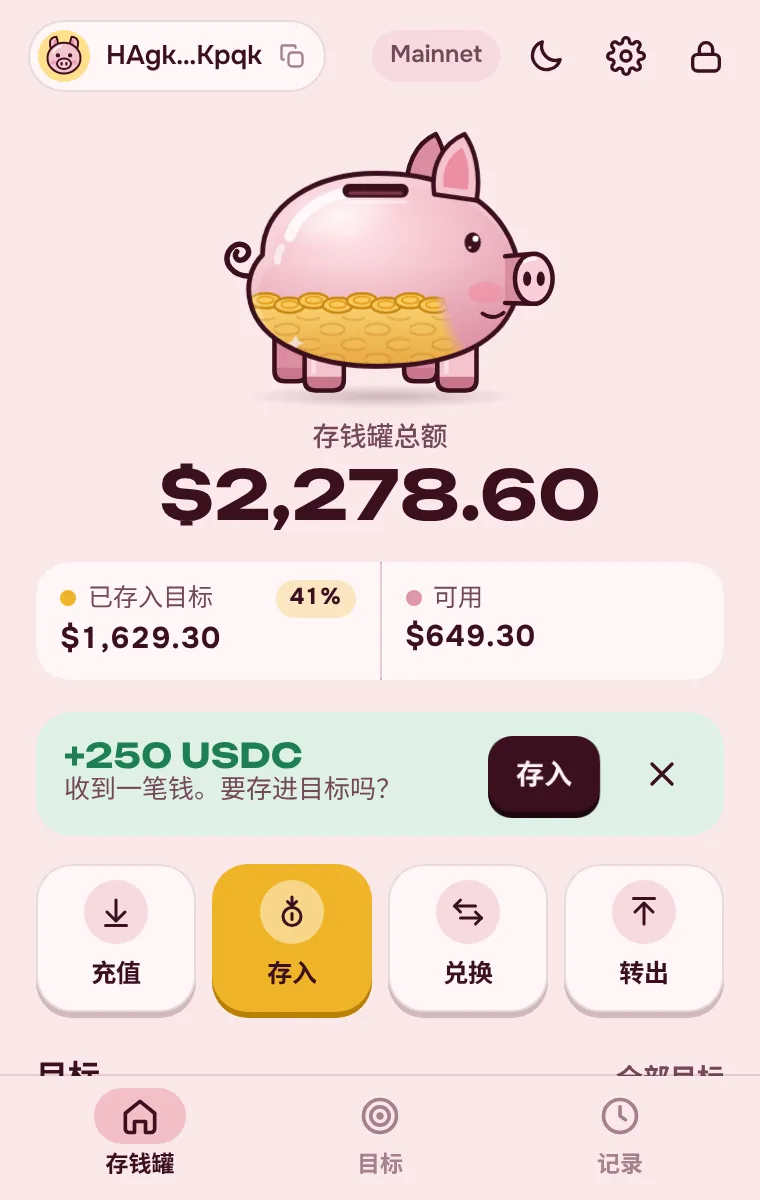
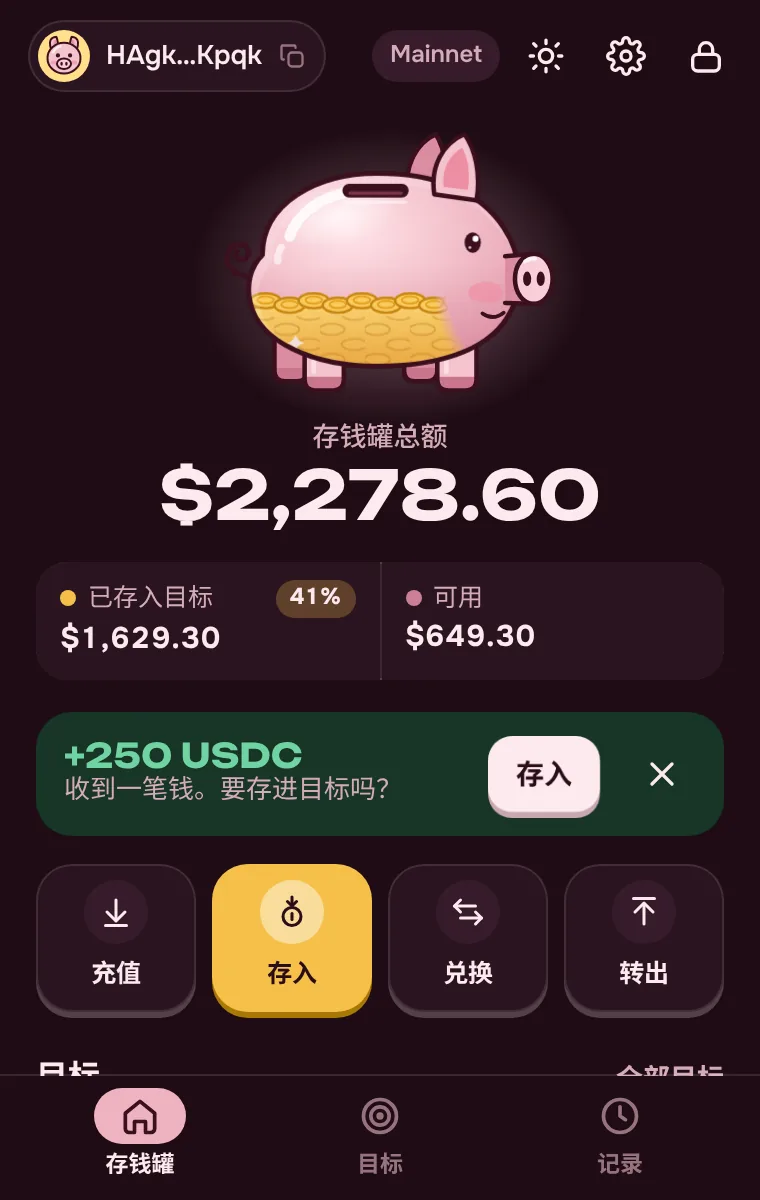
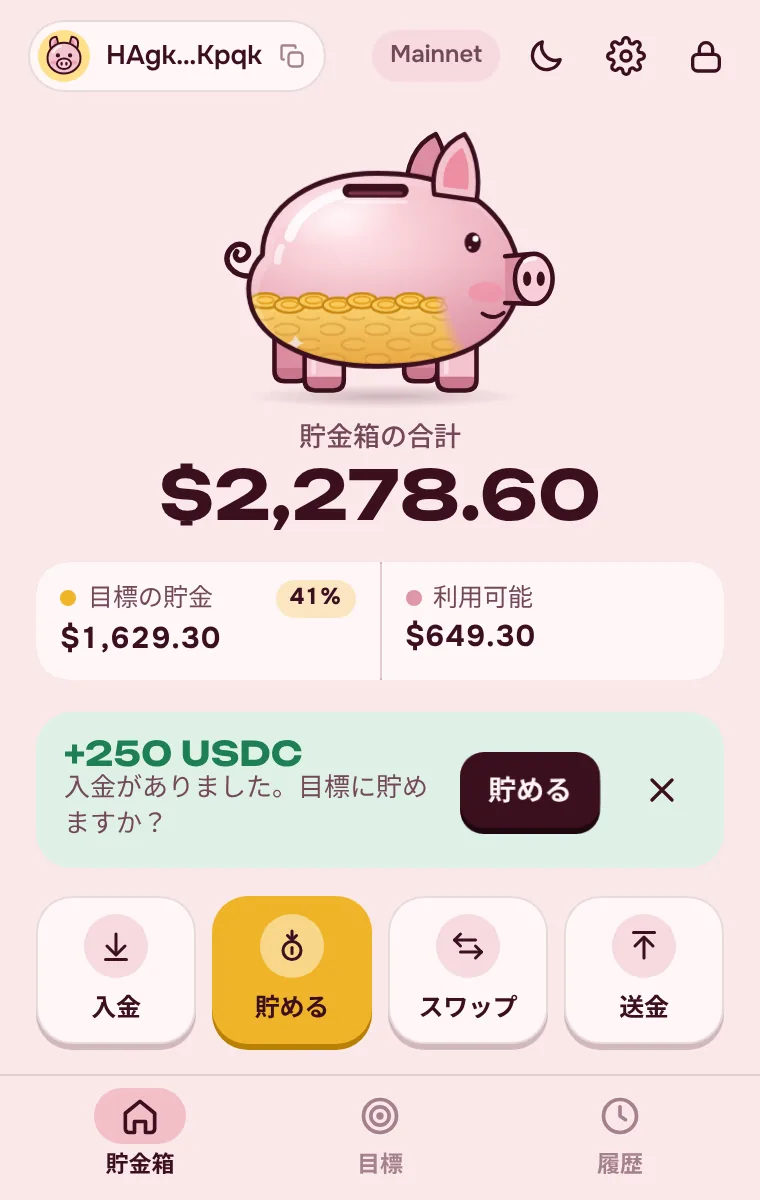
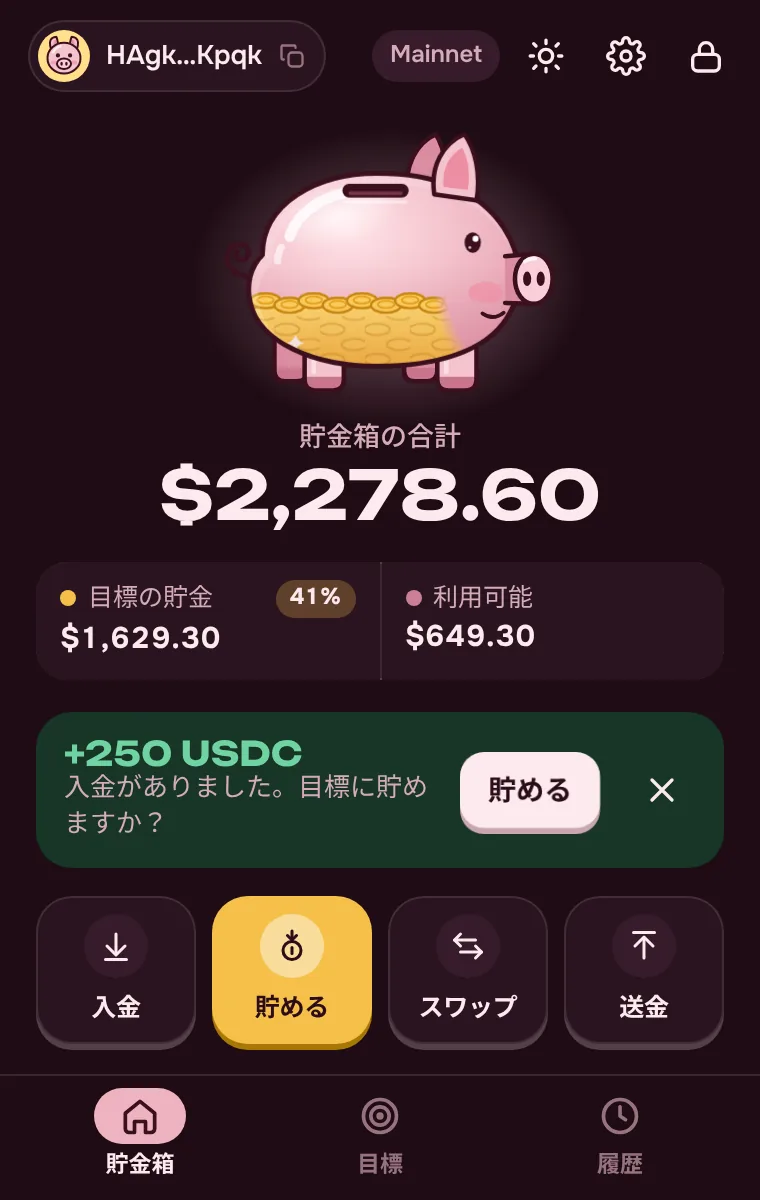
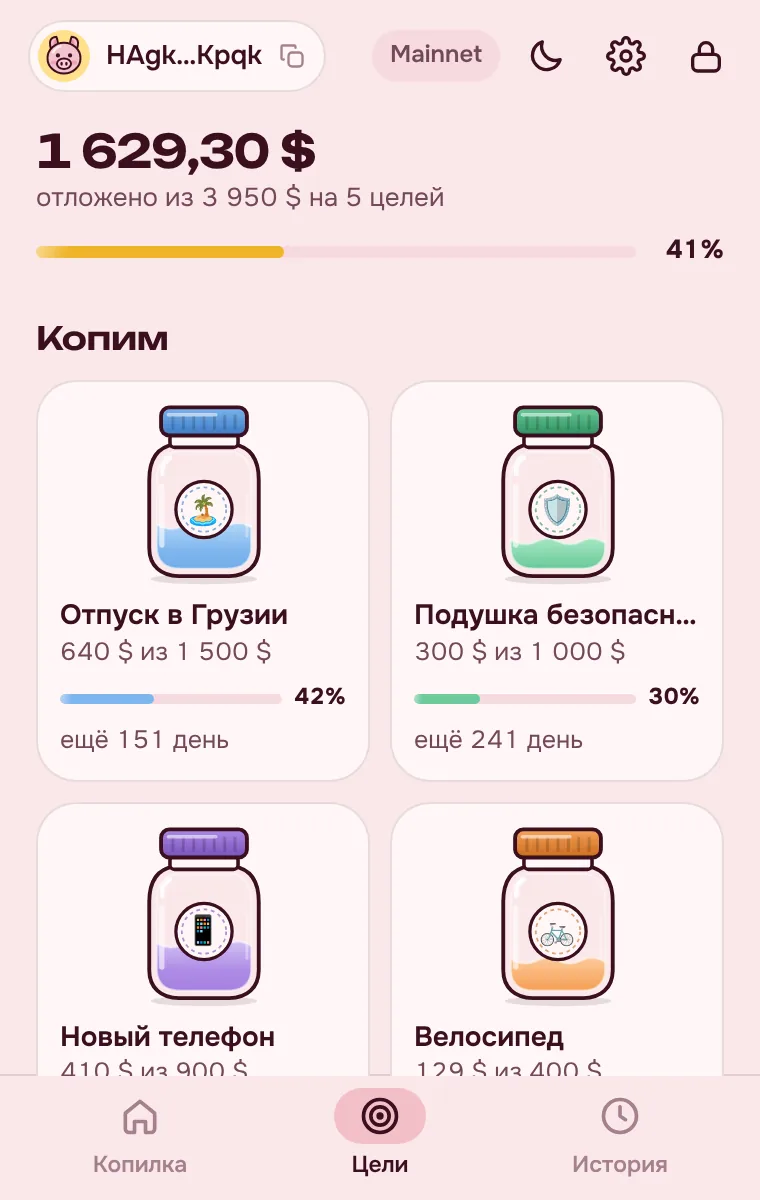
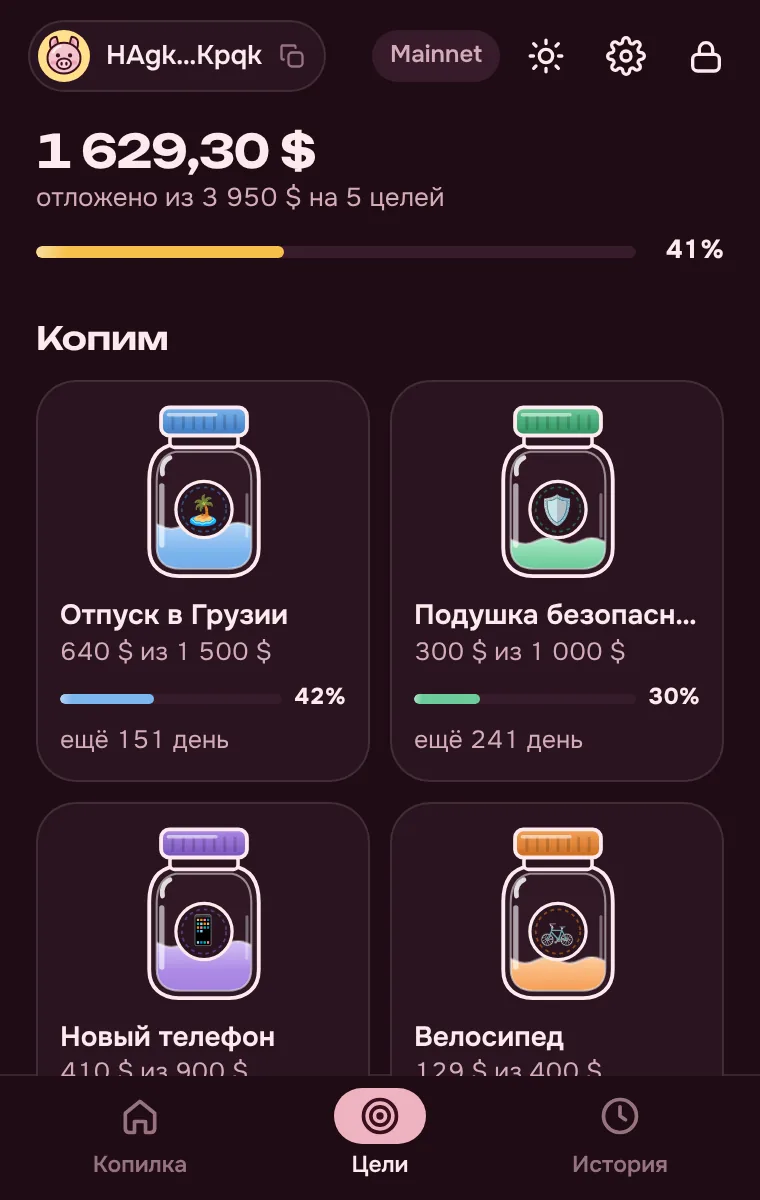
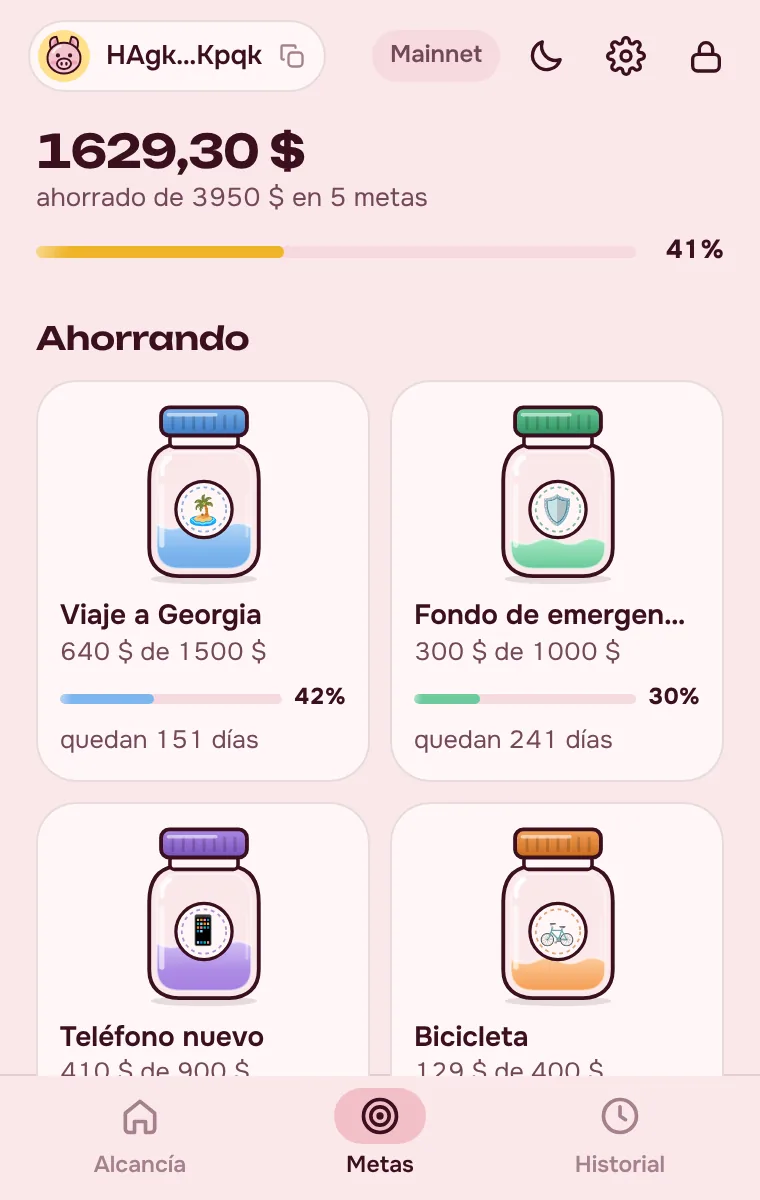
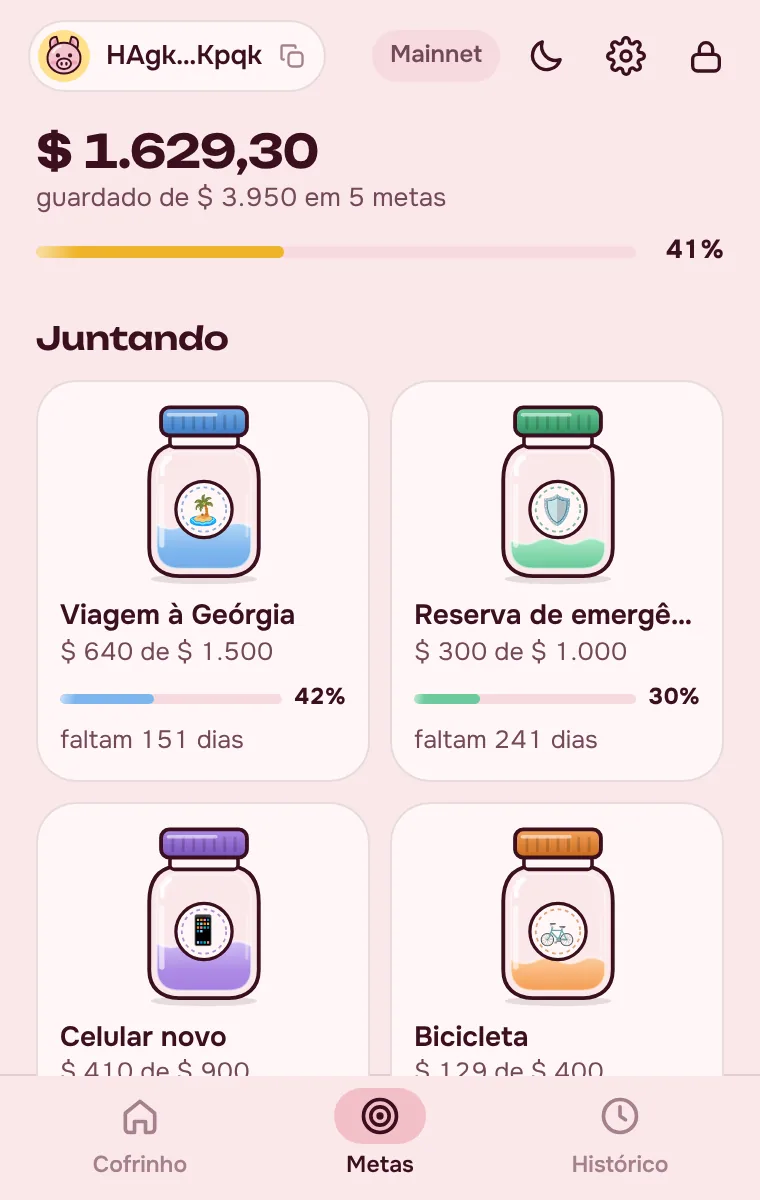
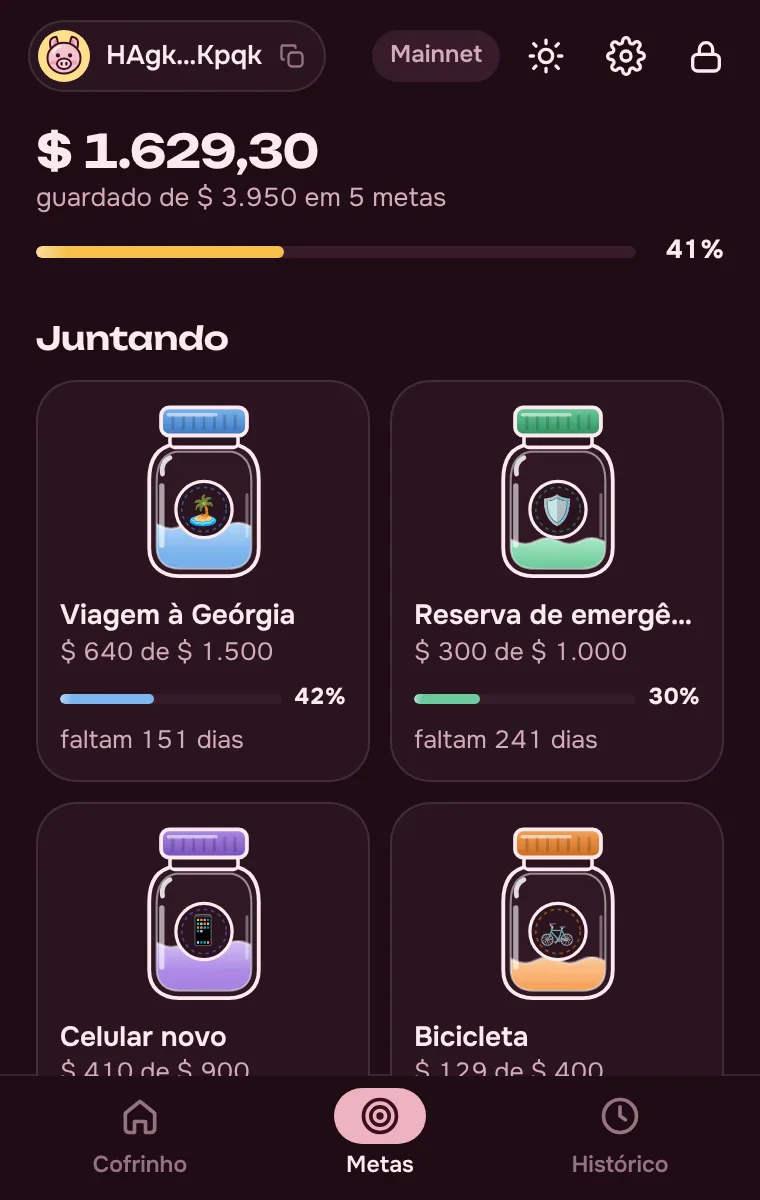
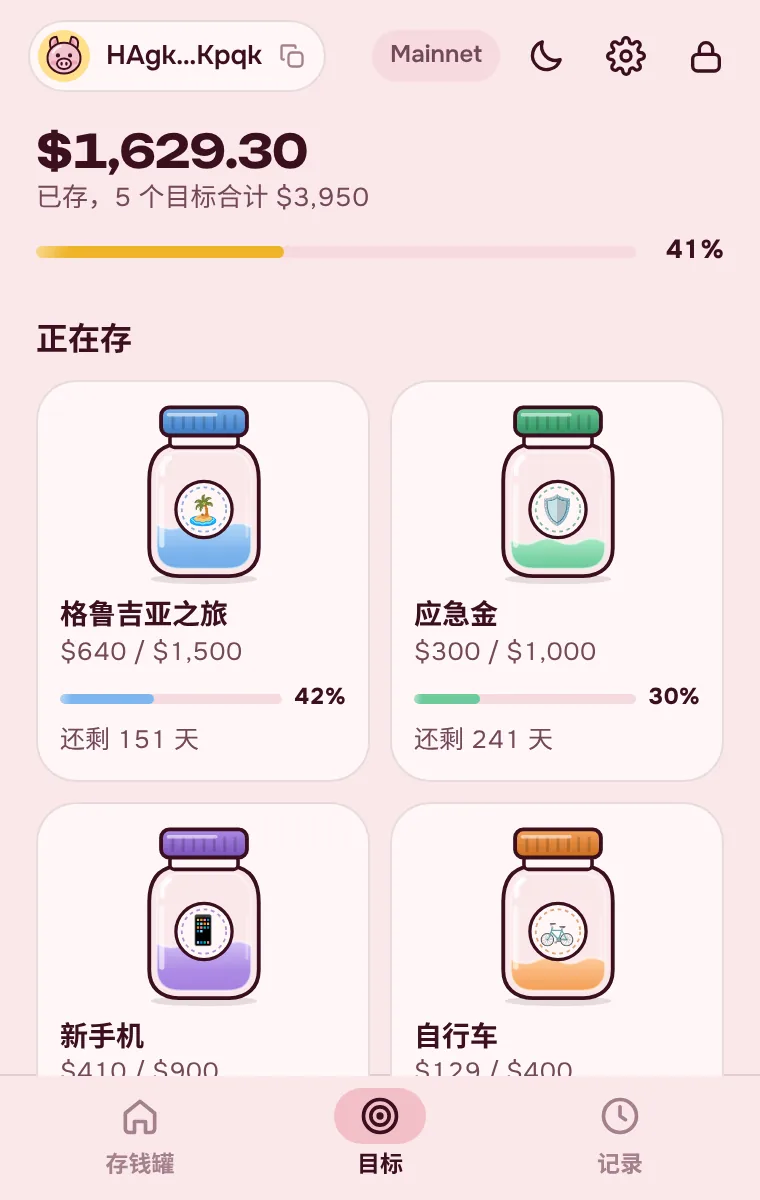
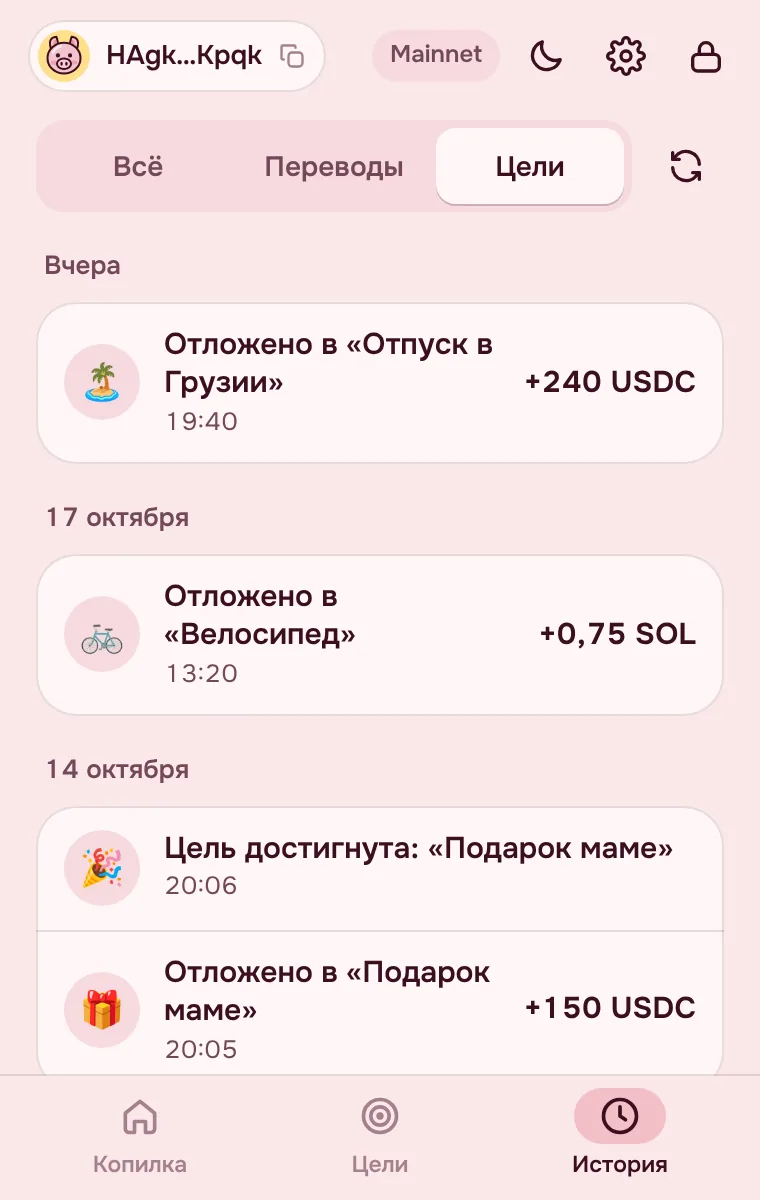
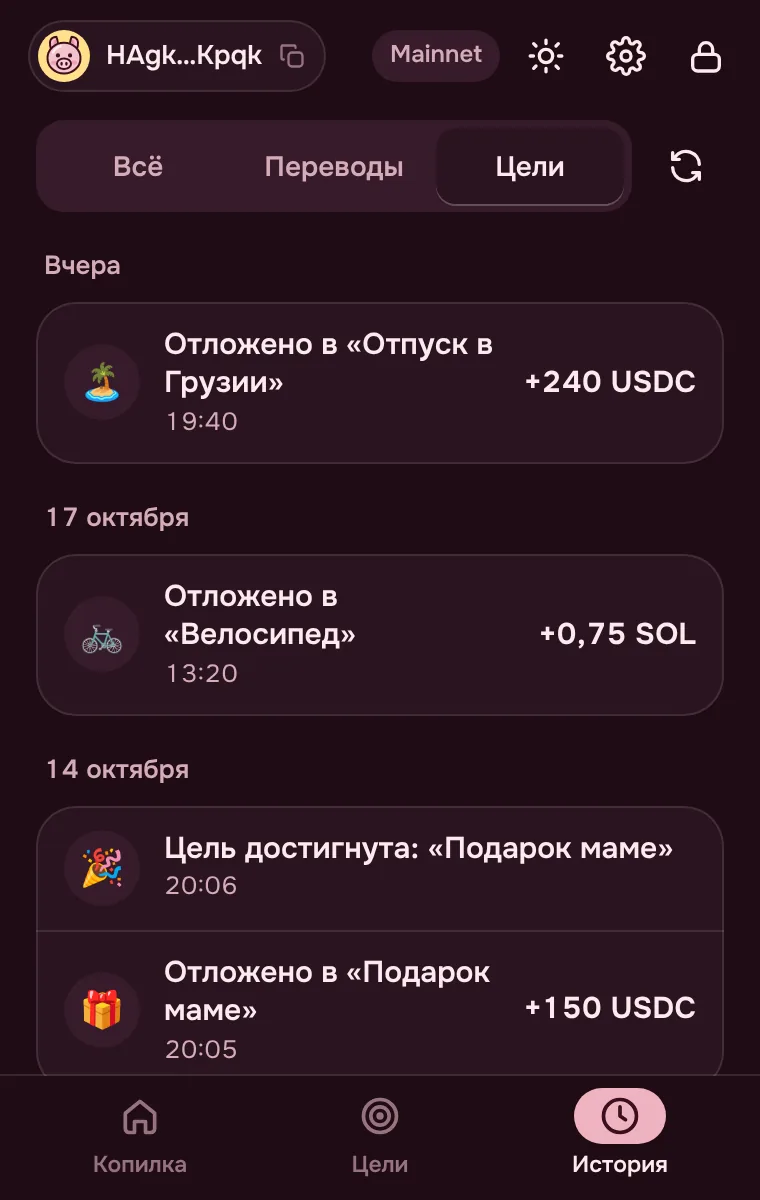
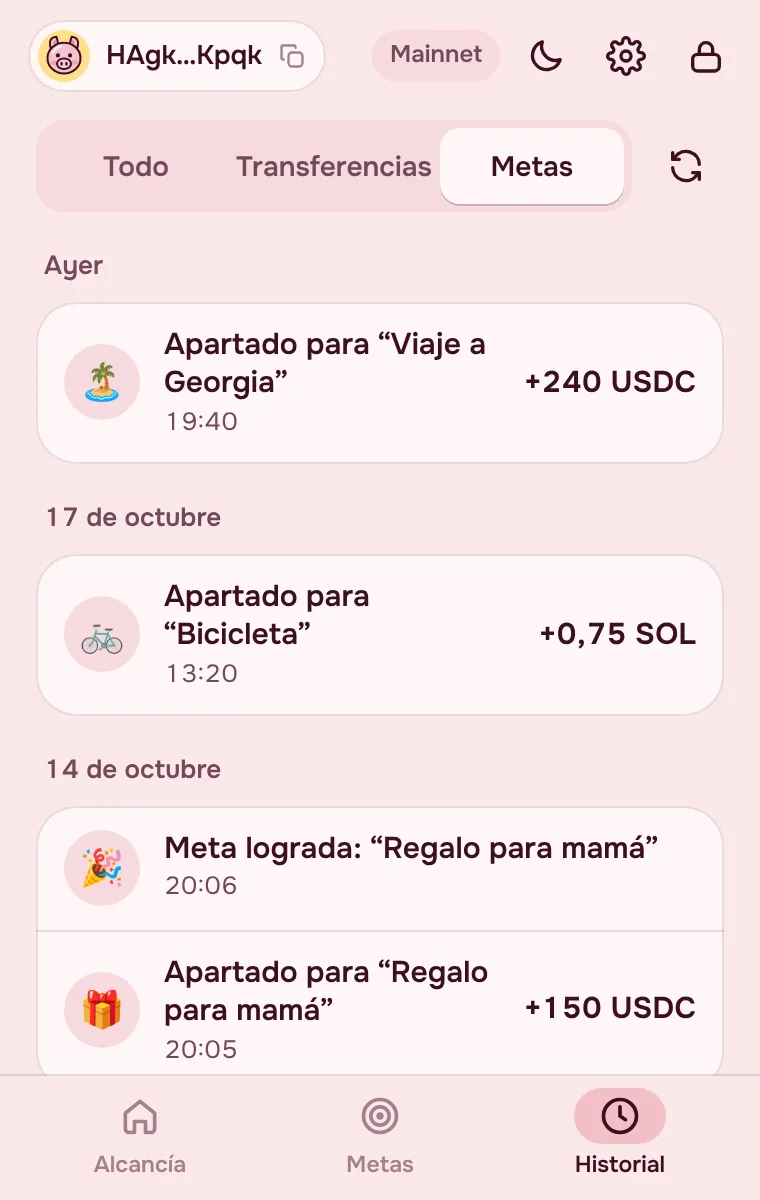
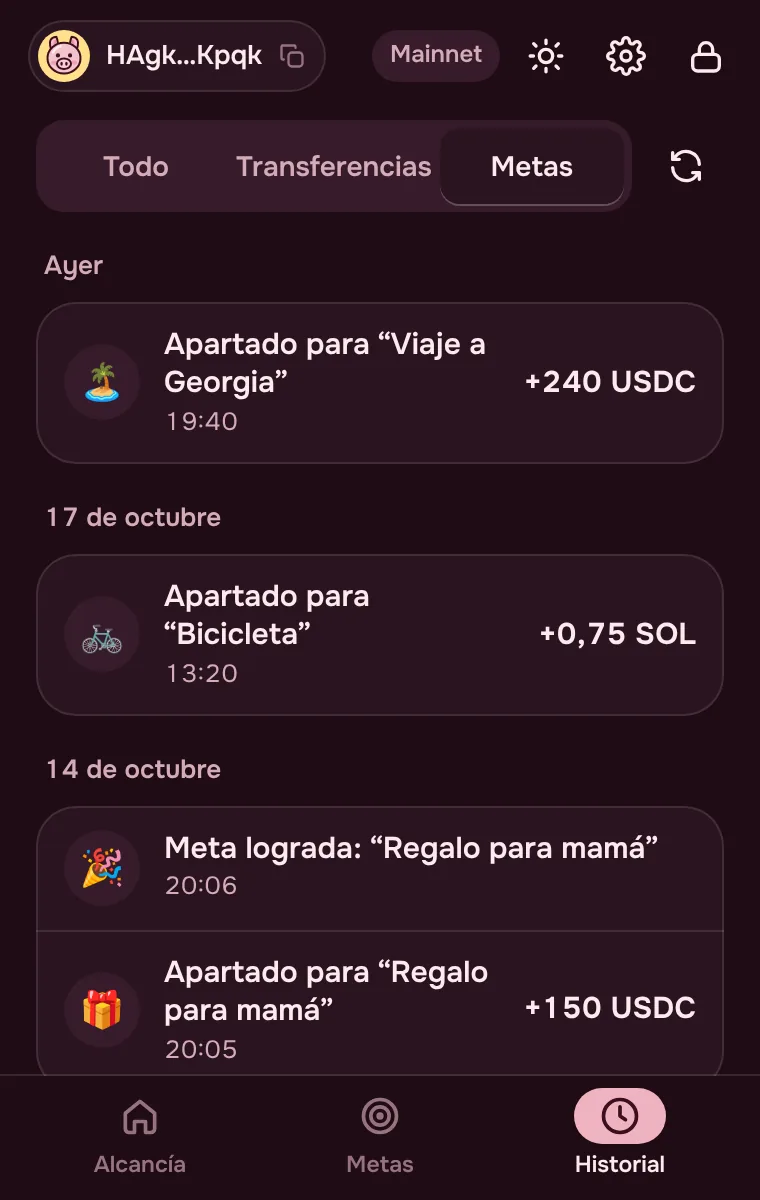
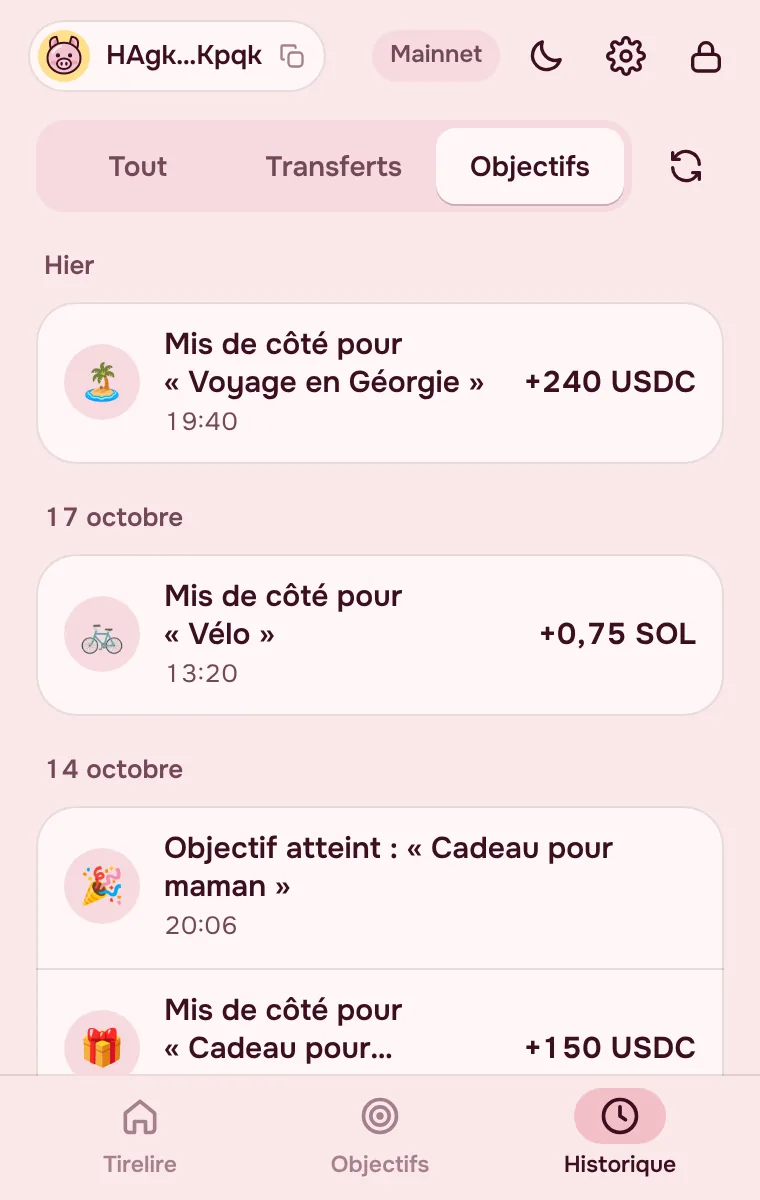
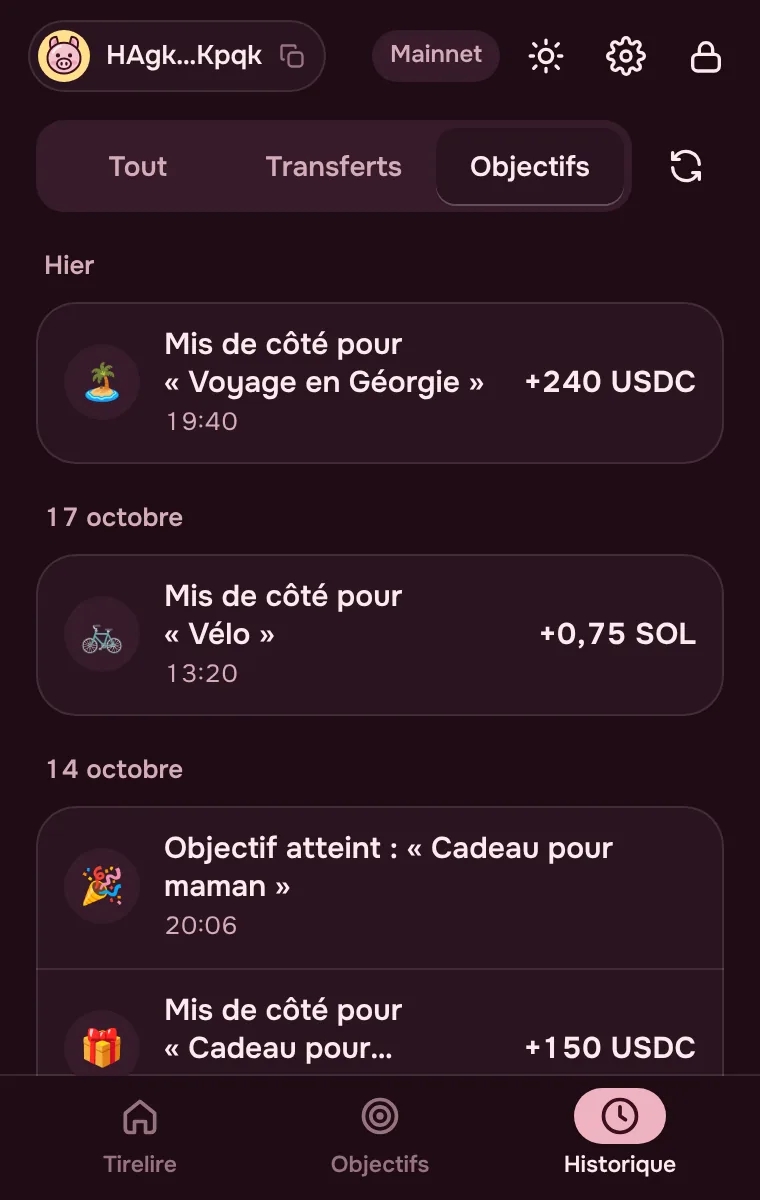
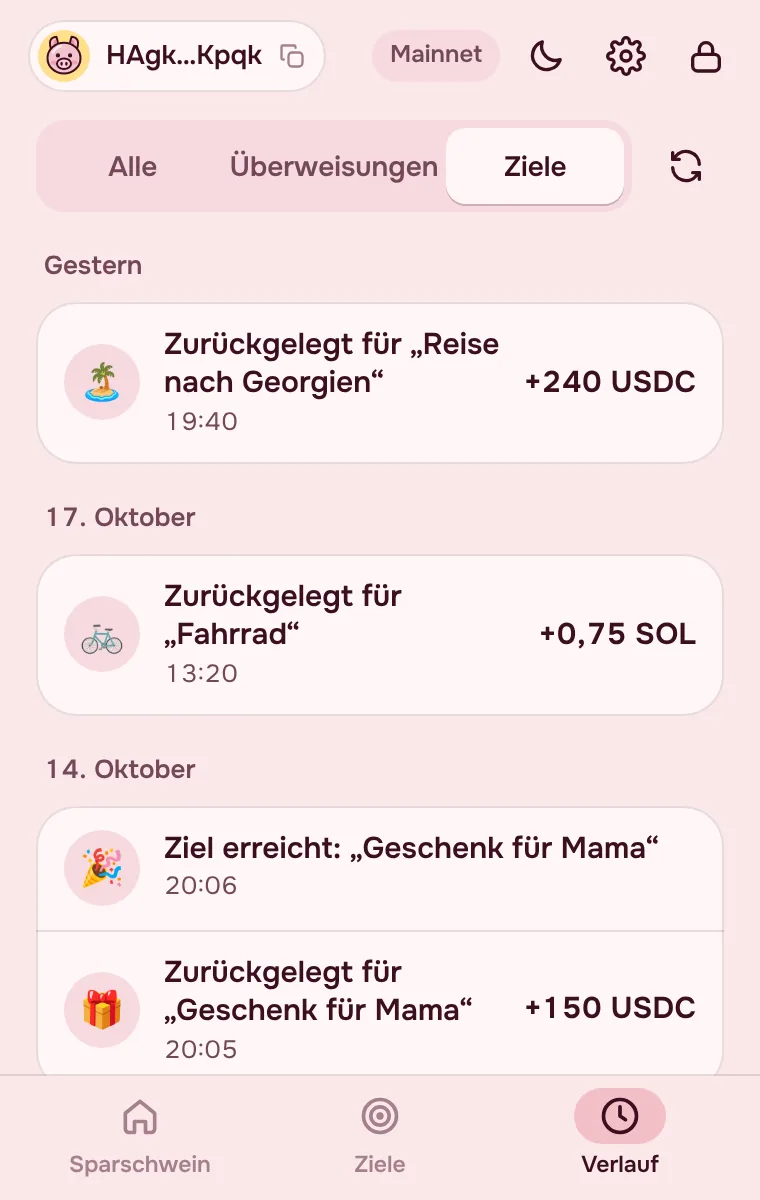
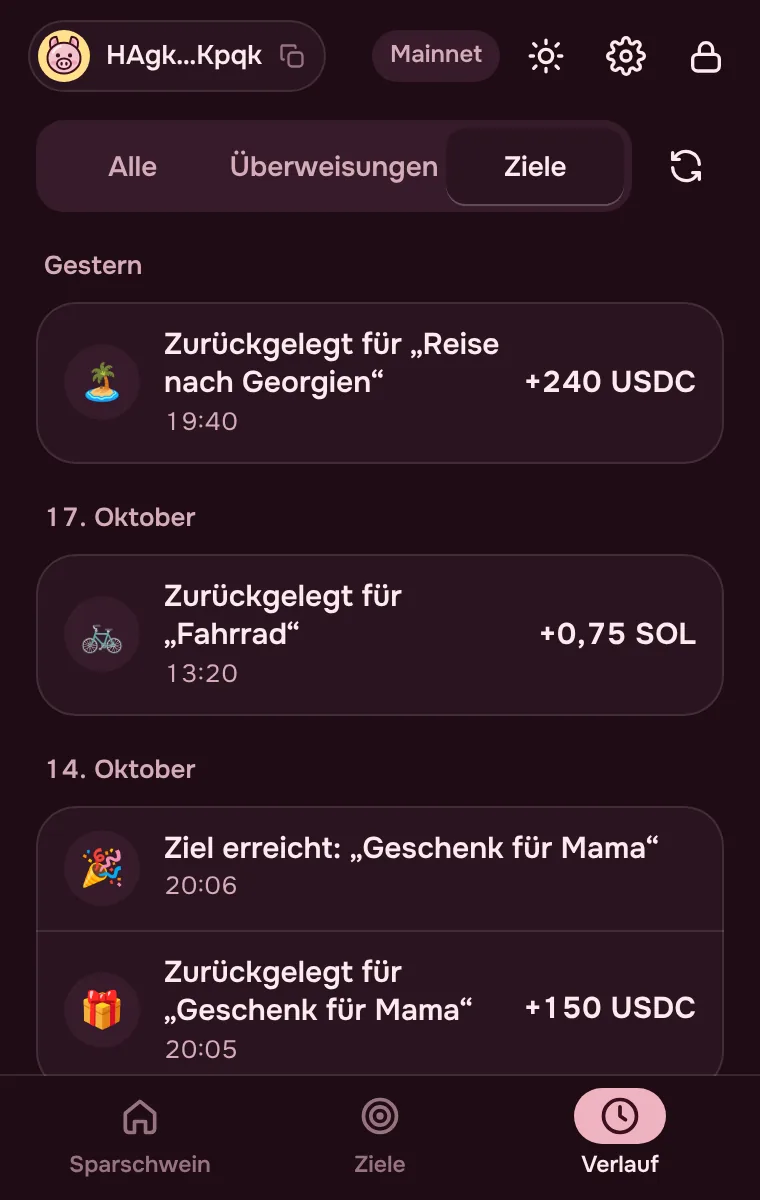
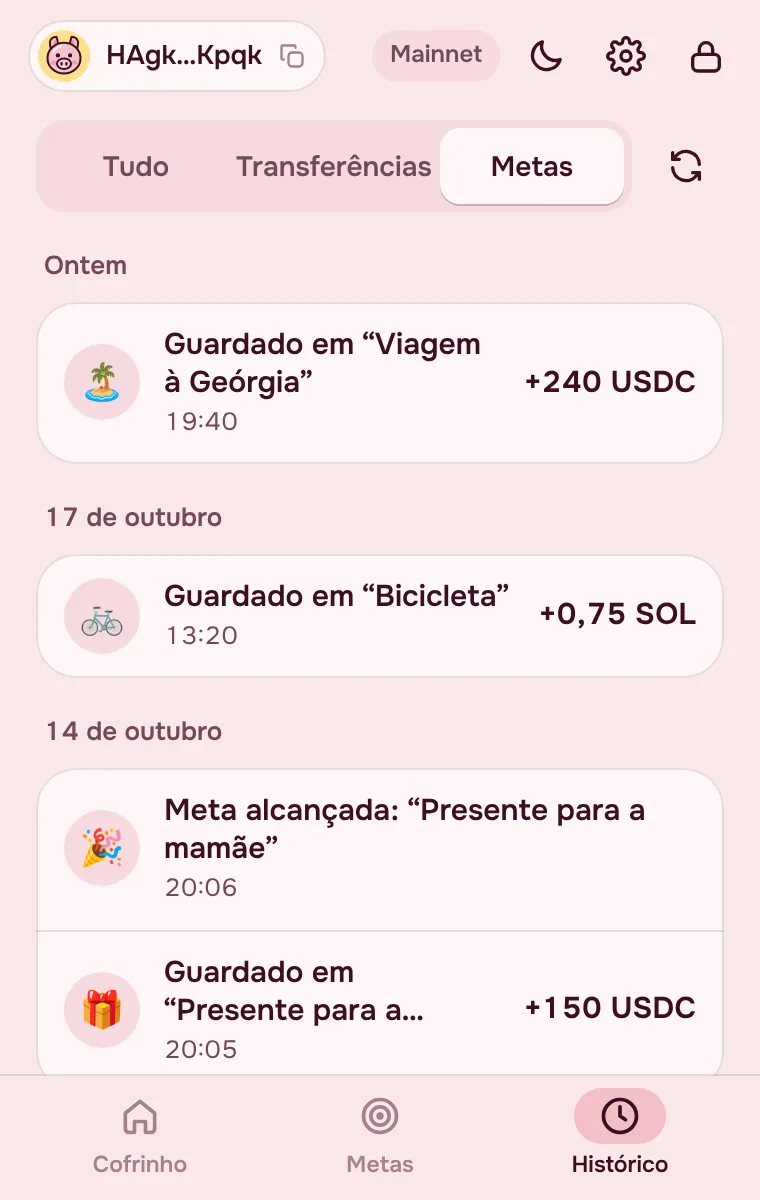
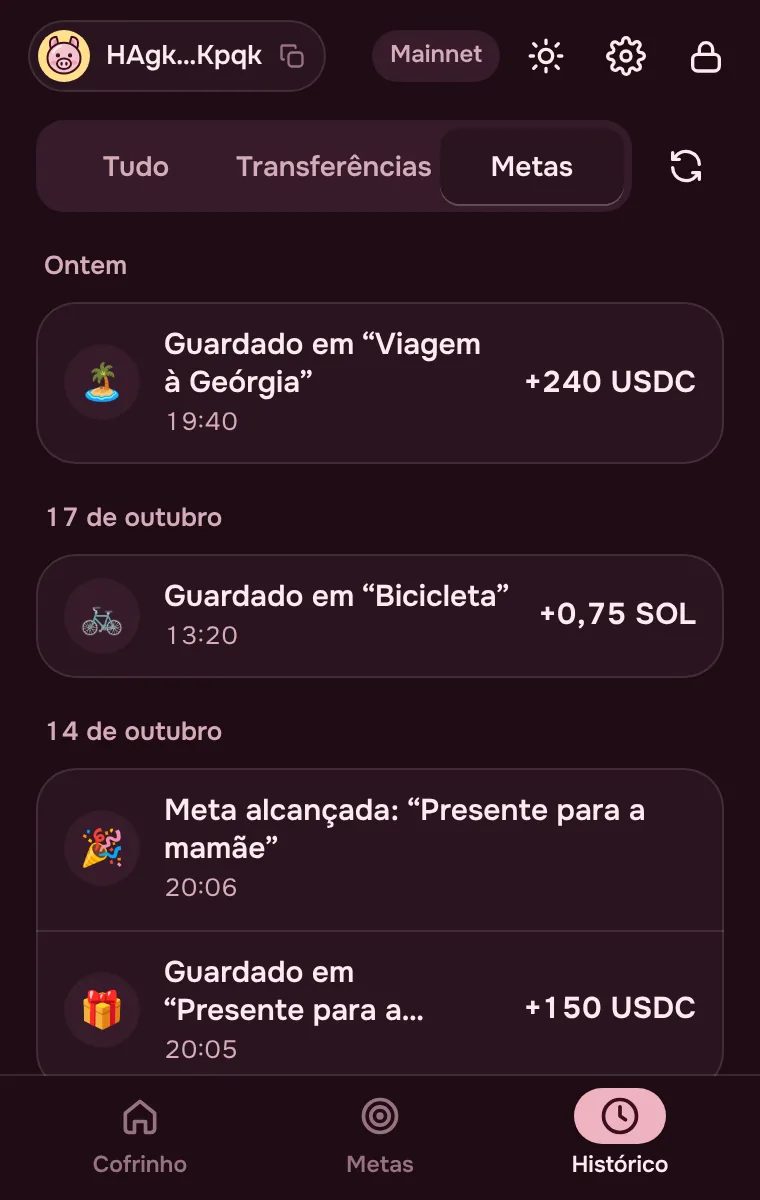
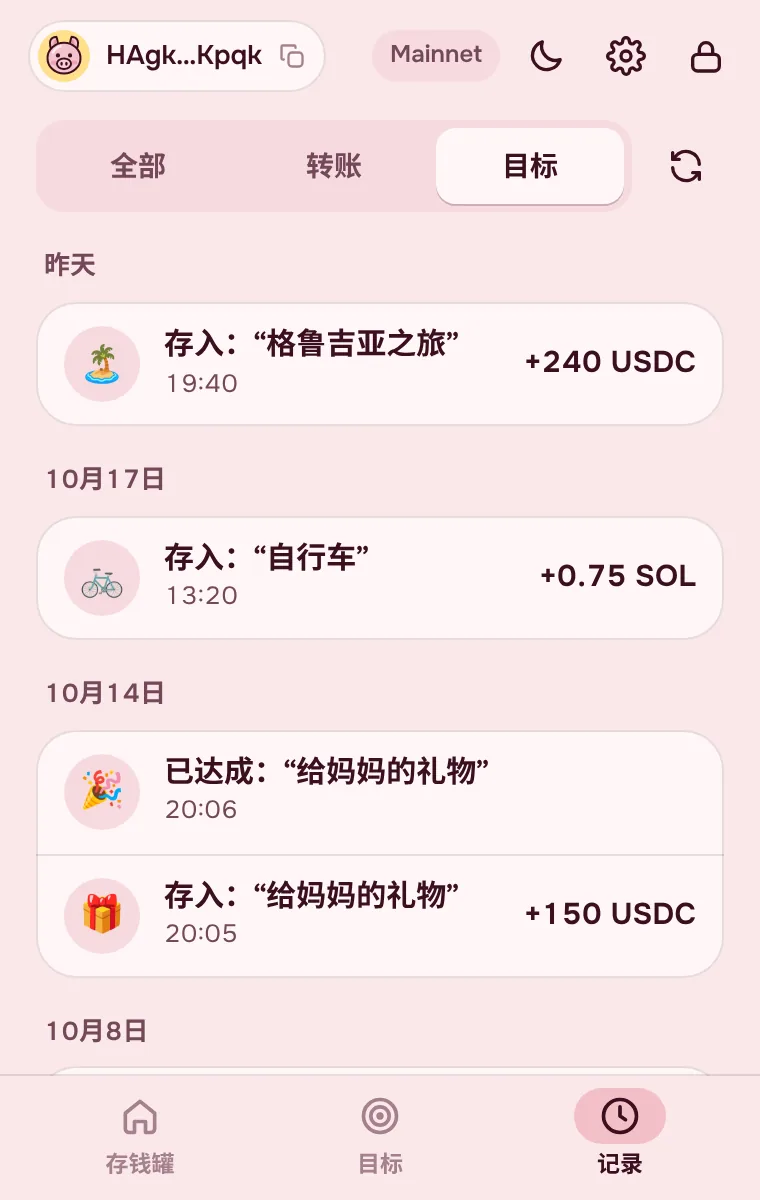
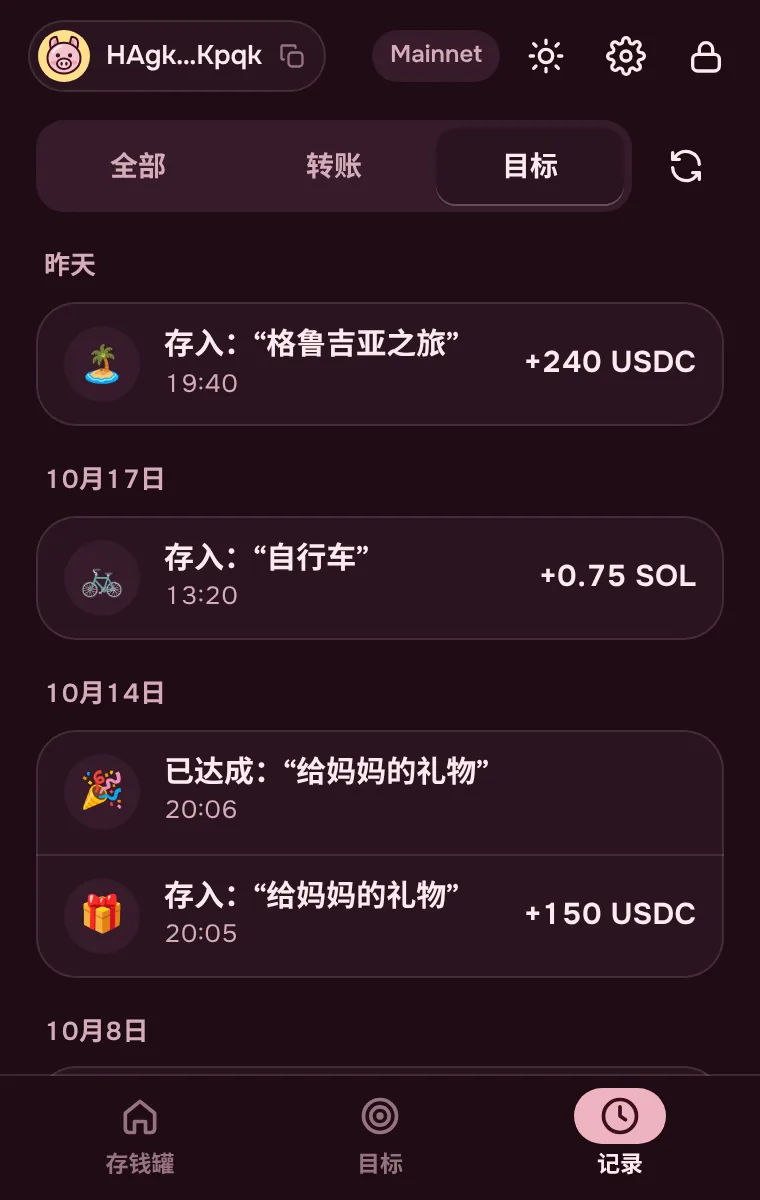
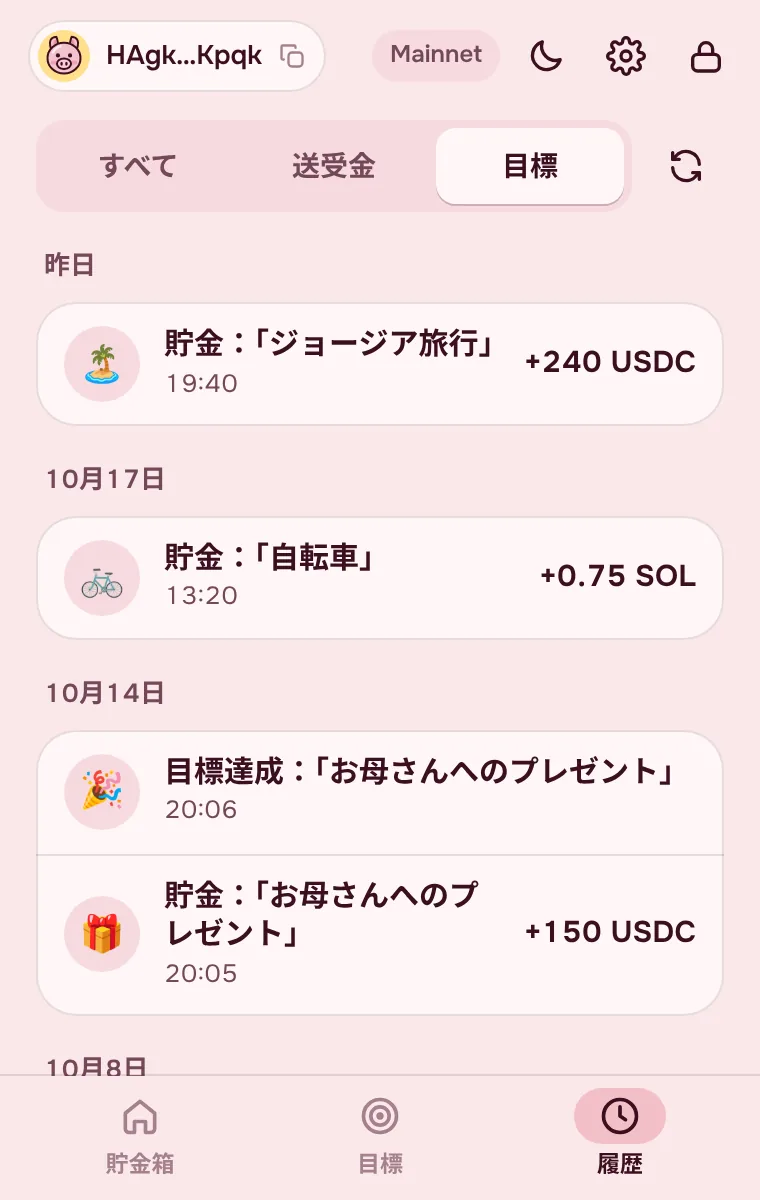
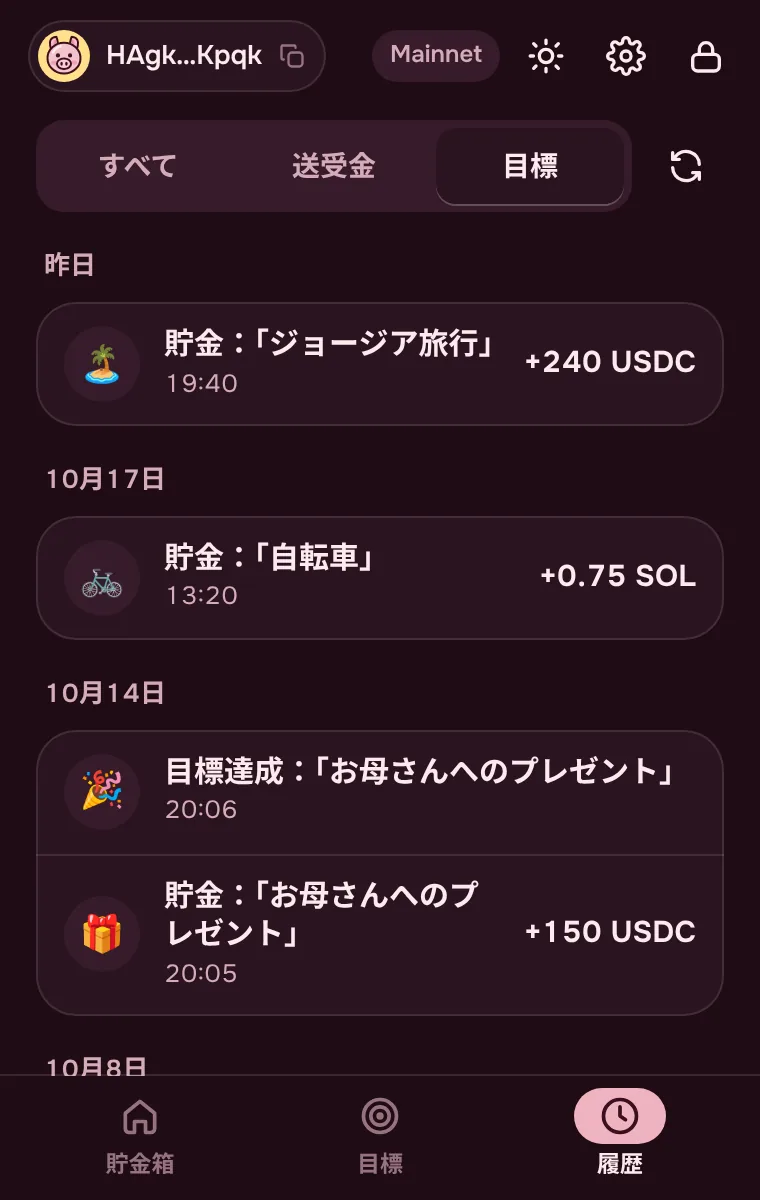
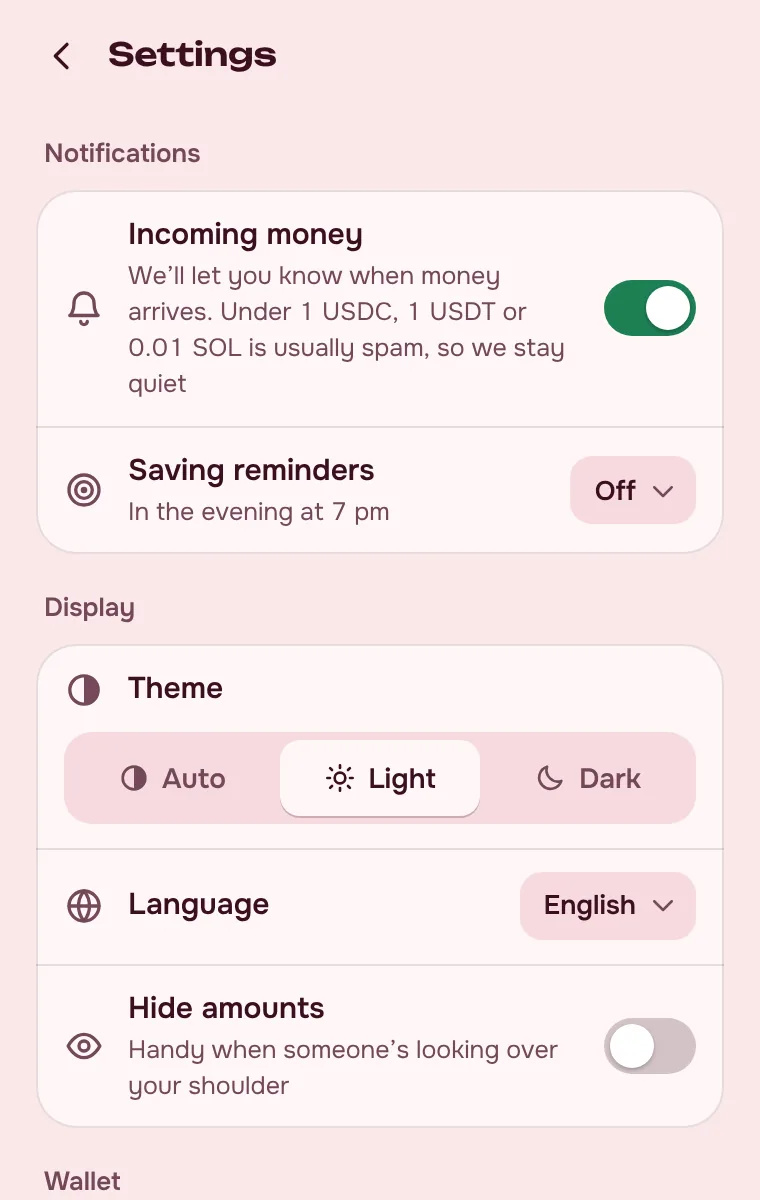
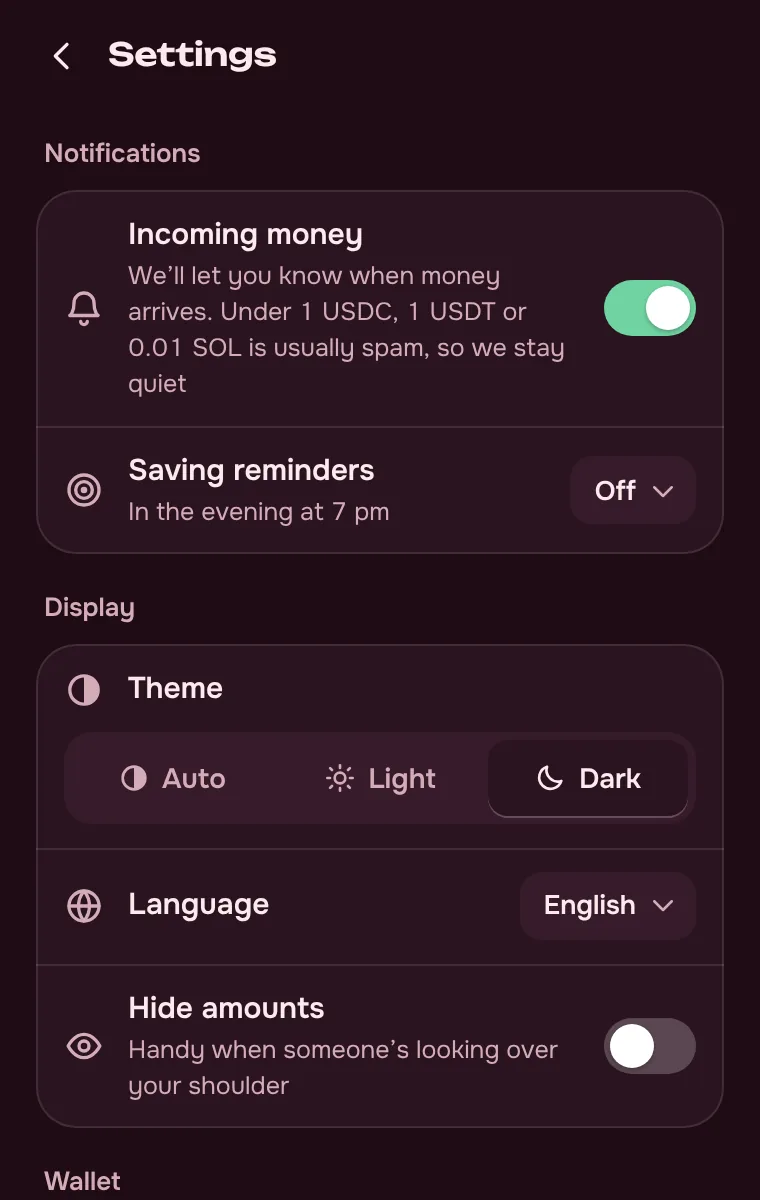
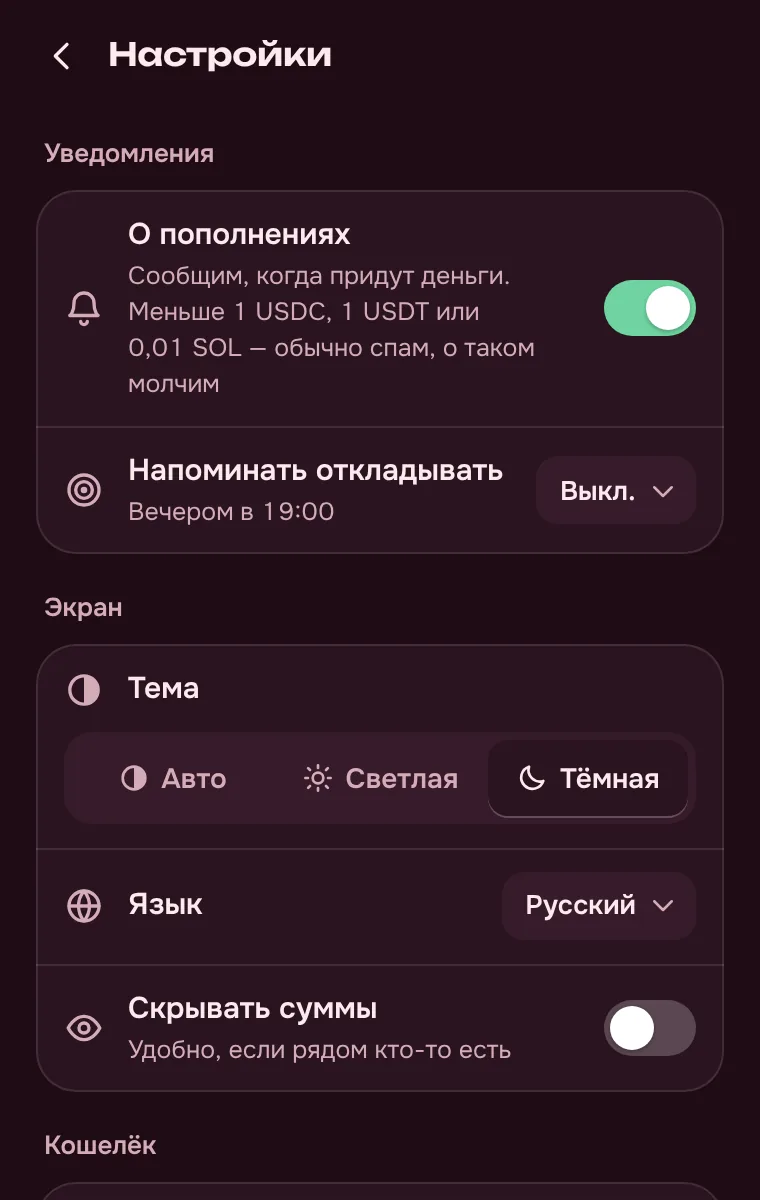
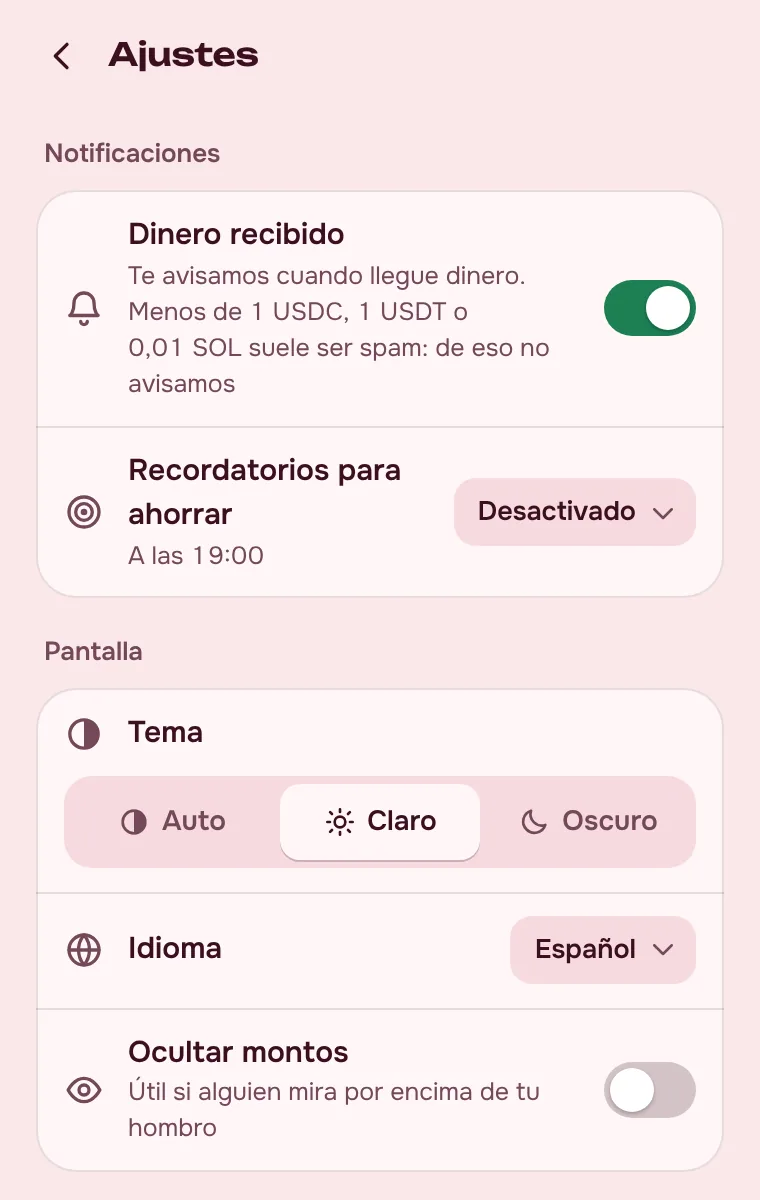
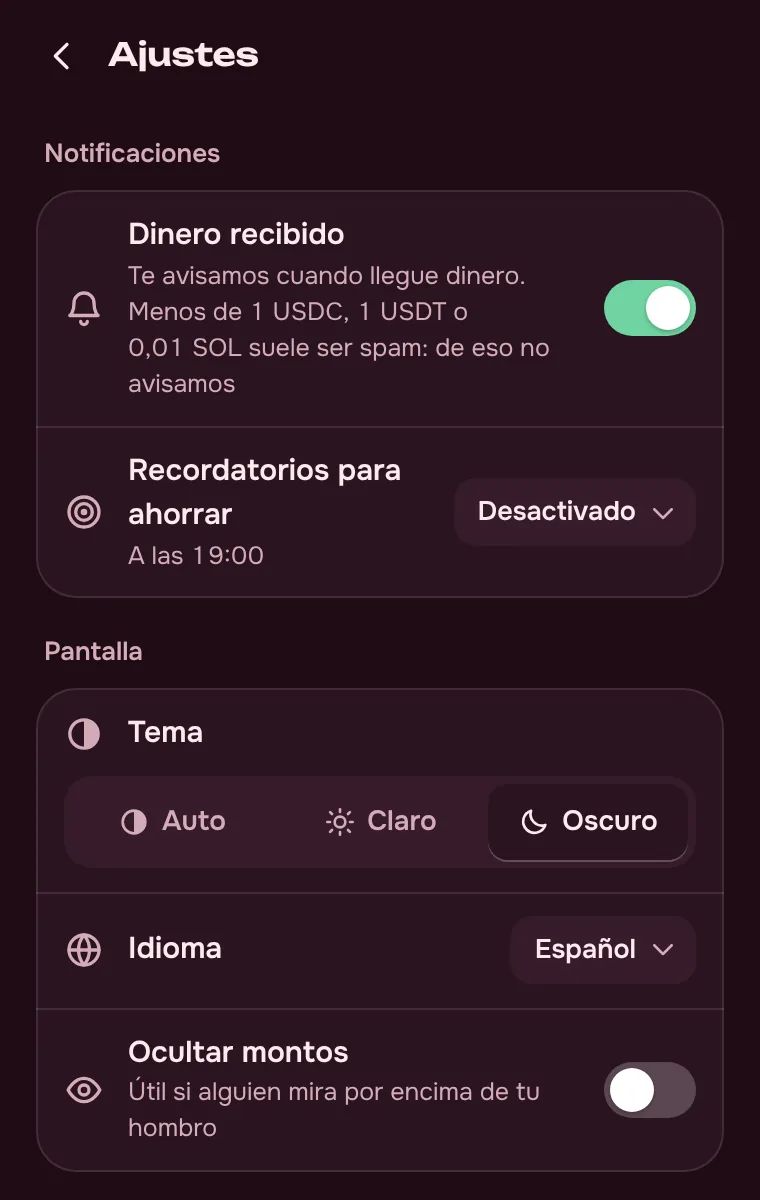
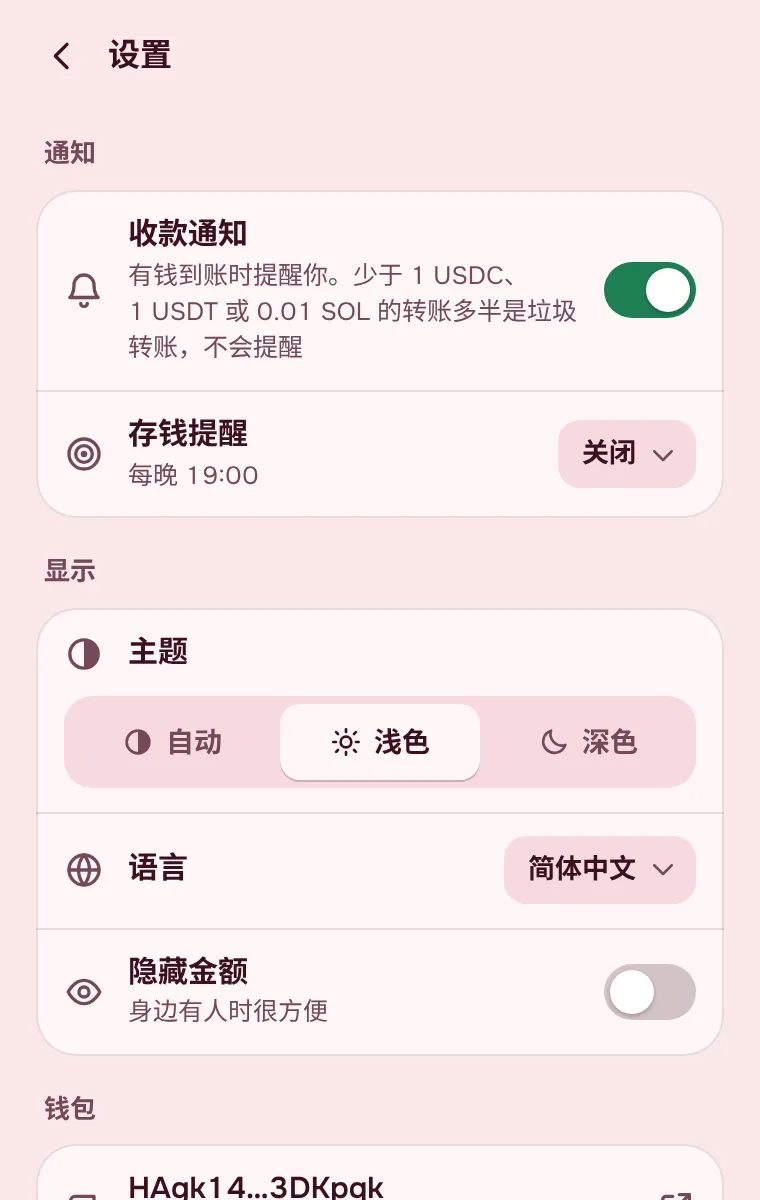
Real screens from the extension. Drag the strip or scroll it with the wheel.


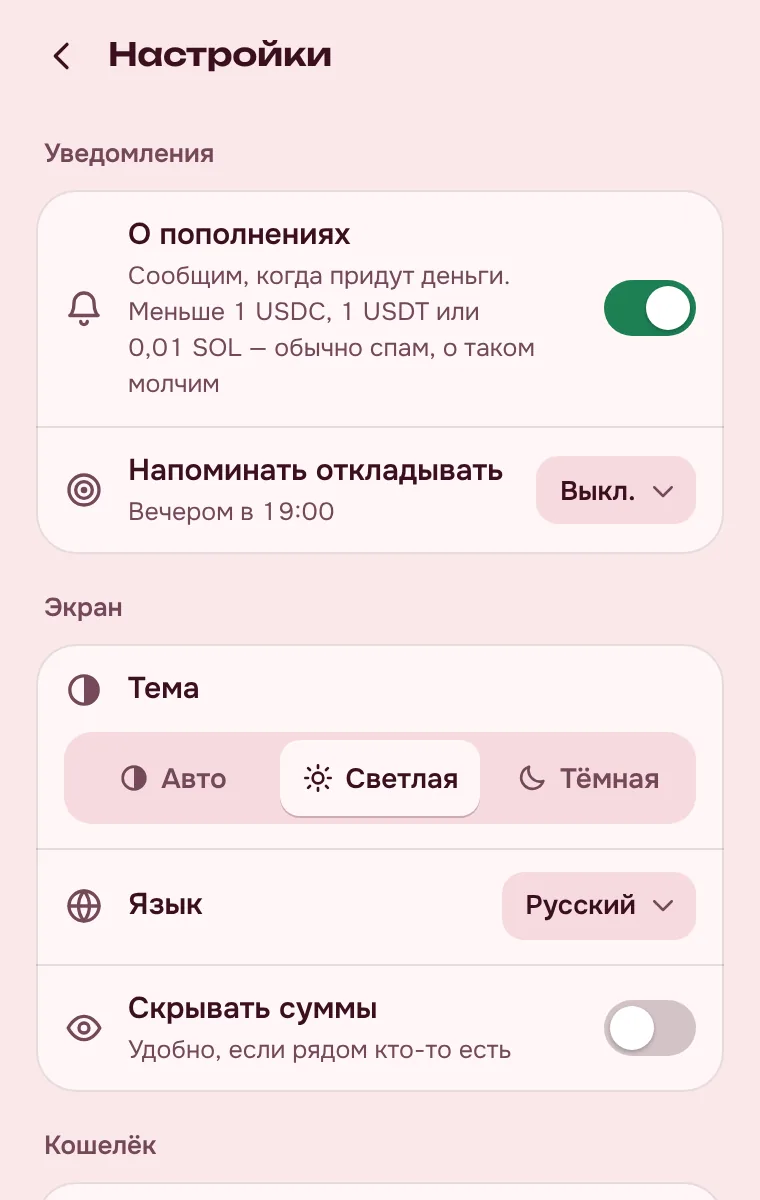
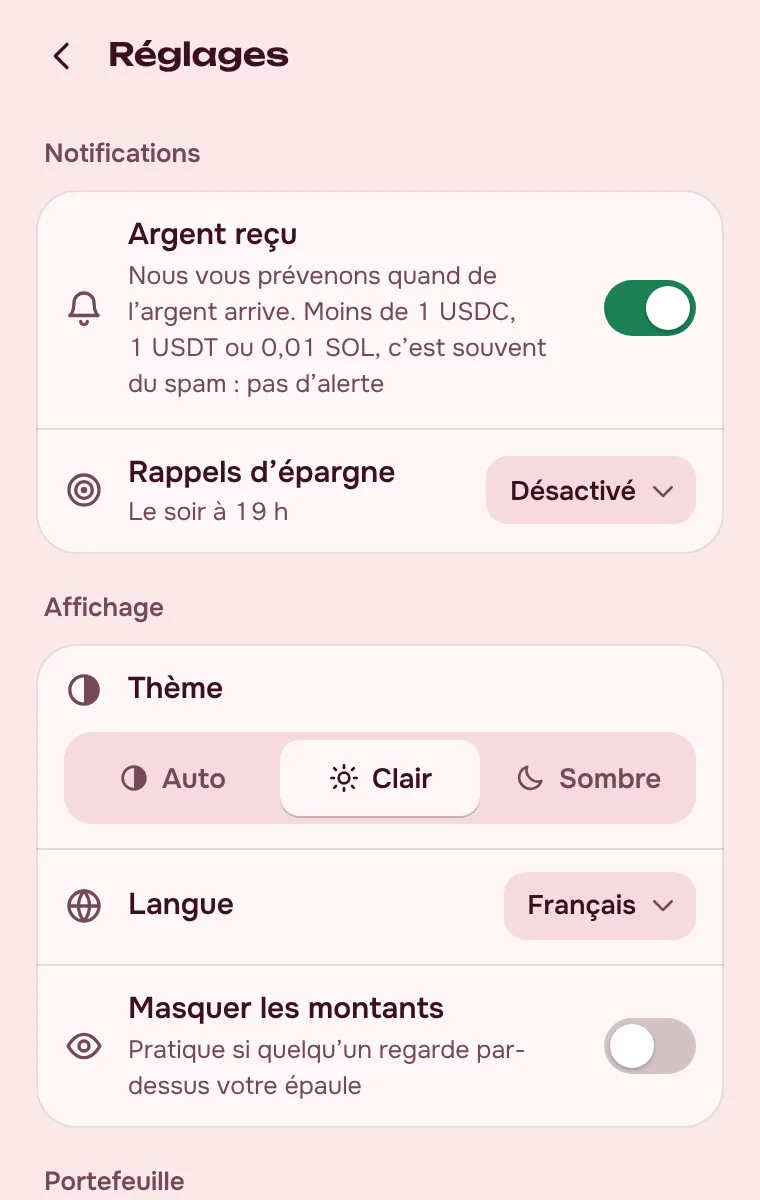
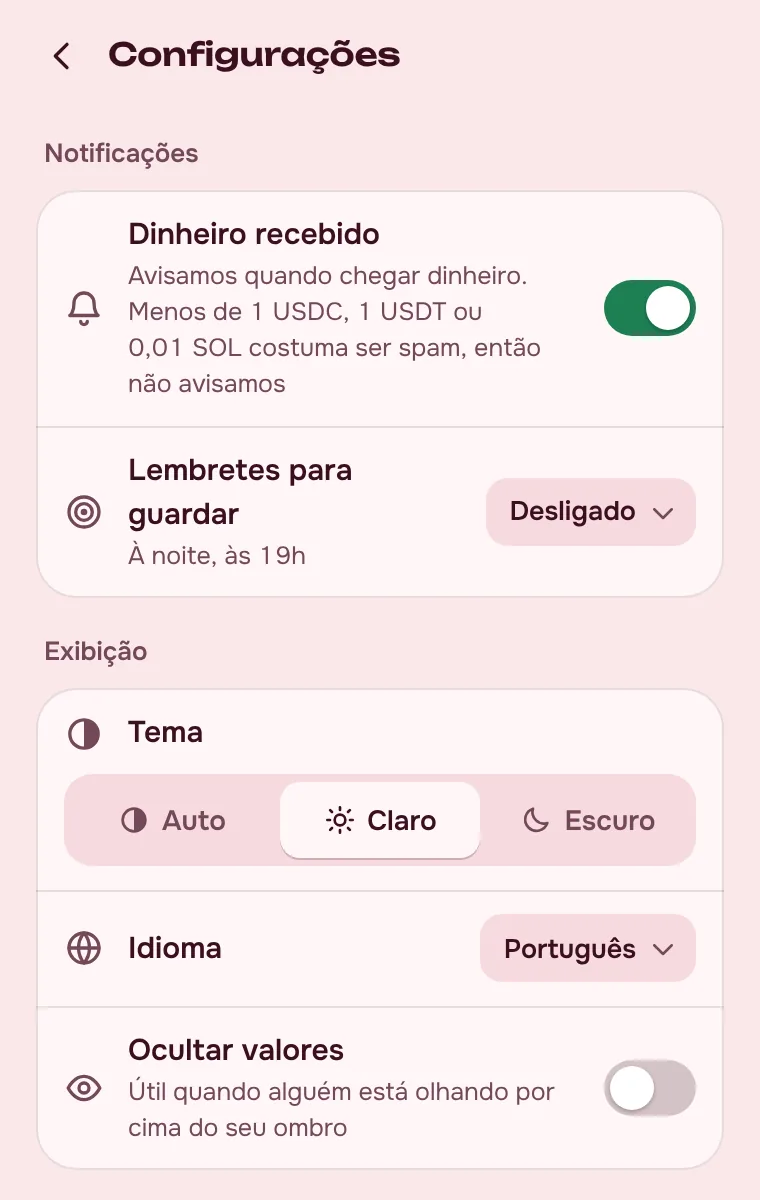
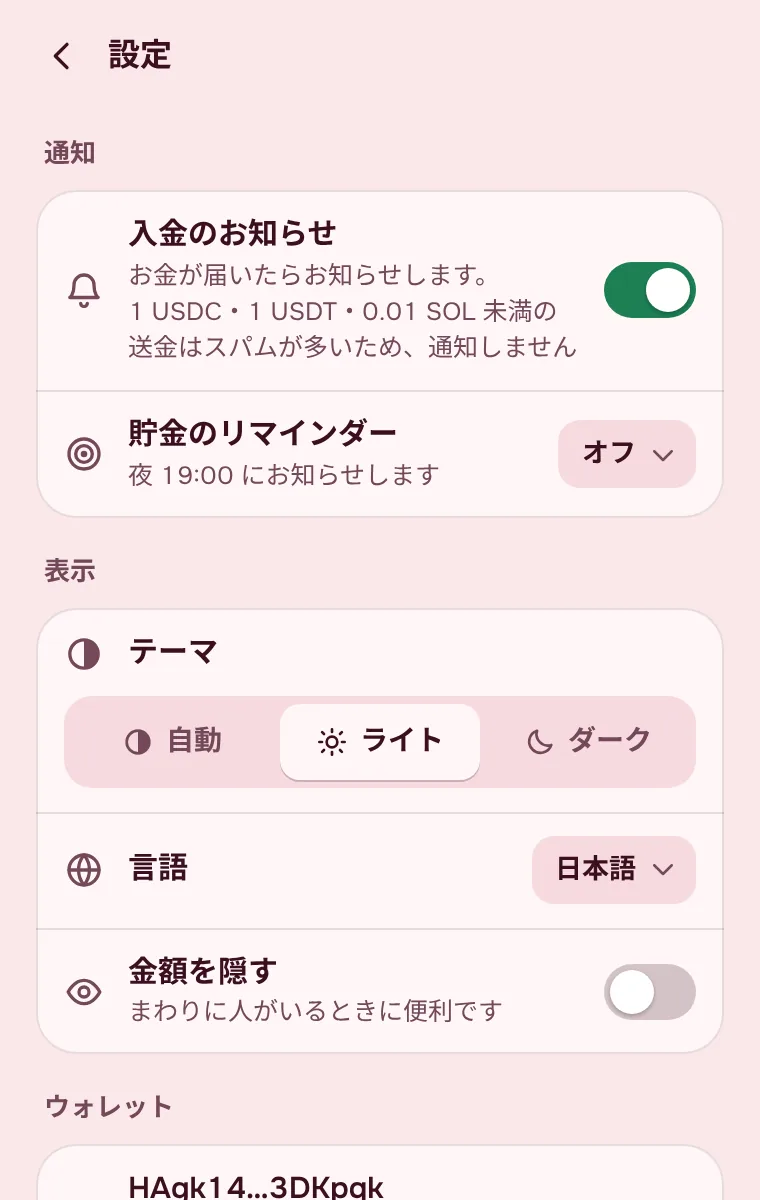
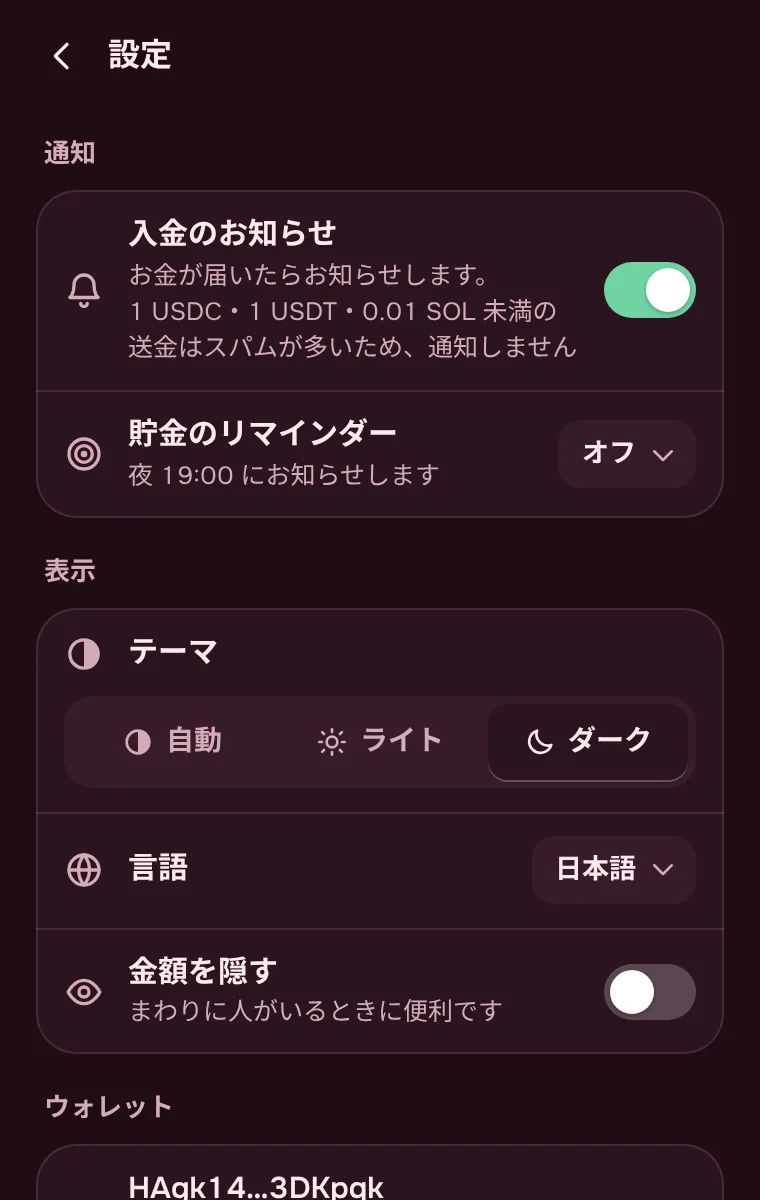
You get a notification when money arrives, even with the piggy bank closed. Tiny spam transfers stay quiet.
Daily or weekly, in the evening at 7 pm.
Progress bars, and confetti at 25, 50, 75 and 100 %.
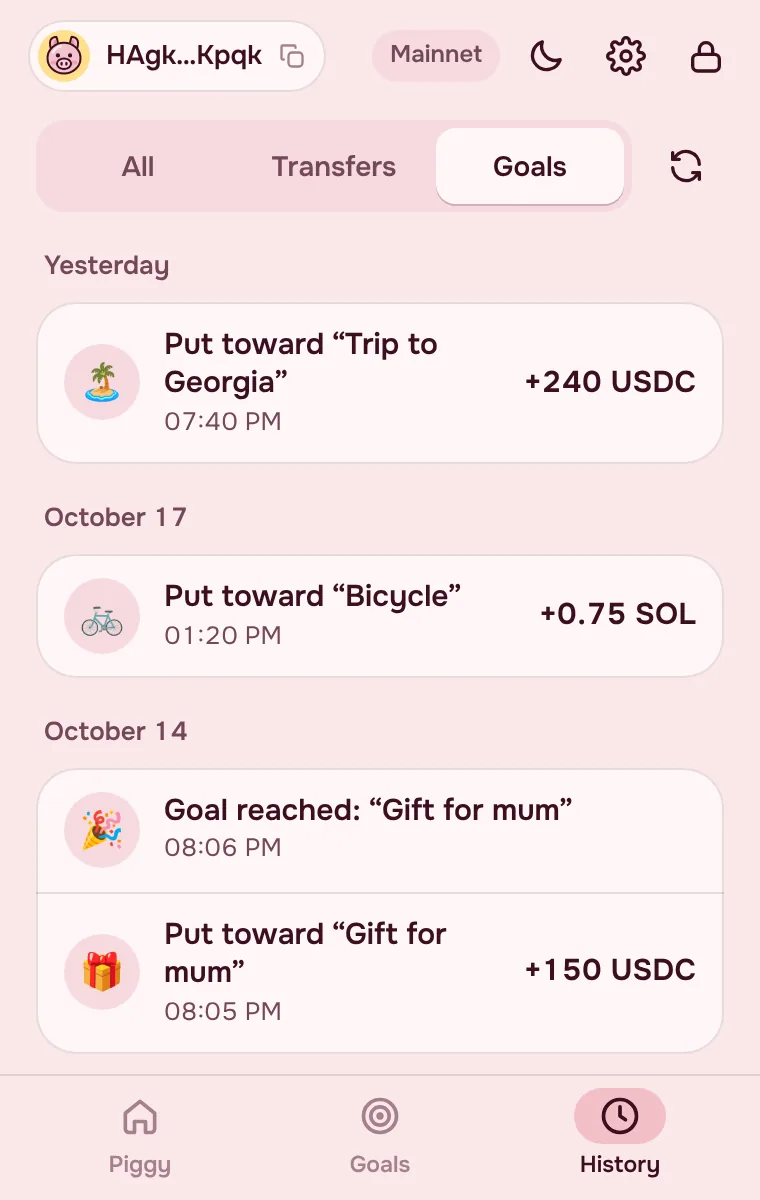
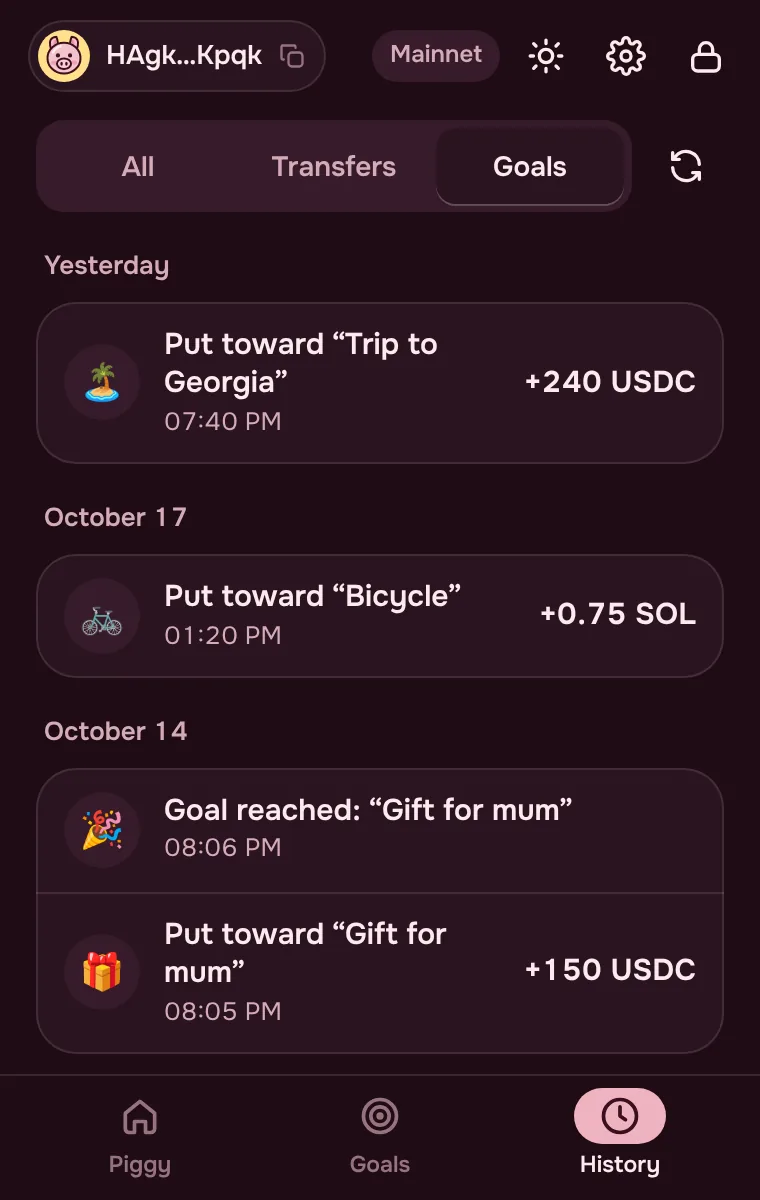
Transfers, swaps, goal top-ups and locks, with links to Solscan.
Copy a payment link and the address, amount and token fill in by themselves.
Swap SOL, USDC and USDT at Jupiter’s rate. PiggyBank keeps 0.7%, shown before you confirm.
PiggyBank is a non-custodial wallet. We don’t hold your keys, password or money, and can’t move them.
Yes: goals, top-ups, transfers and locks come with no PiggyBank fees. The Solana network usually charges less than a cent per transfer. Only token swaps cost something: 0.7% of the amount (Phantom charges 0.85%), shown before you confirm.
No, PiggyBank is a wallet on its own. If you already have a Solana wallet, you can import it with its recovery phrase or private key.
On the Solana blockchain, at your address. Goals are markers inside the piggy bank: money in a regular goal stays in your wallet, and money in a smart-contract goal sits in a Jupiter Lock contract until the date.
From a regular goal, any time. From a protected one, not until it’s reached — on purpose, so the savings don’t go on an impulse buy. From a smart contract, not either: the money unlocks on the date you chose. The money still stays in your own wallet — the recovery phrase opens it in any Solana wallet.
The password can’t be recovered, but the wallet can: remove it from the extension and import your recovery phrase again. The money is safe; you’ll need to set up your goals again.
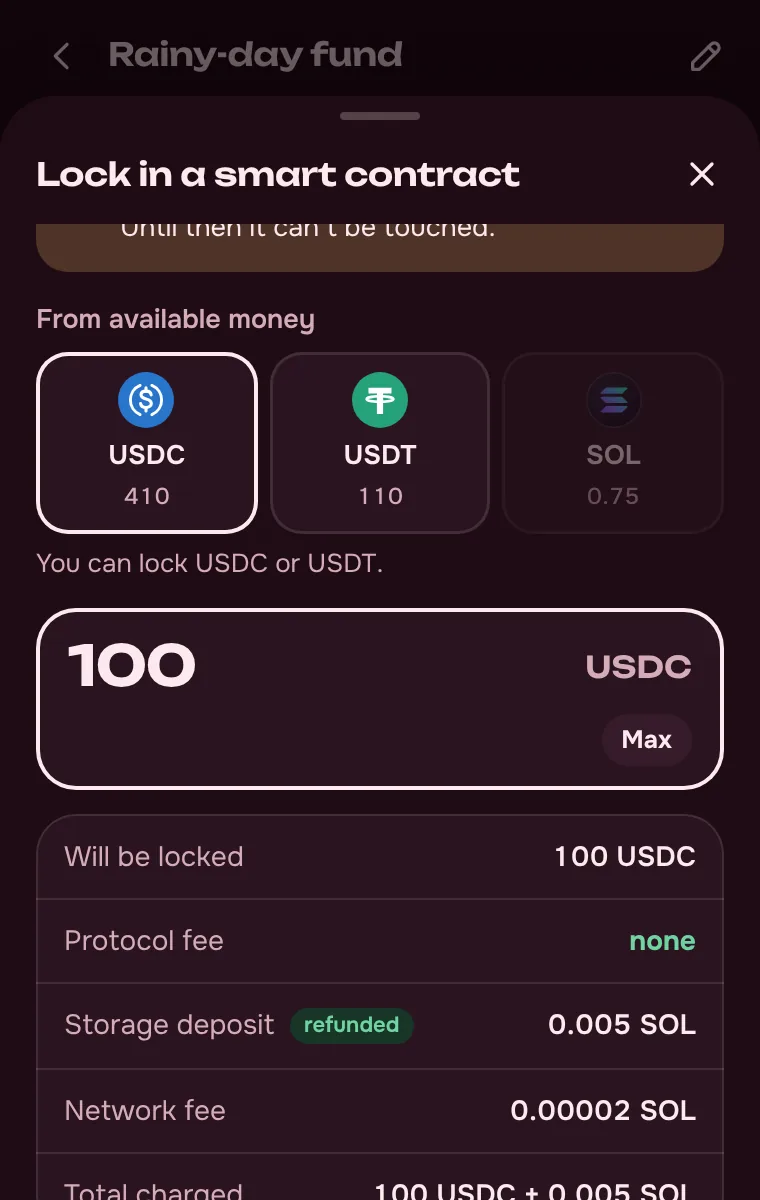
There’s no protocol fee. The network holds a storage deposit of about 0.005 SOL plus a small transaction fee. The deposit comes back when you take the money out.
SOL, USDC and USDT on Solana. Goals are counted in dollars: USDC and USDT one to one, SOL at the current price.
Yes. The extension’s full code is on GitHub under the MIT license. Anyone can read how keys are encrypted, which addresses the extension talks to and how swaps are checked before signing.
The extension is free and works right after you install it.
PiggyBankChrome Web Store Free No sign-up You hold the keys Updates automatically Open source Add to Chrome